How to Build an AI Agent in 2026: Custom Code vs Frameworks vs No-Code (Real Decision Guide)
A decision guide for how to build an AI agent in 2026. After 126 production builds, here's how I pick between custom code, frameworks like LangGraph, and no-code platforms.

Table of Contents
There are three honest ways to build an agent in 2026 and the choice is mostly about scope, not sophistication. Custom code against vendor SDKs runs 6 to 16 weeks and $25,000 to $300,000. Open source frameworks sit in the middle. No code platforms take 2 to 4 weeks and $24 to $5,000 a month. Picking the right one up front rather than retrofitting is worth 20% to 40% of the backend engineering budget.
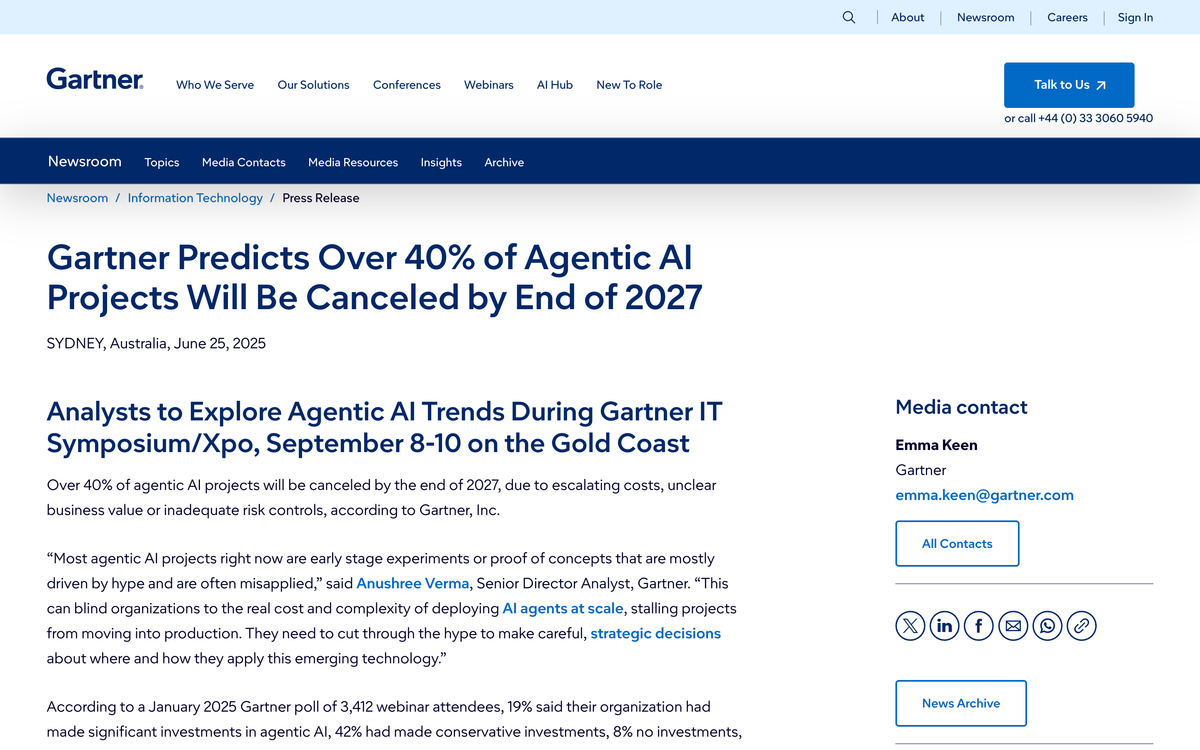
Gartner expects more than 40% of agentic AI projects to be cancelled by 2027, and in my experience almost none of those die from model quality. They die from a scope and stack mismatch, chosen at week one and discovered at week ten. The single strongest predictor I have found for an agent surviving production is unglamorous: evaluations, observability, and a human handoff path all present on day one rather than added after the first incident.
"How do I actually build an AI agent in 2026?" is a different question than it was even six months ago. The tooling stack has consolidated, the obvious paths have narrowed, and the ways agents fail in production have become predictable. After shipping 126 production AI systems for clients, the advice I give now is mostly about which path to not take.
This is a decision guide, not a tutorial. If you're a founder or product lead trying to figure out whether to write Python against the Anthropic SDK, pick up LangGraph, or wire something together in n8n, this post will tell you which one fits your situation, what each one actually costs, and what breaks in production for each path.
Quick Verdict
- Build custom code if you have engineers, a budget over $50k, and need control over latency, data residency, or custom tool execution. Use the Claude Agent SDK or the OpenAI Agents SDK.
- Use a framework (LangGraph, CrewAI, Pydantic AI, Mastra) if you have engineers and want production scaffolding without writing the orchestration layer yourself. This is the right default for most teams.
- Use no-code (n8n, Lindy, Voiceflow) if the agent is single-domain, the workflow is predictable, and your team is non-technical. Budget $24 to $300 per month plus your time.
- Still unsure? Book a 30-minute scoping call. I will tell you which path fits, free of charge.
What "Build an AI Agent" Actually Means in 2026
Before the comparison, a definition. An AI agent in 2026 is a system that takes a goal, plans a series of steps, calls tools or APIs to act in the world, and adapts based on what those tools return. It's not a chatbot. It's not a single LLM call. It's a loop: model picks a tool, tool runs, model reads the output, model picks the next tool, until the task is done or it gives up.
The three paths I'm comparing all build this loop. They differ in how much of the loop you write yourself, how much you get from a library, and how much you click together in a UI.
Scope of this guide: production agents with real users. I'm not covering hobby projects, demos, or "look, ChatGPT can call a function." If your agent will face customers, employees, or money, the trade-offs below are the ones that matter.
Path 1: Custom Code With Vendor SDKs
This means writing Python or TypeScript directly against the Claude Agent SDK, the OpenAI Agents SDK, or the underlying Anthropic and OpenAI HTTP APIs. You write the agent loop, the tool definitions, the state management, the retry logic, and the observability hooks yourself.
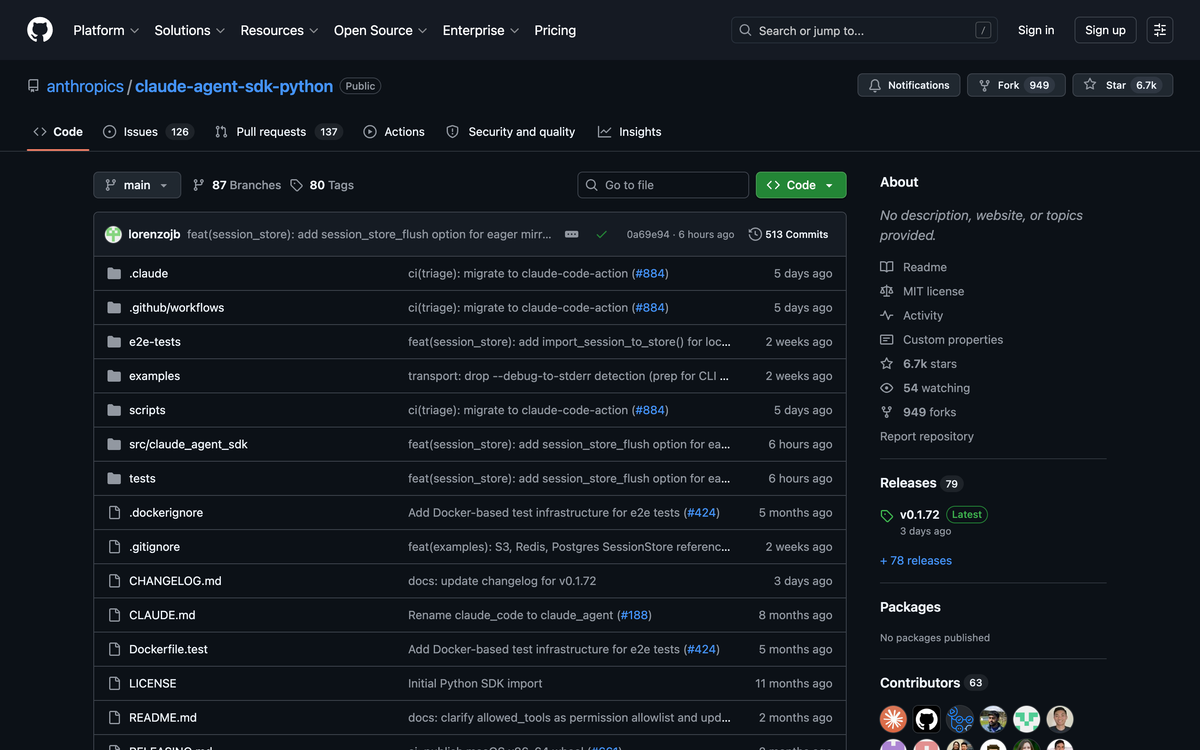
What you actually get from the SDK. The Claude Agent SDK and OpenAI Agents SDK both handle the tool-call loop, message history, MCP integration, and basic streaming. They do not handle eval, observability, durable state, multi-agent coordination, or human handoffs. You write all of that.
When this is the right choice.
- You need exact control over latency. A framework adds 50 to 200ms per step. For voice agents and real-time UX, that adds up.
- Your data has residency requirements (HIPAA, FedRAMP, on-prem). You'll deploy on AWS Bedrock or Azure OpenAI directly, with no extra middleware.
- You're calling proprietary internal tools that don't exist in any framework registry.
- You're building something novel enough that the framework abstraction would fight you. Most agents don't qualify, but a few do.
Real cost. A mid-complexity custom agent (knowledge retrieval plus 3 to 5 tool integrations plus production deploy) is typically 1,200 to 1,800 development hours. At a US rate of $150 per hour that's $180k to $270k. At an offshore rate of $30 per hour, $36k to $54k. Add 25% per year for maintenance.
What breaks in production. Almost always observability. Custom builds default to "log to CloudWatch and hope," which means by week six you can't tell why the agent is silently retrying the wrong tool. Budget two weeks for proper tracing (LangSmith, Langfuse, Sentry AI) and another week for eval suites before you call the build done.
Path 2: Open-Source Frameworks
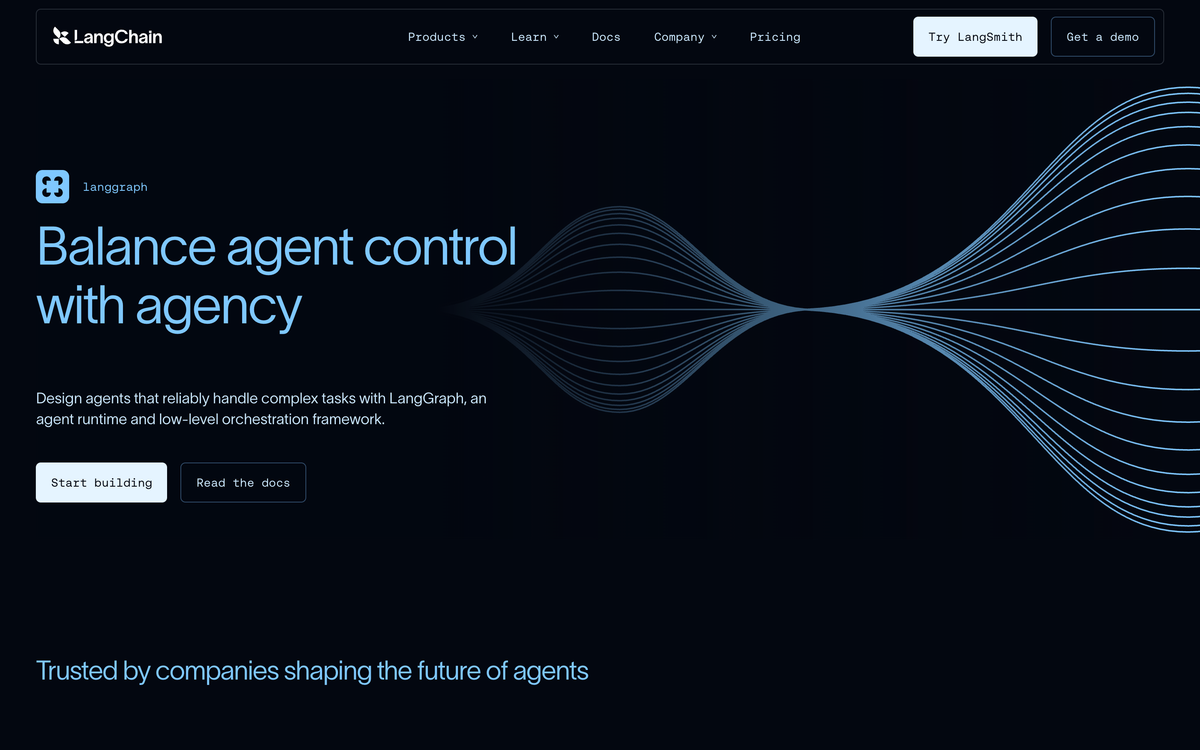
This means using LangGraph, CrewAI, Pydantic AI, AutoGen, or Mastra to handle the agent loop, state, tool registry, and orchestration. You still write Python or TypeScript, but the framework gives you 60 to 80% of the production scaffolding for free.
The honest framework comparison in 2026:
- LangGraph. Stateful graphs, durable execution, native checkpointing, LangSmith observability built in. The right pick for long-running, multi-step agents that need to survive a server restart.
- CrewAI. Role-based multi-agent ("a researcher, a writer, an editor"). Easiest path to a working multi-agent system. I use it when the workflow naturally breaks into roles.
- Pydantic AI. Type-safe agent framework from the Pydantic team. Fewer moving parts than LangGraph, opinionated about validation. My pick for agents that need clean typed inputs and outputs.
- AutoGen (Microsoft). Conversation-based multi-agent. Strong research backing, less polished production story than LangGraph.
- Mastra. TypeScript-native, growing fast, built by ex-Gatsby team. The right pick if your stack is already TS and you want first-class TS DX.
When this is the right choice.
- You have engineers but you don't have time to write durable execution, checkpointing, retry logic, and tool registries yourself.
- The agent has more than two tools and any non-trivial branching.
- You want to plug into the broader ecosystem (LangSmith for tracing, prebuilt tool integrations, MCP servers).
- You expect to migrate models or vendors. Frameworks abstract the model so you can swap Claude for GPT or Gemini without a rewrite.
Real cost. 400 to 1,000 development hours for the same scope as a custom build. So $60k to $150k US, or $12k to $30k offshore. The framework saves 30 to 50% on engineering time but adds a small recurring cost ($39 to $99 per month for LangSmith, similar for alternatives).
What breaks in production. Framework upgrades. LangGraph and CrewAI both ship breaking changes every few months. Pin versions, run integration tests in CI, and don't upgrade on a Friday.
Path 3: No-Code Agent Platforms
This means using Lindy, Voiceflow, n8n with the AI Agent node, Make, Relay, or Gumloop to build the agent in a visual editor. You don't write code. You drag boxes, configure prompts, and connect tools through OAuth.
The honest no-code platform comparison in 2026:
- Lindy. Conversational AI assistant with deep CRM, email, and calendar integrations. Best for inbox triage, lead qualification, and SDR-style workflows. Plans run roughly $50 to $400 per month depending on tasks.
- n8n. Visual workflow with an AI Agent node. Open-source self-host is free; cloud is $24 per month and up. Best when you need to mix AI steps with deterministic API calls.
- Voiceflow. Conversation design platform for voice and chat agents. Plans start at $60 per month, scaling to enterprise. Best for customer-support chat agents on a marketing site.
- Make / Relay / Gumloop. All in the same neighborhood as n8n with different DX trade-offs. Pick whichever clicks fastest in a 30-minute trial.
When this is the right choice.
- The agent does one job: triage inbound email, qualify a lead, escalate a support ticket, schedule a meeting.
- You can describe the workflow on a whiteboard in 10 boxes or fewer.
- Your team is non-technical and you need to iterate on the agent's instructions yourself, weekly.
- You're comfortable being locked into the platform. Migrating off Lindy or Voiceflow means rebuilding from scratch.
Real cost. $24 to $400 per month subscription, plus 20 to 60 hours of internal time to set up and tune. That's the cheap-and-fast path: a working agent in a week, $50 a month for as long as it runs.
What breaks in production. Edge cases. No-code platforms make the happy path easy and the long tail painful. The customer who replies in Portuguese, the lead with two email addresses, the workflow that needs to pause for 48 hours. Each one is a hack.
Head-to-Head: The Three Paths
| Dimension | Custom code | Framework | No-code |
|---|---|---|---|
| Time to first working agent | 4 to 8 weeks | 2 to 4 weeks | 3 to 7 days |
| Time to production-ready | 6 to 16 weeks | 4 to 10 weeks | 1 to 3 weeks |
| Engineering team needed | 2 to 4 engineers | 1 to 2 engineers | 0 (1 ops person) |
| Initial build cost (US) | $60k to $300k | $30k to $150k | $2k to $10k |
| Monthly run cost | $200 to $5k+ | $200 to $2k | $24 to $400 |
| Latency control | Best | Good | Limited |
| Vendor lock-in | Low | Low to medium | High |
| Eval and observability | You build it | Mostly built in | Platform provides |
| Best for | Novel, regulated, real-time | Most production agents | Single-domain ops agents |
The Decision Framework: Six Questions
Skip the agonizing. Answer these six and the path picks itself.
- Do you have engineers on staff or a budget over $30k? If no, no-code is your only realistic option. Stop reading and try Lindy or n8n.
- Is the workflow more than 10 steps with branching, retries, or pauses? If yes, no-code will fight you. Move to framework.
- Do you have data residency, HIPAA, or sub-second latency requirements? If yes, custom code with Bedrock or Azure OpenAI. Frameworks add too much overhead and a third-party hosted observability layer.
- Will the agent need to survive server restarts mid-task? If yes, you need durable execution. LangGraph, Inngest, or Temporal. Don't try to roll your own.
- Will the agent run for years and need to migrate models? If yes, framework. Vendor SDKs lock you to that vendor's models. Frameworks abstract the model interface.
- Are non-engineers going to edit the agent's prompts and rules? If yes, no-code or build a thin admin UI on top of a framework. Don't let stakeholders edit Python.
Three "yes" or more on questions 1-4 means custom code. Two or more on 2, 3, 5 means framework. One "yes" on 1 or 6 with everything else "no" means no-code.
What Most "How to Build an AI Agent" Guides Get Wrong
Most guides walk you through "import openai, paste this code, you have an agent." That's a demo, not a production system. The interesting work happens after the demo.
Mistake one: skipping eval. Most teams ship an agent with zero automated evaluation. Then a model update silently regresses behavior and nobody notices for two weeks. Build a test set of 30 to 50 representative inputs with expected behaviors before you ship. Re-run on every prompt or model change.
Mistake two: no observability. If you can't replay a failed agent run with full tool I/O, you cannot debug anything. LangSmith, Langfuse, Helicone, or Sentry AI. Pick one. It's not optional.
Mistake three: treating the agent as autonomous when it isn't. Per Gartner's analysis, the projects that survive are the ones that designed for human handoff from day one. Confidence threshold below X? Escalate. Tool fails twice? Escalate. Customer asks something off-script? Escalate. Build the off-ramps before the agent goes live.
Mistake four: optimizing for the wrong cost. Teams obsess over token cost (a few hundred dollars a month) while ignoring engineering cost (tens of thousands of dollars). Pick the path that minimizes total cost of ownership, not the one with the cheapest API bill.
Mistake five: starting with multi-agent. Single-agent loops are hard enough. Multi-agent adds coordination, message-passing bugs, and roughly 3x the debugging surface. Start with one agent. Split into multiple agents only when one agent provably can't hold the context.
A Real Deployment Story
One client, an Australian accounting firm, came to me last year with "we want to build an AI agent that handles client onboarding." They'd already burned $40k with another vendor on a half-finished LangChain project that didn't survive a single real client interaction.
The original spec was an 18-step agent: collect documents, classify them, validate ABN, set up Xero, send welcome email, schedule kickoff call, draft engagement letter, file with the regulator, and so on. Multi-agent, multi-tool, multi-week.
I rebuilt it in three pieces.
The intake bot: a Voiceflow conversation that ran on the marketing site, gathered the document list, and slotted a kickoff call. No-code, two weeks, $80 per month. This handles 80% of the volume.
The classification and validation agent: Python plus the Claude Agent SDK plus a custom ABN-lookup tool. Custom code, four weeks, deployed on AWS Lambda. This is the only piece that touches client data, so it lives in their AWS account with proper logging and access controls.
The orchestration: LangGraph for the multi-step flow that needed to pause, wait for human review, and resume. Two weeks, runs on the same Lambda.
Total: eight weeks, $48k, three different paths used together. Nine months later it's processed 340 client onboardings with a 4% escalation rate. The single-path bet would have either failed (no-code can't classify documents reliably) or been dramatically over-engineered (custom code for the chat intake is a waste).
The lesson: "how to build an AI agent" is rarely answered by one path. Production systems are usually a stack.
Five Production Stages (No Matter Which Path)
Whichever path you pick, the build follows the same five stages. The path changes how you do each stage, not whether you do it.
- Scope. Write the goal in one sentence. Write the tools the agent needs in a list. Write the failure cases the agent must escalate. If this list is more than two pages, narrow the scope.
- Prototype. Build the happy path end-to-end with hardcoded inputs. Make sure the agent can complete the task once before you make it production-grade.
- Eval and observability. Build the test set. Wire up tracing. This is the stage most teams skip. It's the difference between an agent that works in week one and one that works in month six.
- Hardening. Edge cases, retries, rate limits, fallbacks, human handoff. Every "what if" you can think of needs a code path.
- Deploy and monitor. Production traffic. Alerts on regressions. Weekly review of failed runs. The agent is not "done" at deploy. It's now in maintenance forever.
FAQ
What is the easiest way to build an AI agent in 2026?
The easiest path is a no-code platform like Lindy, n8n, or Voiceflow. You can have a working single-tool agent in three to seven days for under $100 per month. The trade-off is you're locked into the platform's capabilities and pricing.
How long does it take to build a production AI agent?
For a no-code agent, one to three weeks. For a framework-based agent (LangGraph, CrewAI), four to ten weeks. For a custom-coded agent on the Claude or OpenAI Agents SDK, six to sixteen weeks. The variance is mostly driven by integration count and eval rigor.
How much does it cost to build an AI agent?
Per 2026 industry data, custom builds range from $25k to $300k+ depending on complexity. Framework builds are typically 30 to 50% cheaper. No-code agents run $24 to $400 per month with $2k to $10k in setup time. Add 20 to 25% annually for maintenance regardless of path.
Should I use LangGraph or CrewAI?
LangGraph if your agent has stateful, multi-step flows that need durable execution and checkpointing. CrewAI if your workflow naturally splits into roles ("a researcher and a writer collaborate"). They solve different problems. Many production systems use both.
Can I build an AI agent without coding?
Yes, for narrow workflows. Lindy, n8n, Voiceflow, Make, and Relay all let you build an agent in a visual editor. The limit is complexity. Once you have more than ten steps with conditional branches, retries, or human handoffs, no-code starts fighting you. At that point, move to a framework.
What's the difference between an AI agent and a chatbot?
A chatbot answers questions in a single LLM call. An AI agent takes a goal, plans steps, calls tools to act, reads the results, and iterates until the task is done. The agent has memory, tools, and a loop. The chatbot has a prompt and a response. More on the agentic loop in our glossary.
Why do most AI agent projects fail?
Per Gartner, 40%+ will be canceled by 2027. The pattern I see across failed projects: no eval suite, no observability, no human handoff plan, scope creep into multi-agent before single-agent works, and treating the agent as a one-time build instead of an ongoing system that needs maintenance.
Should I build my own AI agent or hire a vendor?
If you have engineers and the agent is core to your product, build. If the agent is a back-office workflow ("triage support tickets") and you don't have an AI team, hire someone who's done it before. The savings on a wrong-path internal build (three months wasted, then rebuilt) usually exceeds the entire vendor budget.
If You've Decided You Need a Custom Build, Here's How I Approach It
I've shipped 126 production AI systems. Roughly half are framework-based (LangGraph and CrewAI), a third are custom code on the Claude Agent SDK or AWS Bedrock, and the rest are no-code or hybrids.
My process is opinionated. Two-week scoping where I refuse to write any code until the goal, tools, and escalation paths are written down. A four-to-eight week build with weekly demos. Eval and observability shipped before the agent ever sees a real user. A 30-day hardening sprint after launch where I monitor every failed run and patch.
If your team has decided custom code or framework is the path and you want a second pair of eyes (or a full build), I take on three to four engagements at a time. See the engagement options on my solutions page, or book a 30-minute scoping call and I'll tell you which path fits, no pitch.
If you're earlier in the decision and want to estimate cost across paths first, the free AI agent cost calculator will give you a TCO range in two minutes.
Gartner predicts over 40% of agentic AI projects will be canceled by end of 2027 (Gartner, 2025). Custom AI agent builds typically run 1,500 hours and $25k to $300k+ in 2026 (Product Crafters, 2026). Framework selection at the start can cut backend engineering costs 20 to 40% (Langflow, 2025). n8n cloud pricing starts at $24/month; Voiceflow paid plans start at $60/month (Lindy, 2026; Lindy, 2026). Anthropic's Claude Agent SDK was renamed from the Claude Code SDK to reflect broader agent use (Anthropic, 2025).
Related Posts
How to Build Your Own AI Agent: 3 Self-Hosted Stacks Compared (2026)
AI AgentsAI AgentsBuild Your Own AI Agent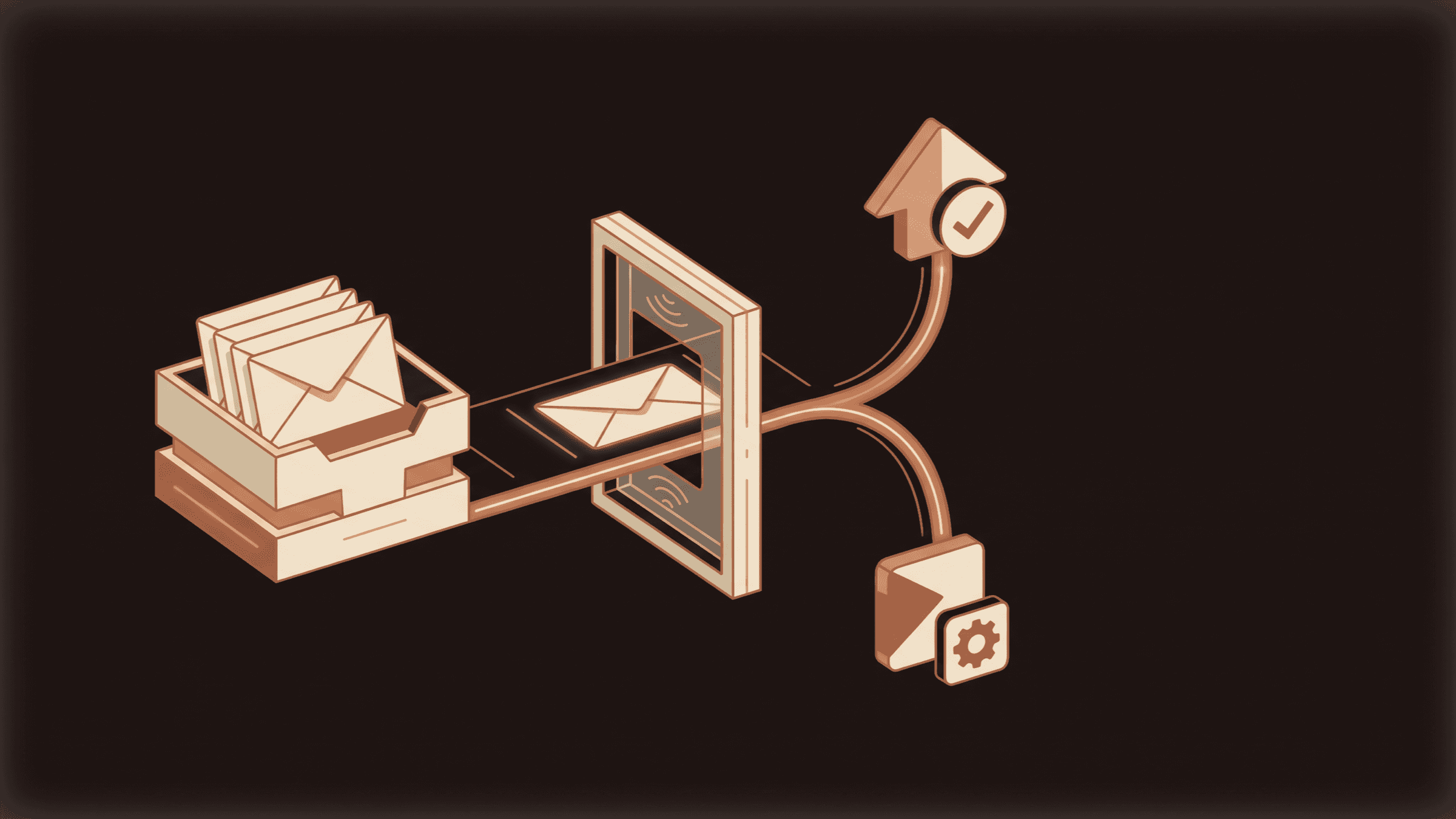
How to set up agentic email without letting it send
ImplementationAgentic EmailAI Email Agent
OpenAI vs Claude for Small Business: I've Shipped 126 Systems on Both. Here Is How I Actually Choose.
AI AgentsOpenai Vs ClaudeAI Agents

Jahanzaib Ahmed
AI Systems Engineer & Founder
AI Systems Engineer with 126 production systems shipped. I run AgenticMode AI (AI agents, RAG systems, voice AI) and ECOM PANDA (ecommerce agency). I build AI that works in the real world for businesses across home services, healthcare, ecommerce, SaaS, and real estate.