How to Create an AI Agent for Your Small Business: A Plain English Guide for Non-Technical Owners
A plain-English guide to creating an AI agent for your business. Four build paths, real US costs, what to gather first, and a decision framework drawn from 126 production deployments.

Table of Contents
A chiropractor in Austin sent me a phone log with 47 missed calls in seven days, three of them new patients who never rang back, about $2,400 of walked away revenue in a week. You do not need to write code to fix that. Most small business agents get built on no code platforms like Lindy, MindStudio, n8n or Zapier in one to three afternoons.
There are four honest paths: no code at $30 to $500 a month, packaged vertical agents at $200 to $2,000 a month, a framework assisted build with a freelancer at $5,000 to $25,000 one time, and fully custom at $30,000 to $100,000. Gartner expects 40% of agentic projects to be cancelled by the end of 2027, and the failure pattern is always the same three things: vague goal, no data preparation, no human in the loop. Which is why the work that predicts success happens before you pick a tool, writing the job description, gathering the source material, and defining what good looks like as a number. If you cannot describe the task in three plain sentences, it is too early.
Last month a chiropractor in Austin sent me her phone log. Forty seven missed calls in seven days. Three of those callers were new patients who never called back. At her average case value, that was around $2,400 in walked away revenue, in one week, from one practice. She had heard about AI agents from a peer who runs a dental office in Plano. Her first question was the one I get every week: "How do I actually create one of these things?"
That is what this guide answers. Not how an engineer builds an agent in Python. How you, a business owner with a real problem and zero coding background, get from idea to a working agent that handles a job for you. I have shipped 126 production AI agents across dental, legal, real estate, healthcare, accounting, and ecommerce. Roughly half started with a founder who could not write a single line of code. The path is more accessible than the breathless headlines suggest, and more dangerous than the "build an agent in 60 seconds" demos make it look.
What is an AI agent, really, and what is it not?
Before you create one, get the definition right, because most of the failed builds I have rescued started with the wrong mental model.
An AI agent is a piece of software that takes a goal you give it, decides what steps to take, uses tools (your calendar, your CRM, your email, a knowledge base, a phone line), and reports back. The "agent" part is the deciding. A chatbot answers what you ask it. An agent figures out what to do and does it.
OpenAI's own practical guide to building agents puts it cleanly: an agent is a system with instructions (what it should do), guardrails (what it must not do), and tools (what it can act on). If your software just answers a question, that is a chatbot. If it answers, then books a calendar slot, then sends a confirmation email, then files a CRM note, that is an agent.
Three things people commonly mistake for agents:
- A ChatGPT subscription with custom instructions. Useful, not an agent. It cannot reach into your tools.
- A Zapier automation with no AI. Useful, not an agent. It follows fixed rules. The whole point of an agent is judgment.
- An "AI assistant" widget on your website. Sometimes a chatbot, sometimes an agent. Ask the vendor what tools it can call. If the answer is "none, it just chats," it is a chatbot.
The distinction matters because the price, the build time, and the risk all change once your software starts taking actions on its own.
How to create an AI agent in five phases (the full process)
Every agent I have shipped, whether it took an afternoon on Lindy or four months in custom Python, follows the same five phases. Skip a phase and you join the 40 percent that get canceled. Gartner polled 3,400 organizations in mid 2025 and found that the projects that make it past 18 months almost all share the same prep work.
Phase 1: Write the job description (1 to 2 hours)
Treat your future agent like a new hire. Write down what you would tell a human employee on day one. The chiropractor's job description started as "answer the phone." That is too vague. Two hours later we had:
- Role: After hours and overflow phone receptionist.
- Goal: Capture new patient inquiries, book existing patients into open slots, route emergencies to the on call number.
- Boundaries: Never quote a treatment price beyond the consultation fee. Never give medical advice. Never promise a same day appointment unless the calendar shows availability.
- Definition of good: 80 percent of after hours new patient callers leave with either a booked appointment or a callback time on the schedule.
That document is the most important artifact in the whole project. The platforms and tools come later.
Phase 2: Gather the source material (2 to 6 hours)
Your agent needs to know what your business knows. For a small business this is usually:
- Your services and pricing list (a Google Doc is fine)
- Your top 50 to 100 frequently asked questions with the actual answers you give
- Your hours, location, parking notes, insurance accepted
- Your booking flow (which slots, which providers, what to ask)
- The escalation rules: when does a human have to step in
This is the unglamorous half of the work. It is also where most cheap "AI agency" deals quietly fall apart, because the vendor assumed you had this material ready and you assumed they were going to write it.
Phase 3: Pick the path and build (afternoon to four months)
This is where the four paths split. I cover each one in the next section. The no-code path on Lindy or MindStudio takes one to three afternoons for a working v1. A custom build runs eight to sixteen weeks.
Phase 4: Test with real scenarios (3 to 7 days)
Run 30 to 50 real conversations through your agent before any customer touches it. Use your old phone transcripts, support tickets, or chat logs. Note every place it gives a wrong answer, oversteps a boundary, or freezes. Patch and retest. This phase is where 80 percent of the bugs that would have embarrassed you in production get caught.
Phase 5: Deploy with a human safety net (ongoing)
Never go from zero to fully autonomous. Phase the rollout: shadow mode (the agent suggests a reply, a human sends it), supervised mode (the agent acts but every action is reviewed daily), then autonomous mode with weekly review. The chiropractor's agent ran in supervised mode for two weeks before we cut the human review cadence to weekly.
What are the 4 paths to create an AI agent?
The platform you pick depends on three things: how complex the job is, how much customization you need, and whether you want to own the system or rent it. Here is the honest tradeoff matrix from my own deployments.
| Path | Best for | Time to v1 | Cost (USD) | You own the agent |
|---|---|---|---|---|
| 1. No-code platform | Single job, standard tools | 1 to 3 afternoons | $30 to $500 per month | No, hosted |
| 2. Packaged vertical agent | Industry specific use cases | 1 to 2 weeks setup | $200 to $2,000 per month | No, hosted |
| 3. Framework + freelancer | Custom logic, your data | 4 to 8 weeks | $5,000 to $25,000 one time | Yes, you host |
| 4. Fully custom build | Strategic systems, regulated industries | 8 to 16 weeks | $30,000 to $100,000 one time | Yes, you host |
Path 1: No-code platforms
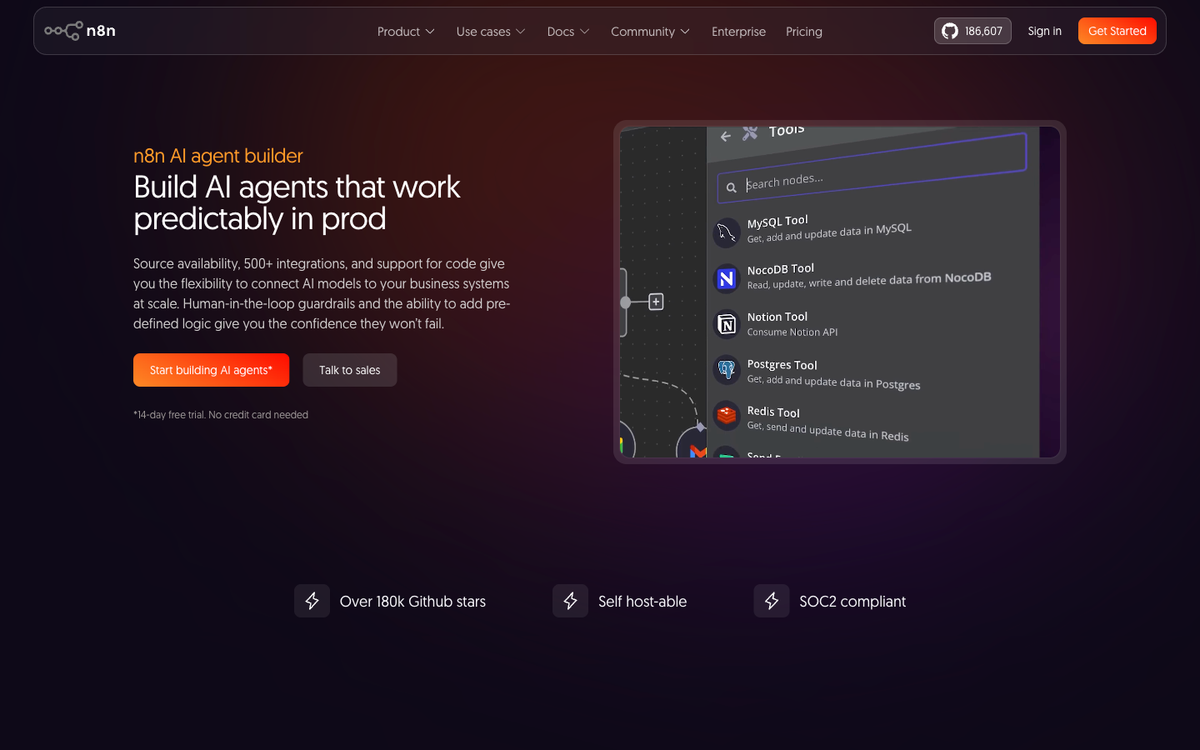
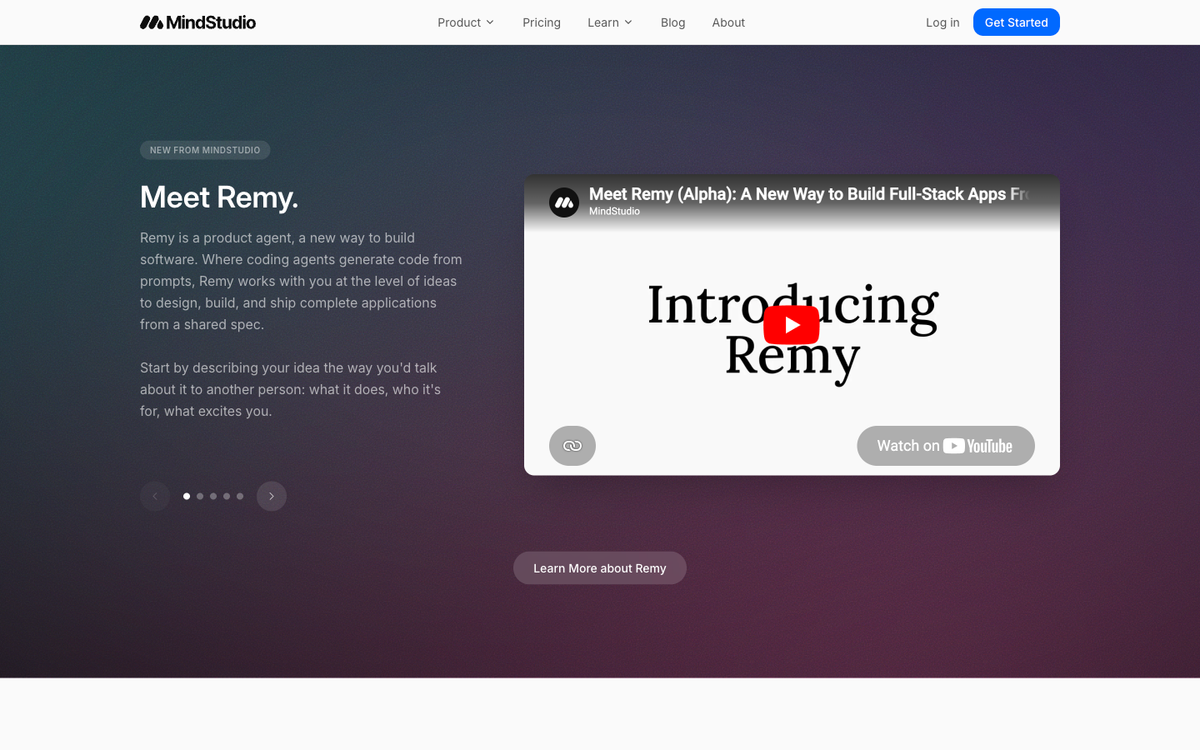
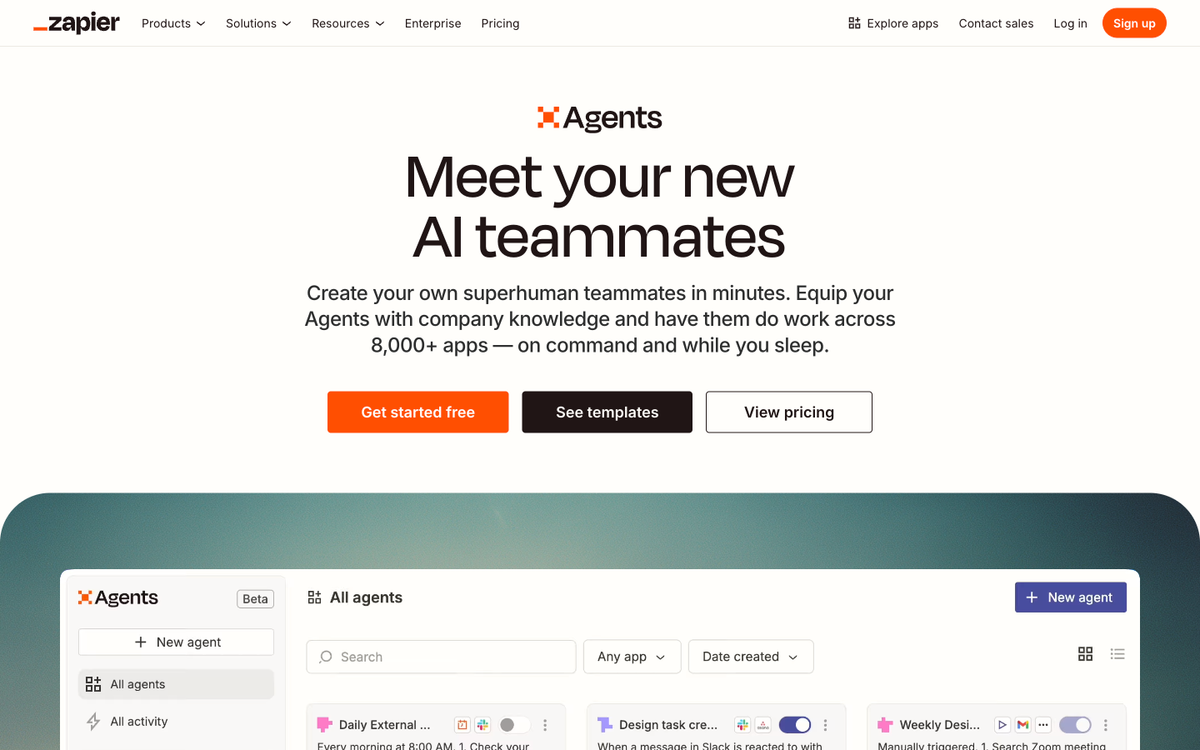
The fastest, cheapest path. Lindy, MindStudio, n8n (with its AI Agent node), Zapier Agents, and Make are the platforms I see most often. You describe the job in natural language, connect your tools through pre built integrations, and the platform handles the LLM, the memory, the tool calls, and the hosting.
Lindy connects to over 4,000 apps including HubSpot, Gmail, Google Calendar, and Slack, and lets you describe the agent in plain English. MindStudio's average build time is 15 minutes to one hour for a working first version. n8n connects over 400 integrations and is open source, which means you can also self host it later if you outgrow the cloud plan.
When this path is right: your agent's job is one of the well trodden patterns (lead intake, calendar booking, FAQ answering, internal knowledge lookup, email triage). When it breaks: complex multi step decisions involving five or more tools, or industry specific compliance rules.
Path 2: Packaged vertical agents
An agent already built for your industry. Voice receptionist platforms for medical and dental offices, intake agents for law firms, qualification agents for real estate teams. You configure your hours, scripts, and integrations and it goes live.
The pitch is "no engineering, just turn it on." The reality is that the configuration phase still demands the source material from Phase 2, and the price reflects the verticalization. Expect $200 to $2,000 per month plus per minute or per conversation usage fees on top.
When this path is right: regulated or specialized industries (healthcare, legal, financial services) where the off the shelf vendor has already done the compliance work. When it breaks: you outgrow the vendor's customization limits and want behavior they will not change.
Path 3: Framework + freelancer
You hire a competent freelancer (typically $80 to $200 per hour in the US) who builds on an open source framework like LangChain, LlamaIndex, the OpenAI Agents SDK, or the Anthropic Claude Agent SDK. The agent runs on your AWS, GCP, or Azure account. You own the code.
This is where the price jumps because the freelancer is doing the source material curation, the integration work, the testing, and the deployment. Most of those $5,000 to $25,000 projects I have audited spend 60 percent of the budget on integration and testing, not on the AI part.
When this path is right: you have one to three custom integrations that no platform supports, or you have a clear competitive reason to own the system. When it breaks: the freelancer ghosts at week six, or hands over code that nobody else can maintain.
Path 4: Fully custom build
An agency or in house team builds you a production grade system with monitoring, evaluations, observability, and a maintenance contract. This is the path for $30,000 to $100,000 plus monthly retainers in the $3,000 to $10,000 range.
When this path is right: the agent is strategic to your business (a financial advisor's research assistant, a legal firm's deposition analyzer, an insurance claims triage system). When it breaks: you cannot articulate why the off the shelf option fails for you. If you cannot answer that, you are paying a custom price for an off the shelf job.
How much does it cost to create an AI agent for your business?
The honest answer for US small and medium businesses: $50 to $500 per month for the simplest no-code path, $500 to $2,000 per month for a mid tier system with CRM integration and natural language processing, and $30,000 to $100,000 upfront for a custom agent tailored to your workflows. Industry data published throughout 2026 puts the no-code starter range at $50 to $200 per month for limited volume chatbots and the custom one time fee starting around $15,000 for a workflow specific build.
What people miss in the headline price:
- Integration adds 20 to 40 percent on top of the platform fee. Connecting to your CRM, helpdesk, or ecommerce platform typically costs $1,000 to $30,000 depending on complexity.
- Voice agents charge per minute. Marketing pages quote $0.05 to $0.07 per minute for orchestration only. The all in cost with telephony, speech to text, the LLM, and text to speech is closer to $0.15 to $0.25 per minute.
- Token costs scale with volume. A no-code platform may bundle the LLM, but heavy usage can push you into a higher tier or into a custom rate negotiation.
- Maintenance is real. Plan for 25 percent of the build cost annually. Models change, integrations break, prompts need tuning.
If you want to model your specific scenario, my AI agent cost calculator takes use case, daily volume, and platform choice and gives you a 3 year total cost of ownership with payback math. Free, no email required.
What do you need before you start creating an AI agent?
Eight items. If you cannot produce them, you are not ready, and any vendor who tells you otherwise is hoping you will pay for the discovery work later.
- The job description from Phase 1. One page, plain English, with a measurable definition of "good."
- Your top 50 FAQs with real answers. Pull from email, chat transcripts, support tickets, and your front desk notes.
- Access to the systems the agent will touch. Calendar, CRM, email, phone system, knowledge base. Note who controls each login.
- A list of escalation triggers. When must a human take over? Specific phrases, situations, monetary thresholds.
- A test scenario library. 30 to 50 real conversations or tickets you can replay against the agent. Anonymize first.
- A monthly budget you have actually committed to. Not a "we will see." A signed off number.
- One internal owner. Not a committee. The person who will check the dashboard weekly and fix prompts when something breaks.
- A 90 day evaluation rubric. What you will measure to decide if the agent stays or gets killed.
Should you build this? When creating an AI agent is right for your business
The four signals I look for, in order of importance:
- The same task happens 50 plus times per month and follows a consistent pattern. If your "task" is wildly different every time, an agent will not generalize well yet.
- Each instance of the task has a clear input and a clear output. Phone call comes in, appointment goes out. Email comes in, lead captured into CRM goes out. Ticket comes in, categorized and routed ticket goes out.
- The cost of the task being done badly once is bounded. A booking mistake gets fixed. A medical diagnosis being wrong does not. The bounded blast radius matters.
- You have, or can create, the source material from the prep checklist. If your knowledge lives in three peoples' heads and never got written down, the agent will hallucinate. The fix is not better AI. The fix is writing things down first.
When is creating an AI agent NOT the right call?
The honesty signal. Cases where I have told an owner to skip the agent and do something else:
- The volume is below 30 instances per month. A part time human at $20 per hour is cheaper and better at this volume.
- The decisions are high stakes and irreversible. Wire transfers, medical diagnoses, legal advice. Use AI to assist a human, not to replace one.
- You do not yet have a process. An agent automates a process. If your team handles a task differently every time, automate the inconsistency first by writing down the process.
- You want it to "do everything." Multi job agents are still on the bleeding edge in 2026. Single job agents are reliable. Multi job agents fail in the middle and you lose trust permanently.
- The real bottleneck is not the task, it is upstream. If your bottleneck is leads, an agent that responds to leads faster will not generate more leads.
Gartner's own April 2026 update on AI in IT operations confirmed what RAND had already found: 80.3 percent of enterprise AI projects fail to deliver their promised business value. The majority of those failures trace back to the project never being right for AI in the first place.
A real example: how a chiropractic practice in Austin created their first AI agent
This is a client I built this for. Names changed, numbers real, screenshots intentionally absent because of HIPAA adjacent reasons. The Austin practice I opened the post with shipped their agent over a 19 day window.
Day 1 to 3: Job description written. Definition of good: 80 percent of after hours new patient callers either book or get a callback time. Source material gathered: 73 FAQ pairs from front desk staff, the practice's services and insurance list, a booking decision tree (new patient versus existing, type of visit, provider availability).
Day 4 to 7: Built v1 on a packaged voice receptionist platform (Path 2). Cost: $499 per month base plus around $0.18 per call minute all in. Connected to Google Calendar, the practice management system via Zapier, and the on call escalation phone tree.
Day 8 to 14: Test phase. We replayed 47 anonymized prior call transcripts. Found and patched: incorrect parking guidance, an over confident "we accept all insurance" answer, and a tendency to book new patients into provider slots reserved for follow ups. By day 14 the agent was answering 92 percent of test calls correctly.
Day 15 to 19: Supervised rollout. The agent answered after hours calls. The owner reviewed every call transcript the next morning. After 19 days and 64 real calls, the supervised review dropped to weekly.
30 day result: 41 after hours new patient inquiries captured. 28 booked directly. 11 callback times scheduled. 2 emergencies routed correctly. Estimated revenue captured: around $14,000 in new patient first visits that previously walked away. Monthly platform cost: roughly $620 all in.
Note what the path was not: a custom build. A packaged vertical agent (Path 2) was the right call because the practice's job (medical receptionist) is exactly what those vendors specialize in. We considered a no-code build on Lindy first. We decided against it because of the HIPAA adjacent compliance work the packaged vendor had already done.
Frequently asked questions about creating AI agents
Can I create an AI agent for free?
Yes, for prototyping. Google AI Studio gives you 60 requests per minute and 1 million tokens per month at no cost, which is enough to test prompts and source material before committing. For a production agent that talks to your customers, plan on $30 per month minimum on a no-code platform. The "free agent" pitches you see on social media are usually free trials that flip to paid after the first useful query.
How long does it take to create an AI agent for a small business?
One to three afternoons for a working v1 on a no-code platform like Lindy or MindStudio if your source material is ready. One to two weeks if it is not. Add four to eight weeks for a framework based custom build, eight to sixteen weeks for a fully custom production system. The single biggest variance is your prep work, not the build itself.
Do I need to know how to code to create an AI agent?
No, for the no-code path. Roughly half the agents I have shipped started with founders who do not write code. You do need to be comfortable with structured thinking: writing down a process, defining edge cases, and setting boundaries. If you can write a clear training document for a new hire, you have the skill set.
What is the cheapest way to create an AI agent that actually works?
Pick one well defined job (lead intake, calendar booking, FAQ answering, email triage), pick a no-code platform that already integrates with your existing tools, and budget $30 to $100 per month for the platform. The cheapest builds I have rescued were not cheap because the team skipped Phase 1 and Phase 2, then paid 5x the original price to fix it later.
How do I create an AI agent that answers phone calls?
You want a voice agent, which is a different stack from a chat agent. Use a packaged voice platform like the ones built for medical, dental, and legal receptionist work, or build on a voice infrastructure provider plus an LLM. Expect $0.15 to $0.25 per minute all in, not the $0.05 marketing rates. Voice agents need their own latency tuning and turn taking logic that chat agents do not.
Will an AI agent replace my staff?
For specific repetitive jobs, yes. For your team, almost never. The pattern I see across 126 deployments is that agents absorb the bottom 20 to 30 percent of repetitive volume, freeing staff for higher value work. The practices that fired their front desk staff and tried to run on agents alone all called us back within 90 days.
What is the failure rate for AI agents?
Gartner predicts that over 40 percent of agentic AI projects will be canceled by the end of 2027, based on a poll of 3,400 organizations. The RAND Corporation puts the broader enterprise AI failure rate at 80.3 percent. The pattern across failures is the same: vague goal, no source material prep, no human in the loop during rollout. Following the five phase process in this guide is the difference.
How do I know if my business is ready to create an AI agent?
Take the eight item readiness checklist in the prep section above. If you can produce all eight items in two weeks, you are ready. If three or more items are missing and not coming, fix the prep gap before the agent. The free AI readiness assessment on this site walks you through the same scoring framework I use with paying clients.
Where to go next
If this guide answered your question and you want to keep going, here are the three honest next steps in order of how much commitment they ask of you.
- Take the 5 minute AI readiness assessment. It scores your business across the eight prep items and tells you which path (no-code, packaged, framework, custom) fits. Free, no email required to see your score.
- Read the AI agent builder guide. A deeper comparison of the no-code platforms (Lindy, MindStudio, n8n, Zapier) with my real opinions on each.
- Model the cost on the free cost calculator. 4 inputs in Simple mode, full TCO in Advanced mode. Verified pricing as of May 2026, refreshed monthly.
If you want to talk through a specific use case, the contact page has a form and a calendar link. I take 3 to 5 new client calls a week and the questions I get are almost always the ones above. The five phase process is the same whether the budget is $50 a month or $50,000 upfront.
Gartner's June 2025 prediction that over 40 percent of agentic AI projects will be canceled by end of 2027 is sourced from a Gartner press release based on a poll of 3,400 organizations. The 80.3 percent enterprise AI failure rate comes from RAND Corporation research, confirmed by Gartner's April 2026 update on AI in IT infrastructure and operations. Platform integration counts (Lindy 4,000+ apps, n8n 400+ integrations) and Google AI Studio's free tier limits (60 RPM, 1 million tokens monthly) are sourced from the official Lindy, n8n, and Google AI Studio product pages, retrieved May 2026. OpenAI's agent definition framework is from their practical guide to building agents. Pricing ranges synthesized from 126 production deployments shipped between 2023 and 2026 plus public 2026 industry surveys.
Related Posts
AI Agent Builder: I've Shipped 126. Here's How a Non-Engineer Should Actually Pick One.
AI AgentsAI Agent BuilderAI Agents
What Is an AI Agent? A Plain English Definition for Small Business Owners and SaaS Founders
Industry GuidesAI Agent DefinitionAI Agents
What Is Agentic AI, Really? An Honest 2026 Guide for Business Owners
Industry GuidesAgentic AIWhat Is Agentic AI

Jahanzaib Ahmed
AI Systems Engineer & Founder
AI Systems Engineer with 126 production systems shipped. I run AgenticMode AI (AI agents, RAG systems, voice AI) and ECOM PANDA (ecommerce agency). I build AI that works in the real world for businesses across home services, healthcare, ecommerce, SaaS, and real estate.