How to Use AI to Automate Your Small Business: A Practical 2026 Guide
A step-by-step guide for non-technical small business owners on how to use AI to automate repetitive tasks, save 10+ hours per week, and start for under $100/month.

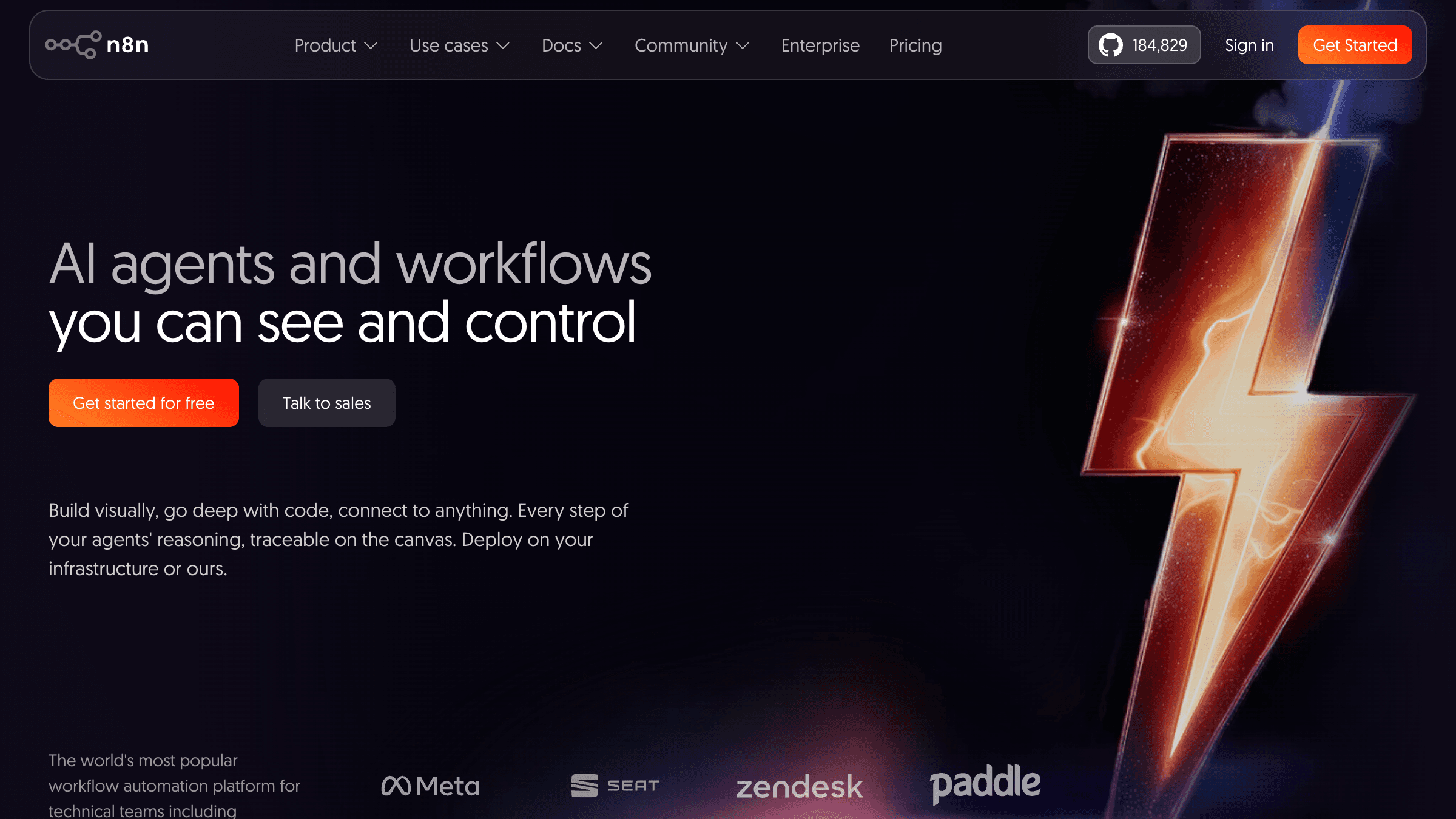
Table of Contents
AI automation differs from basic automation in one way that matters: basic automation runs fixed rules, AI automation reads, decides, and responds. That is why it handles the messy inbound work rules cannot, like a customer email that does not match any template. The four workflows with the fastest payback are lead follow up, appointment confirmation, customer FAQ handling, and review responses.
You can start free or under $100 a month and see real movement inside two weeks. The adoption gap is already visible in outcomes: 68% of US small businesses use AI regularly, up from 48% in 2024, and the US Chamber of Commerce found 83% of growing SMBs use it against 55% of declining ones. One rule outranks the tool choice: fix the process before automating it, because automating a broken workflow only runs the problem faster.
The most common question I get from business owners is some version of this: how to use AI to automate my small business? Last year one of those owners ran a popular lunch spot in Chicago. He had five staff members and was spending three hours every evening on admin: updating the reservation list, replying to Google reviews, and sending confirmation emails for next-day bookings. He was not asking for a transformation. He wanted his Friday evenings back.
Within two weeks I had all three of those tasks running without him touching them. Total monthly cost: $62. That is the part most people do not believe until they see it happen.
If you are searching for how to use AI to automate your small business, this guide is what I give people at that exact starting point: a plain-language walkthrough of what AI automation actually is, what to do first, what it costs, and where it breaks down.
What AI Automation Actually Means for a Small Business
Basic automation runs on rules. When form submitted, send email. When invoice is 14 days past due, send reminder. These are if-then instructions that run the same way every time regardless of context.
AI automation adds a layer of intelligence on top. Instead of sending a fixed reply to every contact form, an AI reads what the person wrote, identifies what they are asking about, and sends a relevant reply tailored to their specific situation. Instead of flagging every invoice over a threshold, AI reads the account history and decides whether a softer approach is appropriate or a firmer one. It makes judgment calls inside the workflow so you do not have to.
The tools that make this accessible to small businesses without a technical team are no-code platforms. You connect your apps, describe the logic, and the AI handles the intelligence in the middle.
According to the US Chamber of Commerce, 57% of small businesses believe AI will improve their daily work lives. The gap between knowing this and actually doing something about it is where most businesses stay stuck. This guide is meant to close that gap.
The 4 AI Automation Workflows Worth Starting With
I have deployed automation for over 100 small businesses across the US, Canada, and Australia. The four highest-return workflows come up consistently regardless of industry. Start here before building anything else.
1. Intelligent lead follow-up
When someone fills out your contact form, an AI reads what they wrote, identifies the type of inquiry, and sends a reply that actually addresses their specific question. Not a generic thank-you note. A message that says: "Hi Sarah, thanks for reaching out about your kitchen renovation. Based on what you described, here is what the process usually looks like and a link to book a 20-minute call."
Platforms like Zapier, Make.com, and n8n all support AI steps that do exactly this. The average response time drops from hours to under two minutes. Research consistently shows the first company to respond wins the deal more than 78% of the time.
2. Appointment confirmation and reminders
No-shows and last-minute cancellations are expensive for any appointment-based business. AI handles the entire confirmation sequence: booking confirmation, 48-hour reminder, day-of message with location and prep details. It can also handle rescheduling requests by reading the message, understanding what the client wants, and suggesting available slots automatically. The whole exchange runs without your team touching it.
3. Customer question handling
If you answer the same five to ten questions on repeat (pricing, availability, service area, turnaround time, refund policy), an AI chatbot on your website handles those 24 hours a day. This is not a scripted FAQ bot from 2015. Modern AI chatbots read the question, understand the intent, and answer conversationally. The typical result is a 30 to 40% reduction in basic inbound messages your team has to personally handle.
4. Review and feedback responses
Replying to Google and Yelp reviews matters for local SEO and customer trust. Most small business owners do it inconsistently or not at all because it takes time. AI drafts a reply to every new review within minutes of it being posted: acknowledging what the customer specifically said, thanking them, and including a subtle call to action. You review and approve, or you set it to post automatically once you are confident in the output quality.
Which Tools to Use (No Code Required)
There are three categories of tools worth knowing:
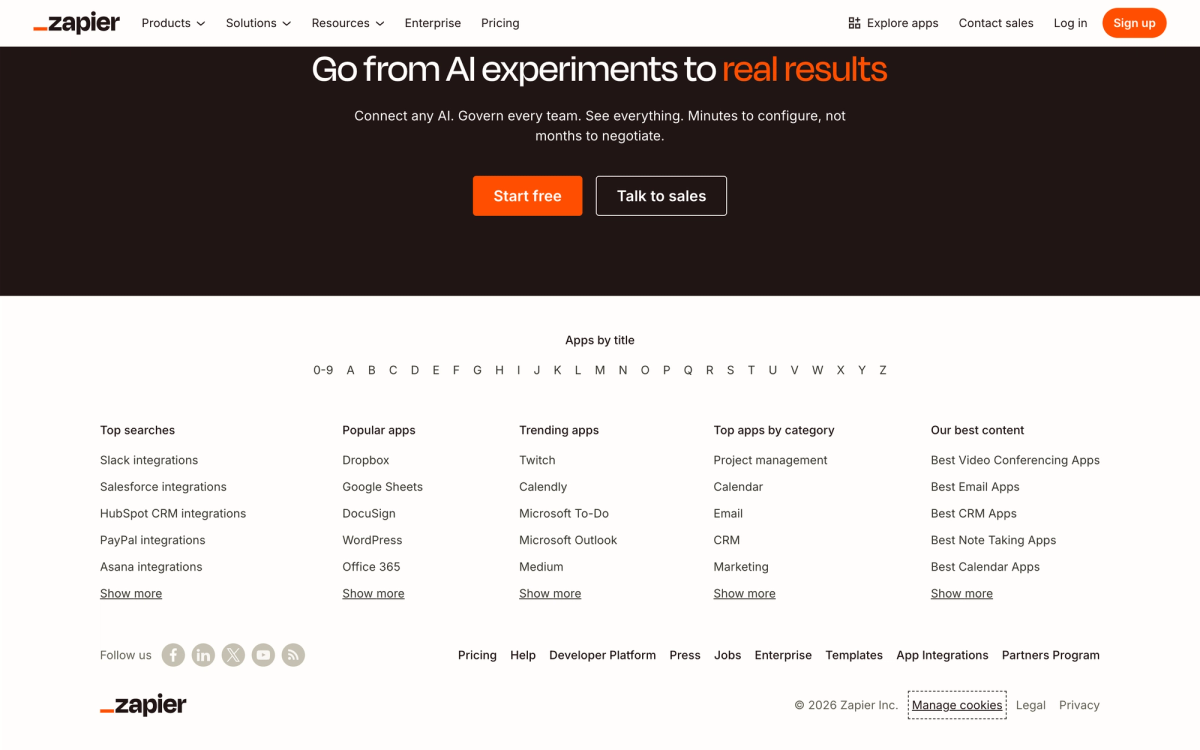
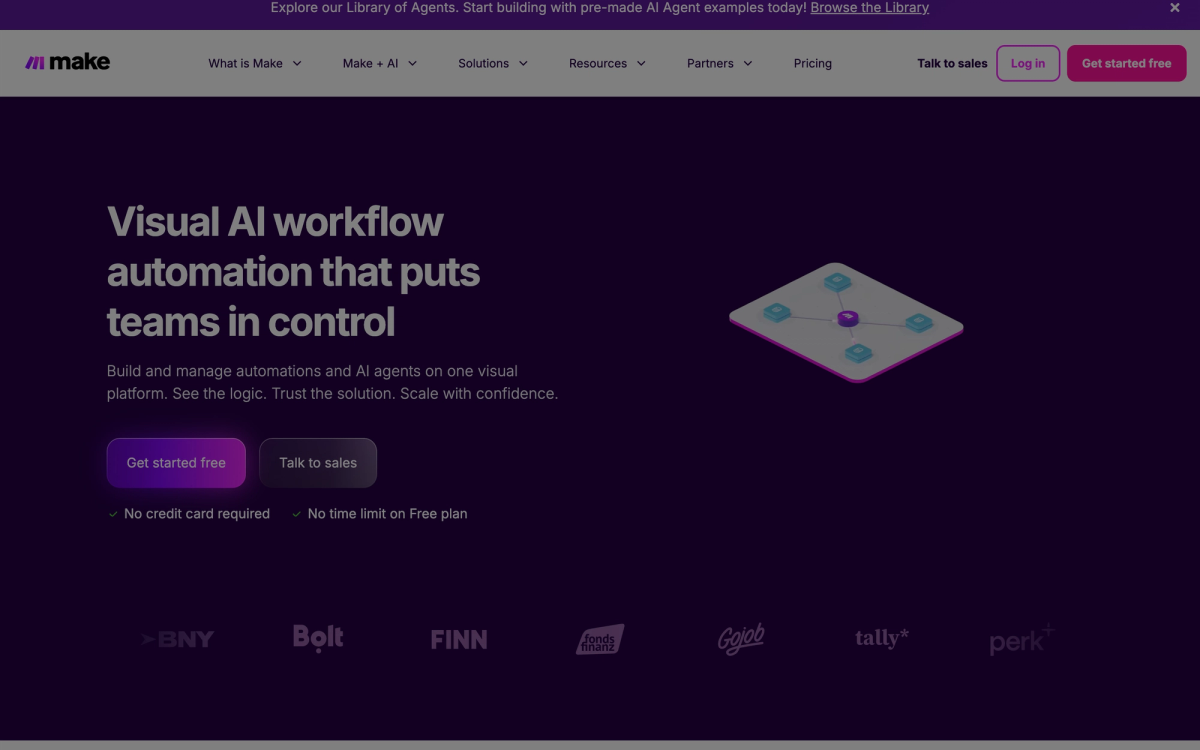
For connecting apps and building workflows: Make.com (free to $16/month), Zapier (free to $50/month), and n8n ($20/month cloud or free self-hosted). These are the connective tissue that ties your other tools together. Make.com is the best starting point for most small business owners because the visual interface is genuinely intuitive and the free tier covers basic workflows.
For AI responses and content generation: ChatGPT via API handles email drafts, reply generation, and FAQ responses. Most workflow platforms now have native ChatGPT or Claude integrations that drop AI into any workflow step without extra setup or technical knowledge.
For AI voice and phone handling: If your business runs on inbound phone calls (plumbing, HVAC, dental, legal), AI voice agents answer calls, capture caller details, handle common questions, and route complex requests to a human. I have deployed these for contractors, medical practices, and professional services firms in Houston, Dallas, and Denver. Monthly costs range from $50 to $300 depending on call volume.
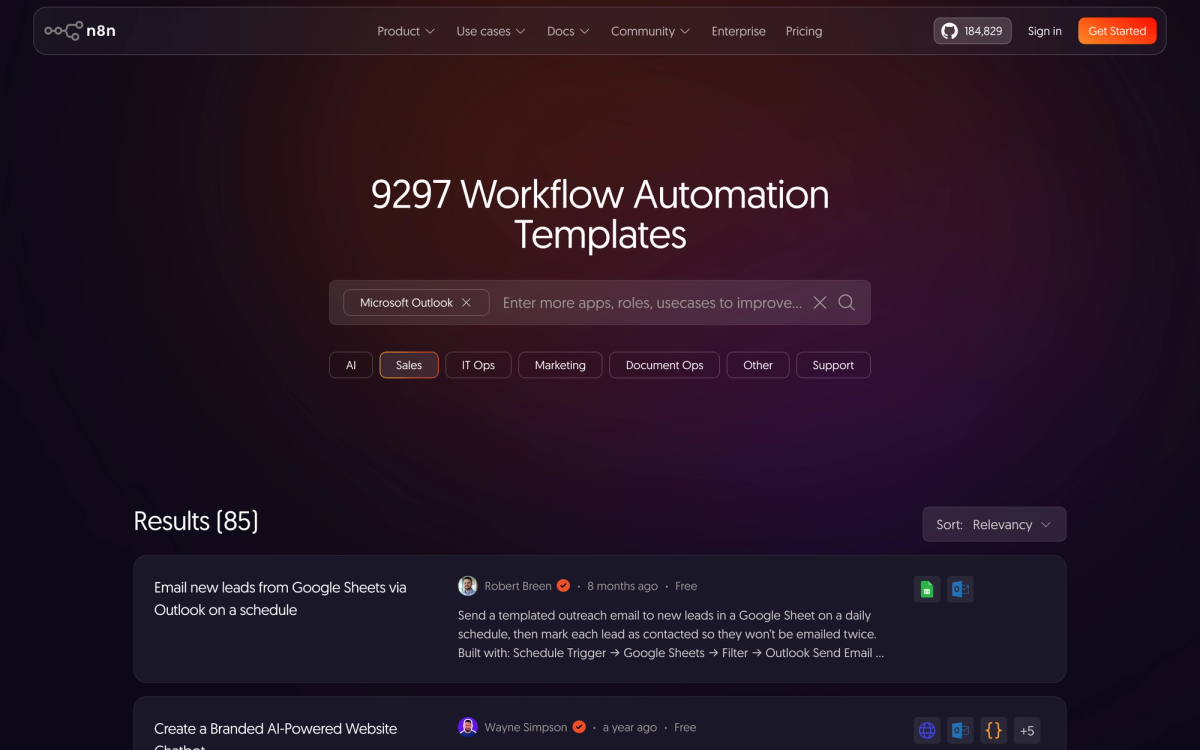
If you want a detailed comparison of Make.com and n8n across real client deployments, I wrote up my full verdict in this post. For a broader look at what customer service automation covers, this guide goes deeper on that specific area.
What AI Automation Actually Costs in 2026
Here is what a realistic AI automation stack costs for a small US business this year:
| Tool | What It Does | Monthly Cost |
|---|---|---|
| Make.com | Visual workflow automation | Free to $16 |
| Zapier | App connections with AI steps | Free to $50 |
| n8n cloud | Advanced AI workflow automation | $20 |
| AI chatbot (Tidio or Botpress) | Website customer questions 24/7 | Free to $50 |
| AI voice agent | Inbound phone call handling | $50 to $150 |
| Total self-setup | $50 to $300/month |
If you hire a consultant to build the workflows for you, expect a one-time build cost of $1,500 to $8,000 depending on complexity, plus the tool fees above ongoing. For a sense of what different project structures look like, the packages page breaks down how I structure this work with real deliverables and timelines.
For most small businesses I work with, the first automation pays for itself within the first 30 days through recovered leads, saved staff hours, or both. The 2026 Small Business AI Statistics compiled by AdAI show 91% of SMBs using AI report revenue increases.
When AI Automation Is NOT the Right Move
This is the section that gets cut from most guides on this topic, which is exactly why I am including it. Not every process should be automated, and not every business is ready to automate right now.
Skip automation for now if any of these apply:
- Your process changes every few weeks. Automation works on stable, repeatable workflows. If how you handle a task is still evolving, automating it now just means rebuilding it again in three months. Get the process stable first.
- You cannot document the steps from memory. If you cannot write down every step of the workflow in 10 minutes, you are not ready to automate it. The inability to document it usually means the process is still inconsistent, which is a process problem, not a technology problem.
- Every case genuinely requires individual judgment. Legal advice, medical decisions, custom project pricing, and client negotiations belong with humans. Use AI to support these, not replace them.
- You are a solo operator with fewer than 10 client contacts per week. At very low volume, the setup time takes longer to justify. Do it manually until the volume makes automation obviously worth it.
- You want to automate your way out of a bad product or poor service. I have seen this. A business with low ratings trying to automate their review management. The automation runs the bad experience faster and at scale. Fix the underlying issue first.
The most expensive automation mistake is building a sophisticated AI workflow around a broken process. The workflow runs perfectly. It just runs the broken process faster. Always fix before you automate.
What I Built for a Restaurant Owner in Chicago (Real Numbers)
Let me return to a client of mine from the opening of this post. He had three recurring tasks eating three hours of his time every weeknight: updating the reservation list from incoming messages, replying to new Google reviews, and sending day-before confirmation messages to next-day bookings.
Here is exactly what I set up and what it cost:
Workflow 1: Reservation handling. New reservation requests coming through Instagram DMs and email now route through a Make.com automation. Claude AI reads the message, extracts the name, party size, and preferred date, checks availability against a Google Sheet, and replies with a confirmation or suggests alternatives. Time saved: roughly 45 minutes per day. Tool cost: $16/month on Make.com plus about $8/month in API costs.
Workflow 2: Google review responses. When a new review appears, a Zapier automation triggers. ChatGPT reads the review text and drafts a personalized reply that references what the customer specifically mentioned. The owner approves with one tap on his phone. Time saved: about 20 minutes per day. Tool cost: included in a $29/month Zapier plan.
Workflow 3: Booking confirmations. A Make.com automation runs each evening at 6 PM, pulls tomorrow's reservations, and sends personalized SMS confirmations that include the reservation time, a parking note, and a direct link to reschedule if needed. Time saved: about 30 minutes per day. Tool cost: $9/month for the SMS service.
Total monthly cost: $62. Total time recovered: roughly 95 minutes per weeknight, which works out to just under eight hours per week. He now leaves the restaurant by 7 PM on weeknights instead of 9:30 PM. Nothing changed about how the restaurant runs. What changed is that the administrative layer that used to follow him home now runs on its own.
You can find more examples of how these deployments play out on the work page.
Is This Right for Your Business?
Most small business owners know automation would help them. The question is which automation, built how, starting where.
That is the question the AI Readiness Assessment answers. It takes five minutes, maps your business across the main automation areas, and shows you exactly where the highest-return opportunity is right now. No sales call required.
Once you know where to start, the implementation path gets much clearer. If you want help building it out, the contact page has all the details on how to get in touch.
FAQ: How to Use AI to Automate My Small Business
How do I start using AI to automate my small business?
Start with the task that costs you the most time and has clear, repeatable steps. For most small businesses that is lead follow-up or appointment confirmation. Pick Make.com or Zapier, connect your email or contact form, add an AI step using ChatGPT or Claude, and test with real data before going live. The whole setup for a basic workflow takes a few hours.
Do I need technical skills to automate my business with AI?
No. Make.com, Zapier, and n8n all use visual drag-and-drop interfaces. You point and click to connect apps, add logic, and insert AI steps. The only technical part is understanding what your process does, which you already know because you are currently doing it manually. If you can explain your workflow in plain English, you can build it in these tools.
How much does it cost to automate a small business with AI?
A basic AI automation stack runs $50 to $300 per month depending on which tools you use and your volume. Most businesses see this pay for itself within 30 days through recovered leads or reduced staff hours. If you hire a consultant to build it, add a one-time build fee of $1,500 to $8,000 on top of ongoing tool costs.
What tasks can AI actually automate for a small business?
Lead follow-up, appointment confirmation, customer FAQ handling, review responses, invoice reminders, onboarding sequences, social media scheduling, and basic customer support. The common thread is that they are repetitive, the steps are consistent, and a correct outcome does not require human judgment on every individual case.
What is the difference between AI automation and regular automation?
Regular automation runs fixed rules: if X happens, send Y. AI automation makes decisions inside the workflow. It reads the content of a message, decides what kind of response is appropriate, and generates that response. This makes it useful for tasks like email replies and review responses where the right output depends on what the input actually says.
Can AI automation replace my employees?
Not for roles that require judgment, relationships, or expertise. AI handles the administrative layer: repetitive, predictable tasks that currently consume staff hours every week. What it frees up is your team's capacity to focus on work that actually requires a person. Most businesses find the result is not fewer staff but better-used staff.
How long does it take to set up AI automation for a small business?
A single workflow like lead follow-up or appointment confirmation takes one afternoon using a template. A custom multi-step workflow connecting several tools with AI decision logic takes one to three days. A full automation stack for an entire business built by a consultant typically takes two to four weeks from kickoff to launch.
What are the biggest mistakes when automating a small business with AI?
Three big ones. First, automating a process that is not yet stable. Second, going fully autonomous without monitoring results for the first 30 days. Third, automating something because you can rather than because it is the highest-return task available. Start with one workflow, run it supervised for a month, then expand from there.
Related reading:
- 5 AI Automations Every Small Business Should Deploy Before 2027
- How to Automate Workflow for Small Business Owners: What Actually Works in 2026
- What AI Automation Services Actually Include: A Plain-Language Guide
68% of US small businesses now use AI regularly, up from 48% in 2024, per a QuickBooks survey reported by AdAI's 2026 Small Business AI Statistics. 83% of growing SMBs have adopted AI vs 55% of declining ones, and 57% of small businesses believe AI will improve their daily work lives, per the US Chamber of Commerce 2026 AI report. 91% of SMBs using AI report revenue increases, per Salesforce, cited in the AdAI report above.
Last updated
July 26, 2026
Category
Industry Guides
Jahanzaib Ahmed
AI Systems Engineer & Founder
AI Systems Engineer with 126 production systems shipped. I run AgenticMode AI (AI agents, RAG systems, voice AI) and ECOM PANDA (ecommerce agency). I build AI that works in the real world for businesses across home services, healthcare, ecommerce, SaaS, and real estate.
Want this built for your business? See AI Agent Development, or browse the free tools and guides.
Related articles
I've Helped 126 Businesses Start Using AI. Here Is What Actually Works.
Most business owners know they should be using AI. Few know where to start. This is the practical framework I use with every new client, based on 126 real deployments.
How toIndustry GuidesAI For Business
How to Automate My Business (Without Breaking Everything)
A non-technical guide for small business owners who want to automate their operations. Learn what to automate first, how it works in practice, what it costs, and when NOT to bother.
How toIndustry GuidesBusiness Automation
Conversational AI Use Cases for Small Business: What Actually Works in 2026
Most guides about conversational AI are written for developers. This one is for the business owner who keeps hearing about it but isn't sure where to actually apply it.
GuideIndustry GuidesConversational AI