How to Automate Workflow for Small Business Owners: What Actually Works in 2026
A plain-English guide to workflow automation for small business owners. Learn what to automate first, which tools to use, and how to get ROI without hiring a developer.

Table of Contents
Workflow automation replaces repetitive manual steps with software that runs them from a trigger you configure once. For a small business the four with the clearest return are lead follow up, client onboarding, invoice processing, and appointment scheduling. My clients average around 43 hours saved a month. In a 2020 Salesforce and Pulse survey of 100 global IT and engineering leaders, mostly at companies with over 1,000 employees, 74% said process automation had helped their staff save at least 11% to 30% of the time they had spent on manual processes.
You do not need a developer for any of it: n8n, Zapier and Make all ship drag and drop builders aimed at non technical users. The useful counterweight is knowing when not to bother. If a process runs fewer than about five times a week, the setup and maintenance cost more than doing it by hand, and automating it is a hobby rather than a saving.
Last month, a client of mine who runs a 6-person accounting firm in Denver told me she spends 90 minutes every morning doing the same three things: forwarding inquiry emails to the right team member, updating a spreadsheet with new client names, and sending a calendar invite to book a call. Every single day. For three years.
That's roughly 550 hours of her life. Gone. And the worst part is she knew it was wasteful. She just didn't know how to automate workflow without hiring a developer or spending months learning software she'd never use again.
That's what this guide is for. I'm going to show you exactly how workflow automation works, which workflows to start with, which tools are worth your time, and how to know when you're not ready for it yet.
What Workflow Automation Actually Is (Without the Jargon)
Here's the simplest way I can explain it.
You have tasks that happen the same way, every time, triggered by the same event. A new lead submits a form. An invoice gets paid. A job gets marked complete. Right now, someone on your team (or you) is manually doing the next steps: sending an email, updating a spreadsheet, creating a task, booking a call.
Workflow automation software watches for that trigger, then runs those next steps for you. Automatically. At 2am on a Sunday if that's when the lead comes in.
It's not artificial intelligence. It's not complicated. It's more like setting up a very reliable assistant who follows instructions exactly, never forgets, and never calls in sick.
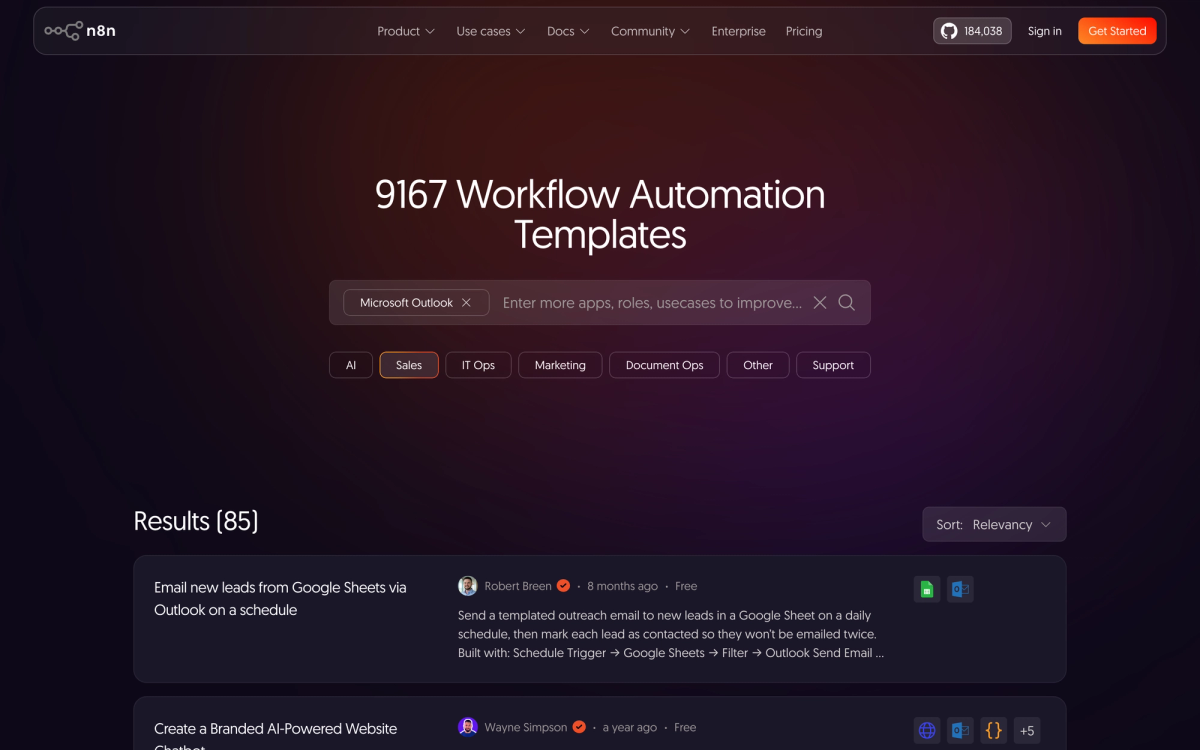
The technical term for the basic building block is a trigger-action pair. Something happens (the trigger), and that kicks off one or more steps (the actions). Multiple trigger-action pairs chained together is what people call a workflow. The whole thing runs inside a platform like n8n, Zapier, or Make.com, which acts as the glue between your existing tools.
How It Works in Practice
Let me use the Denver accounting firm example I mentioned at the top.
Her process before automation:
- Potential client fills out a contact form on her website
- She gets an email notification
- She manually reads it, decides which team member should handle it
- She forwards the email with a note
- She opens her client spreadsheet and adds the contact details
- She sends a Calendly invite manually
Six steps. 15 to 20 minutes per inquiry. She gets 5 to 6 new inquiries per week. That's the 90 minutes I mentioned.
After automation (built in n8n, took about 3 hours to set up):
- Form submitted
- n8n reads the submission, checks a simple rule (service type selected on the form routes to the right team member)
- Automated email sent to the prospect with calendar link and next steps
- Row added to Google Sheets automatically
- Slack message sent to the assigned team member with the inquiry details
The whole thing runs in about 4 seconds. The 90-minute morning routine is now zero minutes. The prospect gets a response in seconds instead of hours.
That's workflow automation. Not magic. Not AI. Just software doing the same steps you were doing, but faster and without you having to think about it.
The 5 Workflows Most Small Businesses Automate First
After working with over 40 small businesses across the US, Canada, and Australia, these are the workflows that deliver the fastest ROI every single time:
1. Lead follow-up
When a new lead comes in via your website, a paid ad, or a referral platform, an automated sequence sends an immediate acknowledgement, notifies the right person internally, and follows up if the lead hasn't booked within 48 hours. The widely repeated figure is that 78% of customers buy from the company that responds first. I could not trace the original survey, so treat it as directional rather than exact. This one workflow alone often pays for the entire automation setup.
2. Client onboarding
When a new client signs a contract or makes a first payment, they automatically receive a welcome email, an onboarding checklist, access credentials if applicable, and a scheduled check-in for day 7 and day 14. Your team gets a task created in their project management tool. No one falls through the cracks.
3. Invoice and payment processing
When a payment comes in via Stripe, Square, or your invoicing software, the client gets a receipt, your bookkeeping spreadsheet or accounting tool gets updated, and if it's a recurring client, the next invoice gets scheduled. A 5-person firm processing 20 invoices a week can cut about 3 hours of admin per week with this one.
4. Appointment scheduling and reminders
Booking links eliminate back-and-forth emails. But automation extends further: when a booking is made, the client gets a confirmation with prep instructions, a reminder 24 hours before, and a follow-up the day after asking for a review or next steps. Service businesses see fewer no-shows and more repeat bookings from this alone.
5. Social media and content distribution
When you publish a new blog post, a case study, or a service update, automation can post to LinkedIn, schedule tweets, update your email list, and notify your team to reshare. You write it once. It goes everywhere.
The Tools That Actually Get Used
There are dozens of automation platforms. Here's the honest breakdown of the three I see small businesses actually stick with. Prices below are USD list prices as of October 2026, and they change, so check the vendor page before you buy.
Zapier
The easiest to get started with. Connects more than 9,000 apps. The visual builder is genuinely beginner-friendly. The free plan includes 100 tasks per month and two step Zaps. Paid Professional plans start at $19.99 a month billed annually for 750 tasks ($29.99 billed monthly). A task is a successful action a Zap completes, so failed steps do not count against your limit. The downside: it gets expensive fast if your workflows run frequently, and complex multi-step logic gets cumbersome.
Best for: Small businesses with simple, low-volume workflows (under 5,000 tasks/month).
Make.com (formerly Integromat)
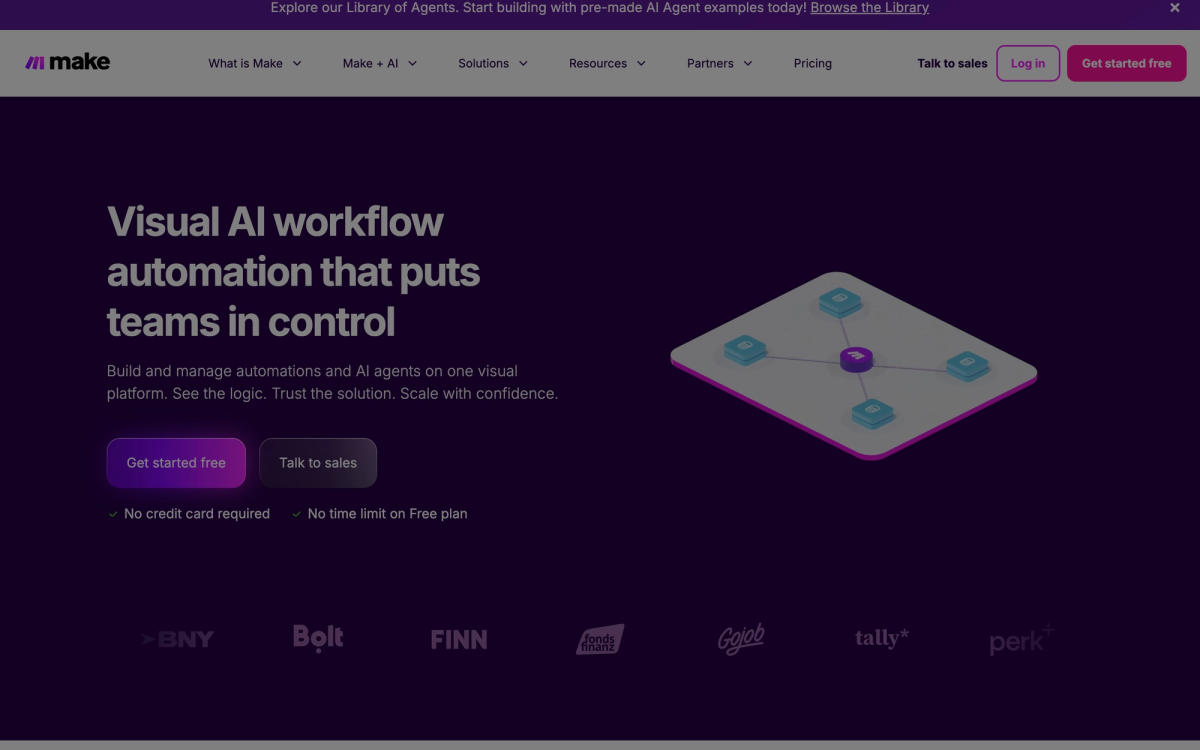
More powerful than Zapier for complex workflows. Visual canvas shows the full workflow as a diagram, which makes it easier to understand branching logic. More affordable than Zapier at scale. Make bills in credits, and in most apps one module action uses one credit. The free plan gives you 1,000 credits a month and 2 active scenarios, and the paid Core plan starts at $9 a month billed annually for 10,000 credits ($10.59 billed monthly). The learning curve is slightly steeper for true beginners.
Best for: Businesses with more complex workflows or higher task volume where Zapier costs get out of control.
n8n
The one I use for most client deployments. The source code is public under n8n's Sustainable Use License, which is source available rather than a classic open source license, and the free Community Edition is for your own internal business use. You can self host it on a small VPS: DigitalOcean droplets run from $6 a month for 1 GiB to $24 a month for 4 GiB, and n8n charges nothing per execution on the free edition. The workflow builder is as visual as the others. Supports custom code if you ever need it. The cloud-hosted Starter plan is $20 a month billed annually ($24 billed monthly) for 2,500 workflow executions. n8n counts one execution as one full run of a workflow, however many steps it has, so long workflows cost less here than on tools that charge per step.
Best for: Businesses that want lower long-term costs, need custom logic, or want to own their automation infrastructure. My clients averaging 43 hours saved per month are almost all on n8n.
To see what your own volume would cost on each platform, use my n8n vs Zapier vs Make cost calculator, and for a deeper look at building on n8n read my n8n AI agent workflows practitioner guide.
Is Workflow Automation Right for Your Small Business?
You're a good candidate for workflow automation if:
- You have repetitive processes running 5 or more times per week. At that volume, the time investment in setup pays back within a few weeks.
- Your current tools already integrate with automation platforms. If you use Gmail, Slack, HubSpot, QuickBooks, Stripe, Calendly, or any mainstream software, there are pre-built integrations waiting for you. Setup is hours, not weeks.
- Errors in your current process cost you money. Missed follow-ups, invoices sent late, onboarding steps skipped because someone was busy. These are quantifiable losses. Automation eliminates most of them.
- You're spending more than 5 hours per week on tasks a 10-year-old could do with the right instructions. That's the clearest signal. If you can write down the steps, those steps can usually be automated.
When It Is NOT Right for Your Business
I want to be straight with you on this because most automation consultants won't say it: workflow automation is not always the answer.
Don't automate if the process is still changing. If you're figuring out your sales process, your onboarding flow, or your service delivery model as you go, automating too early locks in a broken process. Document and stabilize first. Automate second.
Don't automate if the volume is too low. A workflow that runs twice a week isn't worth a 10-hour setup. The math doesn't work. Manual is fine at that scale.
Don't automate judgment calls. Deciding which leads to pursue, how to handle an upset client, or whether to give a discount. These require human judgment. Automation can flag and route these situations to the right person, but the decision itself should stay human.
Don't automate as a substitute for fixing a broken process. If your client onboarding is confusing and clients keep getting lost, automating it will just make the broken experience happen faster. Fix the process first.
A Real Client Example (With Actual Numbers)
One of my clients runs a property management company in Toronto. At the start of our engagement, her team of four was manually processing all of the following every time a new tenancy started: lease document collection via email, utility setup instructions sent one by one, entry key handoff scheduling, and a maintenance request inbox that nobody was formally assigned to monitor.
We mapped out the workflows, identified three that were genuinely ready to automate, and built them in n8n over about 12 hours of work spread across two weeks. Total setup cost: $1,400 CAD (my time) plus $24/month for n8n cloud.
Results after 60 days:
- 14 hours per week recovered across the team
- New tenancy onboarding time cut from 3 days average to 4 hours
- Zero missed maintenance requests (previously 2 to 3 per month slipped through)
- One team member redeployed to business development instead of admin
The $1,400 setup cost was recovered in the first three weeks from time savings alone. The 14 hours/week recovered has compounded every month since.
That is one client, not a benchmark. Your payback depends on how many hours a workflow replaces and what an hour of that person's time costs, which is why Step 5 below asks you to measure it.
How to Automate Workflow: Getting Started This Week
If you want to move on this, here's the process I walk every client through:
Step 1: Write down your 5 most repetitive tasks
Not the complex ones. The dumb ones. The copy-and-paste, forward-this-email, update-the-spreadsheet tasks that you or your team do on autopilot. Write the steps down as if you're explaining them to a new hire.
Step 2: Count how often each task runs per week
Pick the one that runs the most often and has the most clearly defined steps. That's your first automation candidate.
Step 3: Check if your tools integrate with Zapier or n8n
Go to zapier.com/apps or n8n.io/integrations and search the tools you use. If they're listed, there's a pre-built connector. You're not starting from scratch. As of October 11, 2026, Zapier lists more than 9,000 apps and n8n lists 2,329 integrations.
Step 4: Build the simplest possible version first
Not the perfect version. The version that handles the main case 80% of the time. Get it running, watch it for two weeks, then add edge cases. Most automation failures happen because people try to build the perfect workflow on day one and give up when it gets complicated.
Step 5: Measure the time saved
Track it. Write down how many minutes that task took before and count them again after. You need the number not just to justify the investment but to know what to automate next.
74% of IT and engineering leaders say process automation has helped their workforce save at least 11 to 30% of the time previously spent on manual processes. (Salesforce and Pulse survey of 100 IT and engineering leaders, 2020). The workflow automation market is projected to grow from $26.01B in 2026 to $40.77B by 2031 at a 9.41% CAGR. (Mordor Intelligence, 2026).
Frequently Asked Questions
Do I need technical skills to automate my business workflows?
No. Zapier, Make.com, and n8n all have drag-and-drop visual builders designed for non-developers. If you can describe a process step by step, you can build the automation. Most small business workflows take between 1 and 4 hours to set up the first time.
How much does workflow automation cost for a small business?
Zapier's free plan handles 100 tasks/month, and paid plans start at $19.99 a month billed annually. Make starts at $9 a month billed annually. n8n cloud starts at $20 a month billed annually ($24 billed monthly), or you can self host for about $6 to $24 a month in server costs. Those are USD list prices as of October 2026, and my cost calculator works out the total for your own volume. Most small businesses spend $20 to $60/month on the platform itself. Setup costs depend on whether you do it yourself or hire someone: DIY is time only, hiring a specialist runs $500 to $3,000 depending on complexity.
What's the difference between Zapier, Make.com, and n8n?
Zapier is the easiest to start with but gets expensive at volume. Make.com is more powerful for complex workflows at a lower cost. n8n is the most flexible and cheapest long-term (especially self-hosted, because n8n counts a whole workflow run as one execution rather than charging per step), but has a slightly steeper learning curve. For most small businesses just getting started, I suggest Zapier for the first 30 days while you figure out what you actually need, then switch to n8n if you plan to automate more than a handful of workflows.
How long does it take to set up a workflow automation?
A simple two-step workflow (form submitted → email sent) can be up in 20 minutes using a pre-built template. A multi-step workflow with routing logic and integrations across 3 to 4 tools typically takes 2 to 4 hours. The first automation always takes longer because you're learning the platform. The second and third are much faster.
Will workflow automation replace my staff?
Not in the way you might fear. What it replaces is the soul-crushing admin work that good people spend too much of their time on. In every business I've worked with, automation has either freed existing staff to do higher-value work or let a growing business scale without needing to hire as fast. I've never seen it result in a layoff in a small business context.
What's the first workflow I should automate?
Lead follow-up, almost always. It's the workflow that most directly ties to revenue, it's usually well-defined, and the impact is immediate and measurable. When a new lead comes in and gets an automatic response within 60 seconds instead of waiting hours for someone to notice the email, conversion rates go up. Most businesses see this within the first week.
Can I automate workflows between tools that don't normally talk to each other?
Yes, that's the whole point. Automation platforms like n8n and Zapier have pre-built connectors for thousands of tools. If your tool has an API (almost all modern software does), you can connect it. Even older tools with no native integration can often be connected via email parsing or webhook.
Is workflow automation the same as AI automation?
Not exactly. Traditional workflow automation follows fixed rules you define: if X happens, do Y. AI automation adds intelligence on top: it can read unstructured data (like emails), make judgment calls, and handle situations you didn't specifically anticipate. For most small businesses, traditional rule-based automation is the right starting point. AI automation layers in later when you've got a foundation. My comparison of AI agents vs workflow automation goes deeper on this if you're trying to decide between the two, and my Zapier Agents vs n8n AI agents comparison covers the agent features on both platforms.
Where to Go From Here
If you're reading this and thinking "this makes sense but I don't know where my business actually stands with AI and automation readiness," that's the exact gap the AI Readiness Assessment on this site was built for.
It takes about 5 minutes. You answer questions about your current tools, team size, volume of repetitive tasks, and what you're trying to solve. At the end, you get a personalized report showing which workflows are worth automating for your specific situation, what tools fit your stack, and a realistic view of what ROI looks like for a business like yours.
If you want to go deeper on specific automation patterns, these posts are worth reading next:
- 5 AI Automations Every Small Business Should Deploy Before 2027
- AI Agents vs Automation: When You Actually Need the More Complex Option
- Make.com vs n8n: A 20-Client Deployment Comparison
And if you're past the research phase and want a second set of eyes on what your specific business should automate, the contact page is the place to start.
Last updated
October 11, 2026
Category
Implementation
Jahanzaib Ahmed
AI Systems Engineer & Founder
AI Systems Engineer with 126 production systems shipped. I run AgenticMode AI (AI agents, RAG systems, voice AI) and ECOM PANDA (ecommerce agency). I build AI that works in the real world for businesses across home services, healthcare, ecommerce, SaaS, and real estate.
Related articles
How to Build AI Invoice Processing in n8n That Catches Bad Totals
A step by step n8n build that reads invoice PDFs from Gmail with Claude Haiku 4.5, checks the arithmetic in code, skips duplicates, and sends anything that doesn't add up to a review tab.
How toIndustry Guidesn8n
n8n vs Zapier in 2026: After 126 Production Systems, Here Is My Honest Verdict
A practitioner comparison of n8n and Zapier in 2026 with verified pricing, a clear decision framework, and two real client deployment stories.
ComparisonTrends & Insightsn8n
How to Automate My Business (Without Breaking Everything)
A non-technical guide for small business owners who want to automate their operations. Learn what to automate first, how it works in practice, what it costs, and when NOT to bother.
How toIndustry GuidesBusiness Automation