Vector Databases for AI Agents: Which One Actually Works in Production?
A practical comparison of Pinecone, Qdrant, Weaviate, Chroma, and pgvector for AI agent workloads, with real cost breakdowns and a decision framework from 31 production deployments.

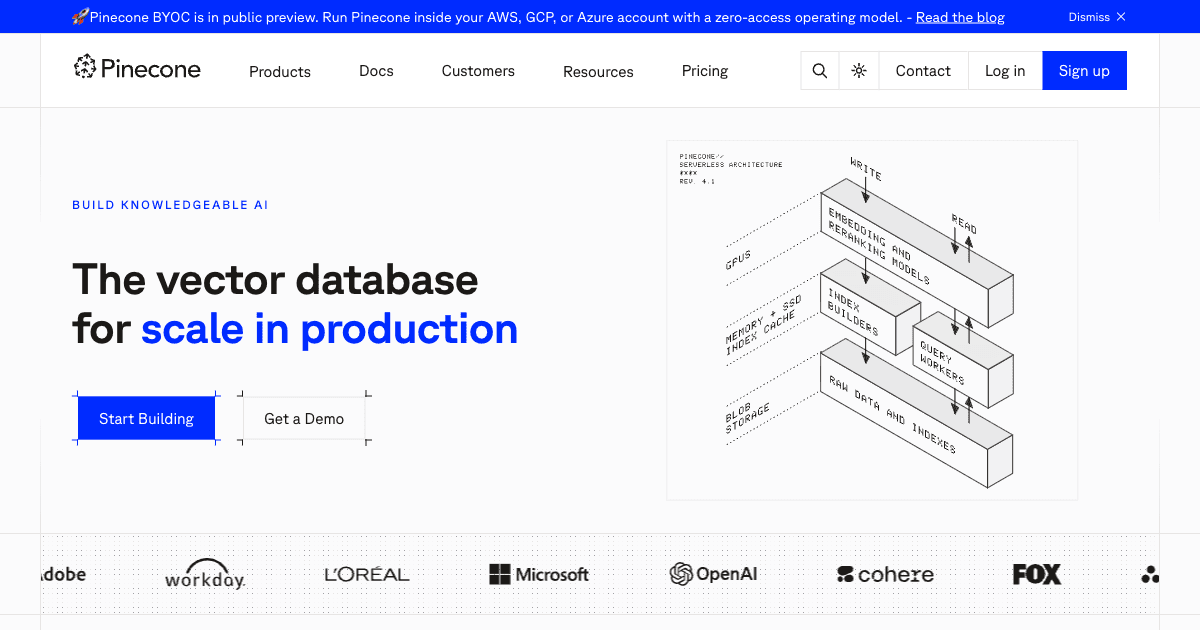
Table of Contents
Qdrant is the default I reach for on production agent workloads. On a 10 million vector index at 1536 dimensions it returns top ten results in about 22ms p95 against roughly 45ms for Pinecone, and a self hosted cluster on a $60 a month VPS carries 5 million vectors without complaint. If your data already lives in PostgreSQL and you are staying under 5 million vectors, use pgvector and add no new infrastructure at all. Pinecone earns its price when you want zero operational work: $20 a month on Builder, $50 a month minimum on Standard, $500 a month minimum on Enterprise. Weaviate is the pick when you need hybrid semantic and keyword search without bolting a separate BM25 layer onto it. Chroma belongs in local development and nowhere near a multi user production workload.
This layer matters more for agents than for search because agents retrieve in loops. A ten step workflow at 200ms per retrieval burns two seconds inside the database before a single token of inference. I have chosen it on 31 production systems, and the expensive mistakes were never about recall quality. They were timeouts, a $2,500 a month bill that should have been $400, and one migration that meant re embedding 3 million documents over 14 hours.
A client came to me in early 2024 with a fully built AI agent that kept timing out in production. The retrieval step took 800ms on average and occasionally spiked past two seconds. Their users were abandoning queries. The "AI is too slow" complaint was killing adoption of a system that had otherwise cost them $180,000 to build.
The culprit? They'd chosen their vector database based on a blog post that ranked platforms by "ease of setup." Chroma ran perfectly in the demo. At 2 million vectors with 12 concurrent users, it became unusable. I spent two weeks migrating their data to Qdrant, rewiring the retrieval pipeline, and optimizing their index configuration. Retrieval dropped to 28ms. The system survived. But nobody should go through that migration under production pressure.
I've since chosen the vector database layer on 31 production AI agent systems. What follows is what I actually know, not what vendor marketing claims.
Why Vector Databases Are Different for AI Agents
Most vector database comparisons treat these tools like generic databases for search. That framing misses something important. AI agents have a specific and unusual retrieval profile that generic apps don't share.
A typical web search application fires off one semantic query per user interaction and returns results. An AI agent is different. During a single multi-step task, an agent might issue 4 to 20 retrieval calls: once to pull relevant context before responding, once per tool call to check if a similar tool invocation was cached, once per sub-agent handoff to load shared memory, and once at the end to update episodic memory. The latency compounds. If each retrieval takes 200ms, a 10-step agent workflow adds two seconds of pure database overhead before any LLM inference happens.
Agents also write frequently. Unlike search apps that mostly read, agents need to store conversation history, tool outputs, and intermediate reasoning. Your vector database needs solid write performance, not just read throughput.
And agents care deeply about metadata filtering. "Give me the three most semantically similar memories that are tagged with this user ID and occurred after last Tuesday" is a query shape that many vector databases handle poorly. Some bolt on filtering as an afterthought. Others designed for it from the start.
The Five Contenders
I'm covering Pinecone, Qdrant, Weaviate, Chroma, and pgvector. I'm leaving out Milvus (operationally complex for most teams), FAISS (a library, not a database), and newer entrants like Turbopuffer (not enough production track record yet for agent workloads).
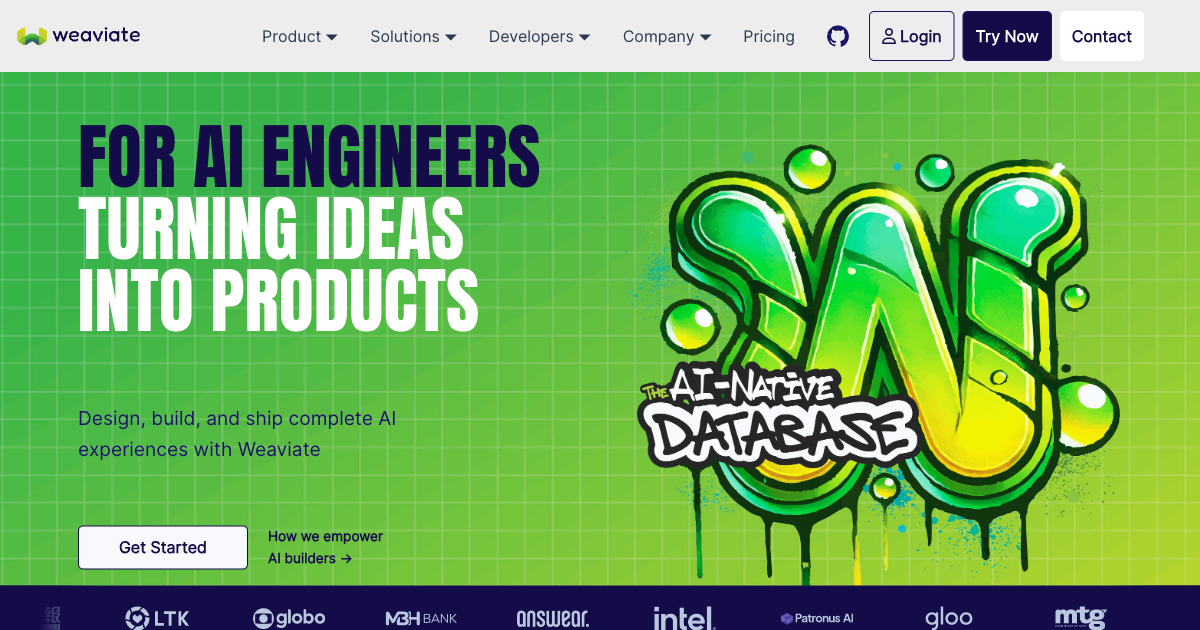
Pinecone
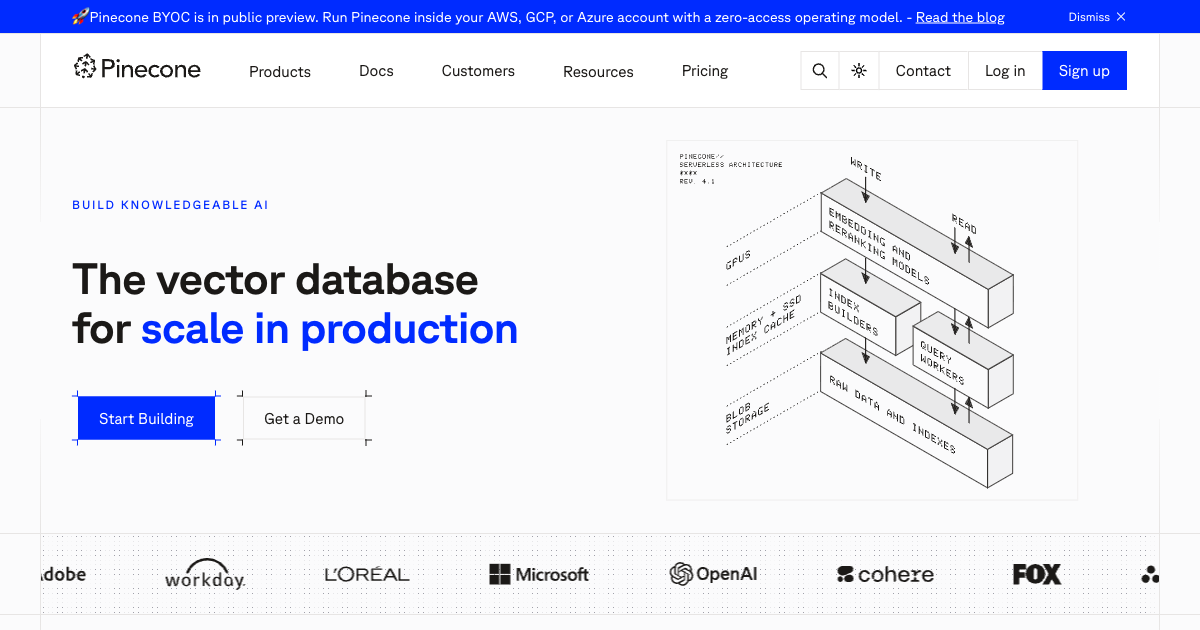
Pinecone is the default choice for teams that prioritize shipping over optimizing. It's fully managed, serverless, and genuinely requires almost no infrastructure knowledge to get running. You create a namespace, get an API key, upsert vectors, and query. That's it.
The performance is respectable: around 45ms p95 latency on a 10M-vector index with 1536-dimensional embeddings. Not the fastest, but consistent and predictable. Pinecone's serverless tier scales automatically with your usage, so you're not pre-provisioning capacity.
Where Pinecone genuinely struggles is cost at scale. The free tier is generous for prototyping: 2GB storage and 1M read units per month. Pricing starts at $20/month on the Builder tier. Standard, which is where you land as soon as you want dedicated read nodes or backups, carries a $50/month minimum, and real usage with 50M+ vectors and heavy query load can hit $300 to $800/month. Enterprise sets a $500/month minimum. Pinecone's read units pricing means bursty agent workloads get expensive faster than you'd expect.
There's also the vendor lock-in question. Pinecone is proprietary. If pricing changes or the product pivots, migration is painful. I've seen this concern kill Pinecone adoption at two larger enterprise clients who had been burned by other SaaS pricing changes in the past.
Best for: Funded teams with strict timelines who need production-grade managed infrastructure without a DevOps hire. Early-stage startups proving out a product idea. Any team where "my database crashed at 2am" is not something anyone wants to deal with.
Qdrant
Qdrant is what I reach for when I need the best raw performance and have a team comfortable with self-hosting or container orchestration. It's written in Rust, which is not a marketing line: Rust's memory model gives Qdrant consistent performance without garbage collection pauses. This matters for agent workloads where latency spikes at p99 are more damaging than average latency.
In benchmarks on 10M vectors with 1536 dimensions, Qdrant returns top-10 results in 22ms p95, compared to Pinecone's 45ms. For filtered queries, the gap widens further: Qdrant uses payload indexing (a B-tree for metadata fields you declare in advance) that keeps filtered searches near native speed. Most other databases do post-retrieval filtering, which scales badly when you're filtering to 5% of your index.
Qdrant's Recommendation API is something I've used specifically for agent systems. If an agent accumulates episodic memories, you can use Qdrant's native recommendation endpoint to find vectors that are similar to a positive example while being dissimilar to negative ones. It's a retrieval pattern that matters for agents doing preference-aware retrieval and is genuinely harder to replicate in Pinecone without client-side logic.
The cost picture is dramatically better than Pinecone at scale. A self-hosted Qdrant cluster on a $60/month VPS handles 5M vectors comfortably. Qdrant Cloud's managed tier starts free (1GB RAM, 4GB disk) and scales to around $45/month for configurations equivalent to Pinecone's Standard tier. At the $500/month level, you're getting 5x the resource allocation compared to Pinecone.
Best for: Teams with Docker/Kubernetes comfort who need the best performance per dollar. High-throughput agent systems with complex metadata filtering. Cost-sensitive builds where the vector database bill matters at scale.
Weaviate
Weaviate occupies a unique position. It's the only database I've used that handles true hybrid search, combining dense vector similarity with sparse BM25 keyword matching, as a first-class feature. You query once and Weaviate fuses the results. Every other database requires either a separate keyword index or significant client-side logic to achieve the same thing.
For agent use cases where precision matters alongside recall, this is genuinely valuable. Agents working with legal documents, code, or any content where exact terms matter (function names, product SKUs, proper nouns) perform much better with hybrid retrieval. Pure semantic search misses "the handle_payment_error function" if the query is "how do we handle failed transactions." Weaviate gets both.
Weaviate also has the most mature GraphQL interface, a knowledge graph-style schema system, and native multi-tenancy. For B2B agent products where each customer needs an isolated vector index, Weaviate's multi-tenant collections are excellent. I've deployed it for a legal document AI where 200 law firms each had their own document corpus: the multi-tenant model made this clean.
The downsides: Weaviate's configuration surface area is large. Getting the right balance of HNSW parameters (ef, efConstruction, maxConnections), BM25 tuning, and replication settings takes time. The managed Weaviate Cloud starts at $25/month but real production configurations run $150 to $400/month. And Weaviate's write performance lags Qdrant's under heavy concurrent insert loads.
Best for: Agent systems where exact term matching matters alongside semantic similarity. B2B products with strong multi-tenant isolation requirements. Enterprise content systems (legal, compliance, knowledge management).
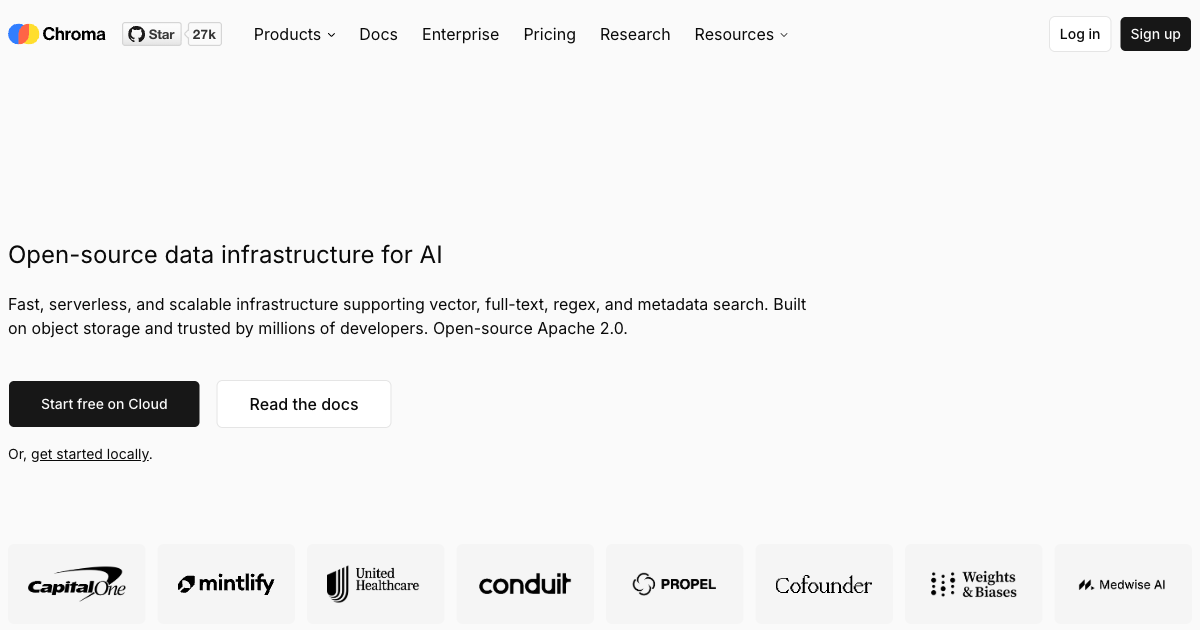
Chroma
Chroma is where everyone starts and where most people should stay until they have a problem that requires something else. It's free, open-source, runs in-memory with a single pip install, integrates with LangChain and LlamaIndex out of the box, and has excellent documentation for getting a RAG prototype working in under an hour.
The thing I need you to understand is that Chroma has architectural limits that make it unsuitable for multi-user production workloads. It lacks horizontal scaling. Concurrent writes cause contention. The persistence layer, while improved significantly in recent versions, still doesn't match dedicated vector databases for durability guarantees. There's no RBAC, no native multi-tenancy, no production-grade access control.
That said, if you're building a single-user agent (personal assistant, CLI tool, single-tenant developer tool), Chroma is entirely appropriate. I use it for local development on every project because spinning up a Chroma instance takes 30 seconds and the API is clean and familiar.
Best for: Local development. Rapid prototyping. Single-user agents. Educational projects. Anything where you're validating the concept before committing to production infrastructure.
pgvector
pgvector is the sleeper hit of this comparison. It's a PostgreSQL extension that adds vector similarity search to a database you're almost certainly already running. No new infrastructure, no new operational expertise, no new vendor relationships. Just install the extension and start storing embeddings alongside your regular relational data.
For a long time, pgvector was written off as "good enough for small workloads but not serious production." That changed when Timescale released pgvectorscale, an extension layered on top of pgvector that adds a Streaming Disk ANN (StreamingDiskANN) index. In benchmarks on 50M vectors, PostgreSQL with pgvectorscale delivers 471 QPS at 99% recall: 11.4x better than baseline Qdrant in that specific test configuration.
The practical upside: if your agent application already stores user data, session state, and application data in PostgreSQL, you can add vector search without a separate database. You join your vector results with your relational data in a single SQL query. The operational simplicity is massive. One database to monitor, backup, restore, and scale.
The limits show at very large scale (100M+ vectors) and with extreme query concurrency. Beyond 10M vectors, a dedicated vector database usually outperforms pgvector on raw throughput. But for the majority of AI agent applications I've built (most sit between 500K and 5M vectors), pgvector is more than adequate.
Best for: Teams already running PostgreSQL. Applications needing JOIN operations between vector results and relational data. Cost-conscious projects. Agent systems where user data and vector data belong together.
Side-by-Side Comparison
| Feature | Pinecone | Qdrant | Weaviate | Chroma | pgvector |
|---|---|---|---|---|---|
| Managed option | Yes (fully managed) | Yes + self-host | Yes + self-host | Self-host only | Self-host only |
| p95 latency (10M vectors) | ~45ms | ~22ms | ~35ms | N/A (single-node) | ~50ms |
| Hybrid search | Limited | Yes | Native (BM25) | No | With FTS extension |
| Metadata filtering | Good | Excellent (payload index) | Good | Basic | Excellent (SQL WHERE) |
| Multi-tenancy | Namespaces | Collections | Native tenants | Collections | Schemas/tables |
| Free tier | 2GB / 1M read units | 1GB RAM / 4GB disk | 14-day trial | Free (self-host) | Free (PostgreSQL) |
| Starting paid cost | $20/month (Builder) | ~$15/month | $25/month | $0 (infra only) | $0 (infra only) |
| Production ready | Yes | Yes | Yes | Limited | Yes (under 10M vectors) |
| Write performance | Good | Excellent | Moderate | Good (single node) | Good |
| Horizontal scaling | Automatic | Manual sharding | Replication | No | Limited |
Which Database for Which Agent Pattern
The use case matters as much as the database itself. Here's how I match them in practice.
RAG (Retrieval-Augmented Generation)
This is the most common pattern: the agent retrieves relevant documents before answering. For RAG with a single knowledge base and straightforward queries, Qdrant or Weaviate both work well. If your documents have mixed structured and unstructured content and users search with specific terms, Weaviate's hybrid retrieval is worth the configuration overhead. If you want simplicity with a hosted option, Pinecone. If your document corpus is under 2M chunks and you're on Postgres, pgvector. For a deeper dive on RAG specifically, see my guide on building agentic RAG systems in production.
Episodic Memory (Long-Term Agent Memory)
Agents that remember past interactions need a database that handles high write rates (every interaction writes memories) and fast retrieval with user-level filtering. Qdrant's payload indexing is excellent here: you declare user_id and timestamp as payload fields, index them, and queries like "find the 5 most relevant memories for this user from the past 30 days" execute in under 30ms without full-index scans. Pinecone works but the filtering syntax is less expressive and costs mount faster with per-query billing.
Tool Result Caching
Agents calling expensive tools (web search, API calls, database queries) can cache results semantically. If a user asks "what's the weather in London" and the agent already retrieved weather data for "London temperature today," semantic deduplication avoids the API call. This is a write-heavy, moderate-read workload with small vector counts (usually under 100K cached results). pgvector is perfect here: the semantic cache sits in your existing Postgres database alongside session state.
Recommendation and Preference Learning
Agents that learn user preferences over time (personalizing recommendations, adapting response style, filtering relevant content) benefit from Qdrant's Recommendation API. You can query "find content similar to things this user liked, but not similar to things they disliked." It's one query instead of client-side logic to merge and re-rank multiple result sets.
If you're trying to figure out whether your business actually needs agent-grade infrastructure like this or whether simpler automation would serve you better, the AI Readiness Assessment will help clarify the distinction.
Real Costs at Agent Scale
Let me give you the cost numbers I've seen in actual production systems, not vendor calculator estimates.
A solo developer's personal assistant agent (one user, 50K memory vectors, 200 queries/day): pgvector or Chroma costs you nothing beyond your existing Postgres hosting. Qdrant Cloud's free tier handles it. Pinecone's free tier handles it. Cost: $0.
A SaaS product with 500 users (each has ~5K memory vectors, 20K daily queries total): This is where choices diverge. pgvector on a $40/month RDS instance handles this comfortably. Qdrant Cloud at this scale runs about $45/month. Pinecone Standard would be approximately $80/month accounting for actual read units consumed. Weaviate Cloud at $25/month base plus compute would land around $60/month.
An enterprise agent handling 50,000 users (250M total vectors, 500K daily queries): Self-hosted Qdrant on dedicated hardware ($400/month in cloud infrastructure) outperforms Pinecone's equivalent managed tier ($1,200 to $2,500/month) by a factor of 3x in cost with better latency. This is the inflection point where the infrastructure investment pays off dramatically. For the case studies of what I've shipped at this scale, see the work section.
Migrating Between Vector Databases
Migration is painful but not impossible. The core operation is: export all vectors and metadata, re-import to the new database, update your connection code, test retrieval parity, switch traffic. The hard part is the "test retrieval parity" step: you need to verify that queries return equivalent results before cutting over.
The approach I use: sample 500 queries from your production query log, run them against both databases, and compare the top-3 results for each. If retrieval is functionally equivalent (same documents returned, similar relevance ordering) for 90%+ of queries, the migration is safe. If not, you need to examine your indexing configuration differences.
Embedding compatibility is critical. If you change your embedding model during the migration, you need to re-embed everything. Same model, different database: smooth migration. Different model: complete re-index. This happened to a client migrating from Chroma (using sentence-transformers locally) to Pinecone (using OpenAI's text-embedding-3-small): the re-embedding took 14 hours on their corpus of 3M documents and cost $180 in OpenAI API calls. Plan for it.
For guidance on what makes a RAG system actually work in production, including the retrieval architecture decisions that underpin database selection, see my earlier post on what RAG actually is and when businesses should use it.
The Decision I Actually Make
Every project I take through my AI systems build process goes through the same vector database decision:
Is this a prototype or production? Prototype → Chroma or Qdrant local. Done.
Production: Is the team already on PostgreSQL and staying under 5M vectors? Yes → pgvector. Done.
Does the agent need hybrid semantic + keyword search? Yes → Weaviate.
Does the team have infrastructure capacity? No → Pinecone. Yes → Qdrant.
That's it. Resist the urge to over-engineer this. The vector database is important but it's also replaceable if you architect your retrieval layer properly: abstract it behind an interface and switching later costs days, not months.
Frequently Asked Questions
What is the best vector database for AI agents in 2026?
Qdrant wins on raw performance and cost for most production agent workloads. Pinecone wins on operational simplicity for teams without infrastructure expertise. If you're already on PostgreSQL and staying under 5 million vectors, pgvector is the best choice. There is no single answer: the right database depends on your team's operational capacity, vector volume, and retrieval patterns.
Can I use Chroma in production for AI agents?
Chroma works for single-user agents or low-concurrency workloads, but it lacks horizontal scaling, production-grade durability guarantees, and access control features. For anything with more than a handful of concurrent users or millions of vectors, migrate to Qdrant, Weaviate, Pinecone, or pgvector before going to production.
How much does it cost to run a vector database for AI agents?
Costs range from $0 (pgvector or Chroma on existing infrastructure) to $2,000+/month for large managed deployments. A typical SaaS agent product with 500 users costs $30 to $80/month for the vector database layer. At 50,000+ users and hundreds of millions of vectors, self-hosted Qdrant typically costs 60 to 80% less than equivalent managed Pinecone at the same performance level.
What is the difference between Pinecone and Qdrant?
Pinecone is a fully managed proprietary service: zero infrastructure work, higher cost, simpler to operate. Qdrant is open-source and can be self-hosted or run on Qdrant Cloud: lower cost at scale, better raw performance (Rust implementation), more complex to operate. Qdrant also offers superior metadata filtering via payload indexing, which matters significantly for agent workloads with user-scoped retrieval.
Does Weaviate support hybrid search for AI agents?
Yes. Weaviate is the only major vector database with native hybrid search combining dense vector similarity and sparse BM25 keyword matching in a single query. This is valuable for agent systems working with technical documentation, legal text, code, or any content where specific exact terms matter alongside semantic similarity.
How do I migrate from Chroma to Qdrant?
Export your Chroma collection using the get() method to retrieve all embeddings and metadata. Use Qdrant's batch upsert endpoint to import them in chunks of 100 to 500 vectors. Update your retrieval code to use Qdrant's client library (the API shape is similar). Test retrieval parity by comparing results for 200 to 500 queries before switching production traffic. The full migration for a 1M-vector collection typically takes two to four hours.
Is pgvector good enough for production AI agent workloads?
For workloads under 5 to 10 million vectors, pgvector with the HNSW index is production-ready. With pgvectorscale from Timescale, PostgreSQL handles 50M+ vectors at competitive performance levels. The main advantage is operational simplicity: one database to manage instead of two. The main limit is horizontal scaling: pgvector doesn't shard automatically at very large scale like purpose-built vector databases.
What vector database does LangChain work best with?
LangChain has native integrations for all five databases covered here. LangChain's vectorstore abstractions mean your application code barely changes when you switch databases. That said, using LangChain's Chroma integration in development and Qdrant or Pinecone in production is a common and valid pattern: the vectorstore interface is consistent enough that the swap is mostly a configuration change.
The vector database market reached $2.46 billion in 2024 and is projected to hit $10.6 billion by 2032 at a 27.5% CAGR. In Q1 2026, Qdrant raised a $50 million Series B, while Pinecone surpassed 4,000 paying customers. pgvectorscale benchmarks on 50M vectors show 471 QPS at 99% recall. For agent-specific cost benchmarks, Qdrant Cloud at equivalent scale to Pinecone Standard typically costs 40 to 60% less. Sources: Qdrant vs Pinecone Comparison (Qdrant Blog), pgvectorscale Benchmarks (TigerData 2026), Top 9 Vector Databases (Shakudo 2026).
If you're at the point of choosing a vector database, you're already past the "should I build an AI agent" question. That's the harder and more expensive decision to get wrong. The contact page is the fastest way to get an opinion on your specific architecture before you commit to infrastructure.
Published
April 7, 2026
Category
Chatbots & RAG
Jahanzaib Ahmed
AI Systems Engineer & Founder
AI Systems Engineer with 126 production systems shipped. I run AgenticMode AI (AI agents, RAG systems, voice AI) and ECOM PANDA (ecommerce agency). I build AI that works in the real world for businesses across home services, healthcare, ecommerce, SaaS, and real estate.
Related articles
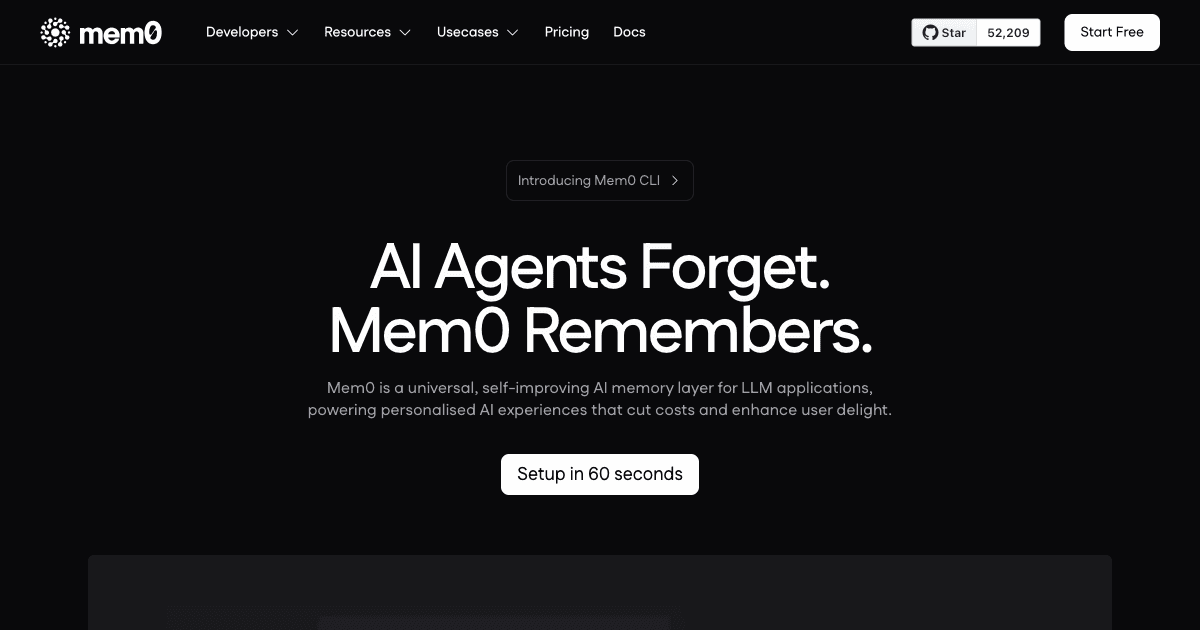
Every AI Agent I Build Has Memory. Here Is the Exact Architecture I Use.
Most AI agents forget everything the moment a conversation ends. Here is the memory architecture I use across 126 production deployments, with real code for LangGraph, Mem0, Redis, and Zep.
GuideChatbots & RAGAI Agents
What Is RAG? The Business Owner's Guide to AI That Actually Knows Your Company
Generic AI makes things up about your business. RAG (Retrieval Augmented Generation) connects AI to your actual documents so it gives accurate, cited answers. Here is how it works in plain English, real ROI numbers, and how to get started.
GuideChatbots & RAGRAG
GPT-6.1 Sol Halves the Cache Rate and Leaves Every Other Price Alone
OpenAI's GPT-6.1 Sol keeps GPT-6 Sol's $2 input and $10 output prices and cuts only cached input. Here is what that saves on real agent loops, and why Chat Completions users cannot just swap the model name.
NewsImplementationOpenAI