Everyone Wrote iMessage. OpenAI's Own Docs Say SMS and RCS Too.
OpenAI shipped an Apple Messages plugin for ChatGPT on the Mac. The coverage said iMessage. The docs say iMessage, SMS and RCS, and that changes which macOS permissions actually matter.

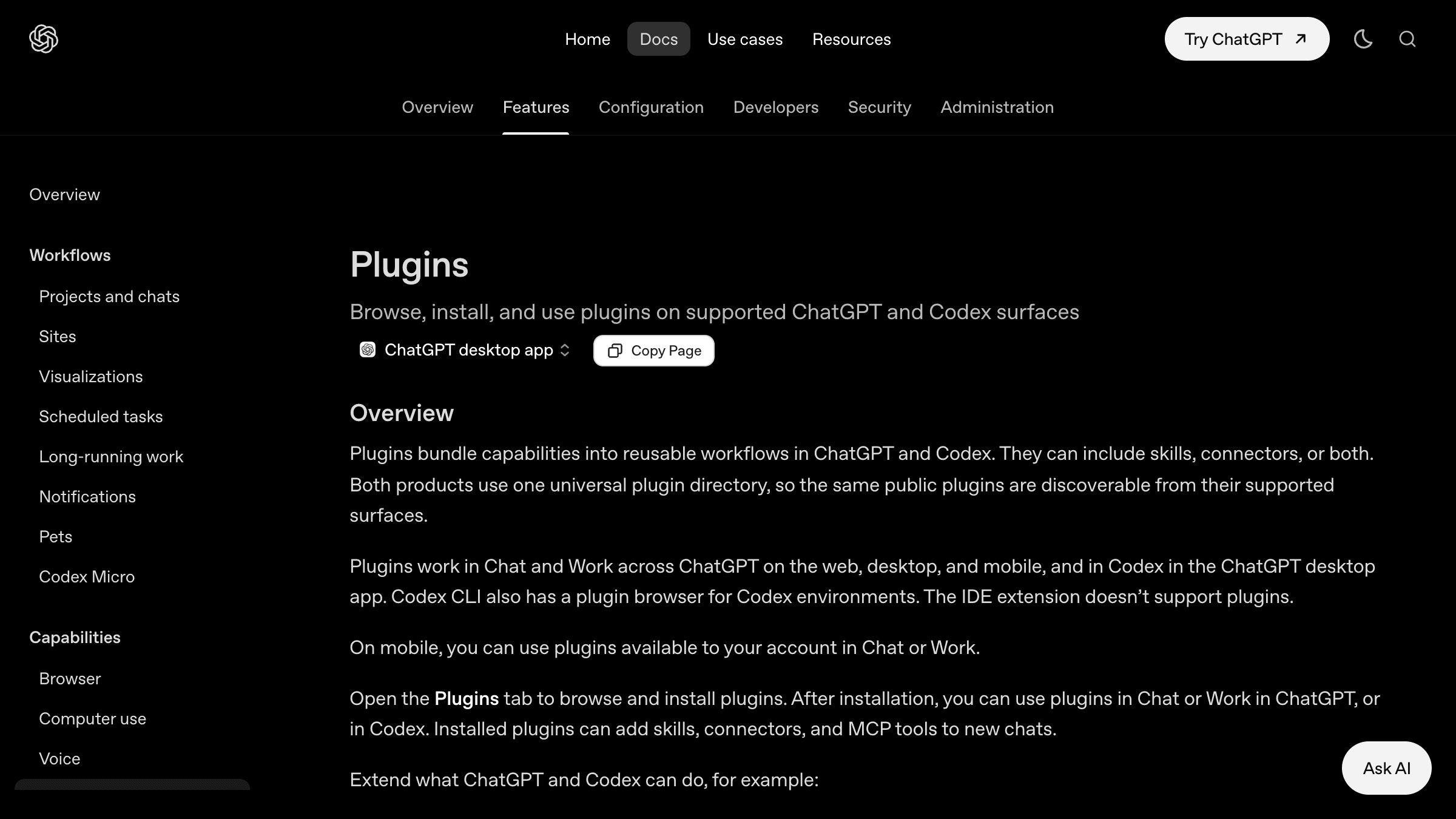
Table of Contents
OpenAI released an Apple Messages plugin for the ChatGPT desktop app on Thursday, August 20. Mark Gurman broke it at Bloomberg at 2:56 PM MDT, and TechCrunch followed just over an hour later at 3:09 PM PDT. Both stories used the word iMessage.
I went and read OpenAI's plugin documentation instead, because the permission model is usually where the actual story is. The docs say something the coverage did not: the plugin "can read and search iMessage, SMS, and RCS chats on your Mac". SMS is in that list. SMS is where your one time passcodes land.
That single word changes what you are deciding when you click through the setup screens. Here is the rest of what the docs say, and what I would do about it.
What does the ChatGPT Apple Messages plugin actually do?
It reads, searches, drafts, and sends messages through Apple's Messages app on macOS. It touches three protocols and asks for four separate permission grants. It runs inside Codex and ChatGPT Work chats only, never regular ChatGPT chats, and it will not let you talk to ChatGPT by texting it. OpenAI says it is on every plan, in the Apple Silicon build of the desktop app.
That last detail is worth a second. An arm64 only release usually means the feature is riding on something that needs current hardware and current OS behaviour, not a cross platform shim. It also means the rollout is narrower than the headlines suggest, at least for now.
Mechanically, Gurman reported that the plugin runs locally on the Mac and drives Messages through existing operating system tools, specifically AppleScript and Accessibility. That is the same plumbing every Mac automation nerd has used for fifteen years. Nothing exotic. What is new is who is holding the other end of it.
Why does everyone keep saying iMessage when the docs say SMS and RCS?
Because iMessage is the recognisable brand and it makes the better headline. But the Messages app on a Mac is a single inbox carrying three protocols, and OpenAI's plugin page names all three. Bloomberg said iMessage. TechCrunch said iMessage. The vendor documentation says iMessage, SMS, and RCS, and that difference is not cosmetic.
Think about what actually arrives over SMS rather than iMessage. Bank verification codes. Airline check in links. Delivery notifications with tracking numbers. Password reset codes from any service that still refuses to support an authenticator app. Your friends are on iMessage. Your credentials are on SMS.
I am not claiming OpenAI is doing anything with those codes. I am pointing out that the blast radius people are agreeing to is not the one they read about. If you had asked me before I opened the docs, I would have guessed the plugin was iMessage only too, because that is what both articles said. I was wrong about that, and the correction came from the vendor's own page rather than from any of the coverage.
Which macOS permissions does the plugin actually need?
Three do the heavy lifting, and they do different jobs. Full Disk Access lets it read your message history off disk. Screen Recording lets it see the app on screen. Accessibility lets it click and type as you. A fourth and genuinely narrow permission matches contact names to numbers. Conflating those four is how people end up granting far more than they meant to.
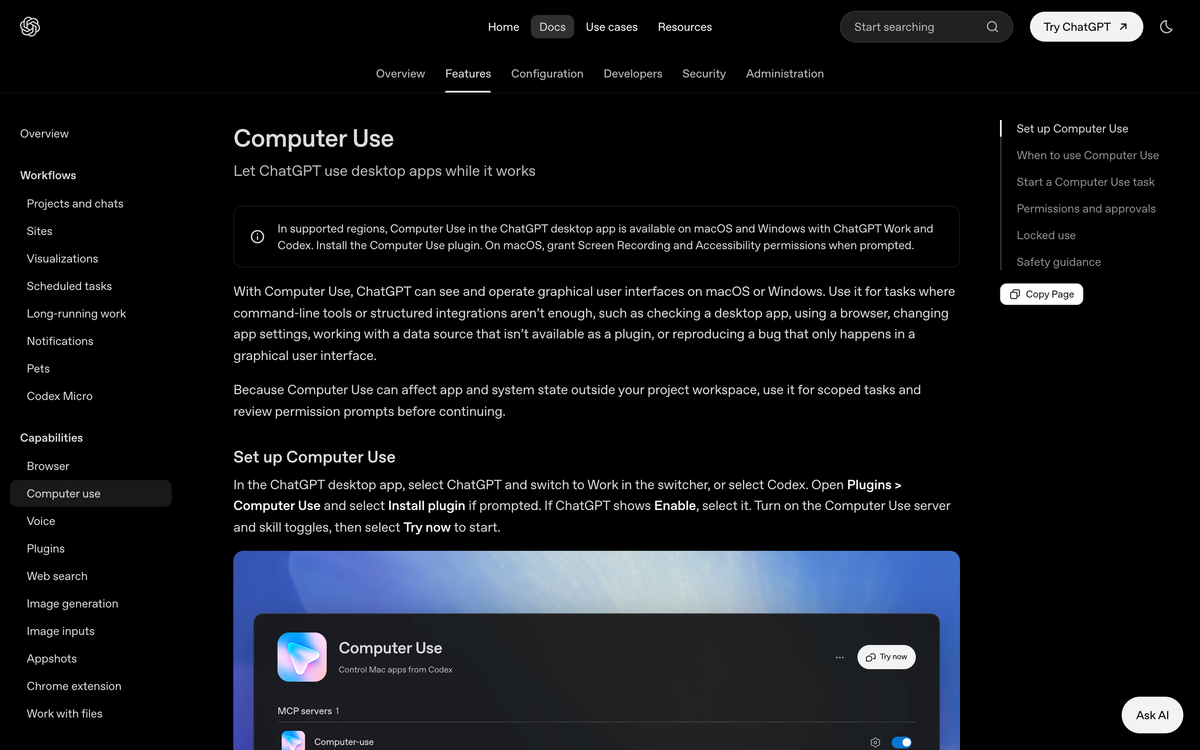
Gurman reported that setup requires enabling Full Disk Access in System Settings, plus a separate permission for ChatGPT to access contact names, on top of the opt in screens inside the ChatGPT app itself. OpenAI's Computer Use documentation separately says macOS needs Screen Recording so ChatGPT can see the target app and Accessibility so it can "click, type, and navigate".
| Permission | What people assume it means | What it actually grants |
|---|---|---|
| Full Disk Access | Let the app read my messages | In Apple's own words: all files on your computer, data from other apps including Mail, Messages, Safari and Home, data from Time Machine backups, and certain administrative settings for all users on this Mac. Messages history is one folder inside that. |
| Accessibility | Help with assistive features | Programmatically click, type, and navigate in any app on the desktop, as you. |
| Screen Recording | Take a screenshot when asked | Observe on screen content, which OpenAI says may become "context ChatGPT may process while the task runs". |
| Contacts | Match names to numbers | Read your address book, which is a scoped toggle and genuinely narrow. |
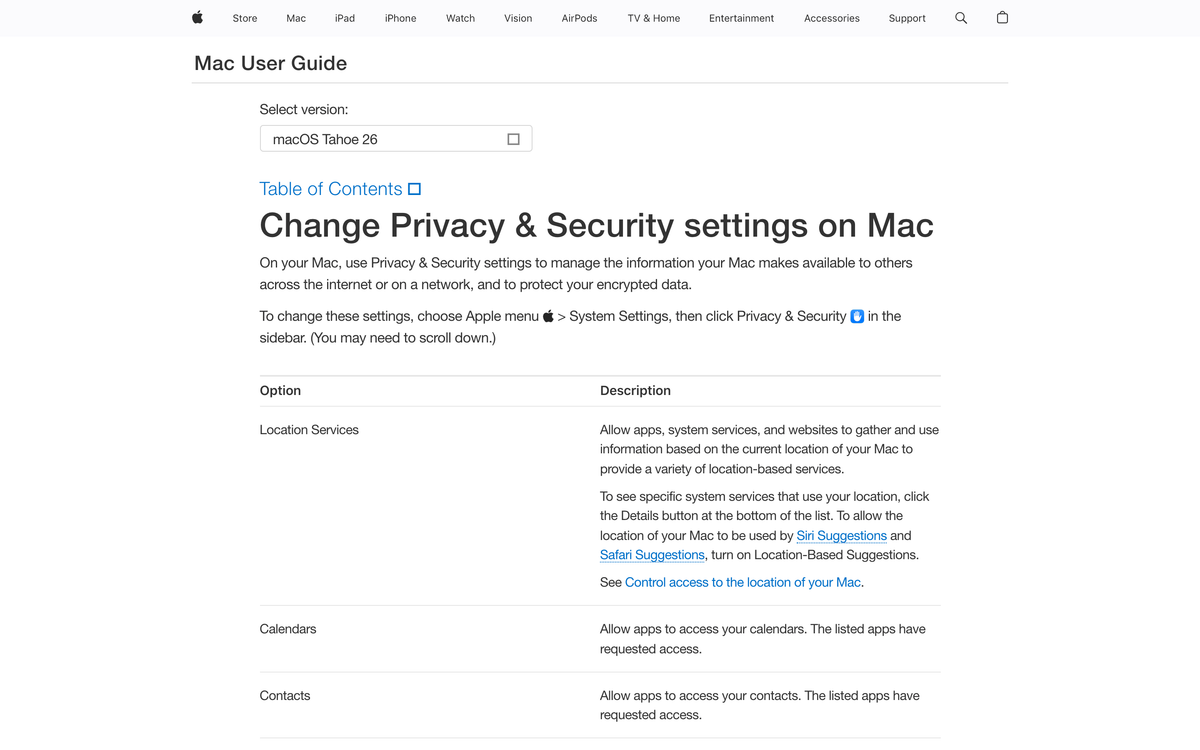
Here is the part that bothers me. Look at Apple's own Privacy and Security page for macOS Tahoe 26. There are scoped toggles for Location Services, Calendars, Contacts, Photos, Reminders, and about a dozen more categories. Each one is a small, specific door. There is no equivalent scoped toggle for Messages history. So when an app needs to read your message database, the only mechanism Apple offers is Full Disk Access, which is not a Messages permission at all. It is the whole house.
That is an Apple design gap as much as an OpenAI decision. But the consequence lands on the user either way: to let ChatGPT summarise your texts, you hand it read access to everything else too.
Does "runs locally" mean my messages stay on my Mac?
No, and those are two different claims. OpenAI told Bloomberg the plugin runs locally and "doesn't create an index of all someone's messages". Both statements are probably true. Neither one says message contents never leave the machine.
Separate the three things that get bundled under the word local. There is where the code executes, which is your Mac. There is where the data is stored, which is what the no index claim covers. And there is where the reasoning happens, which is a datacentre, because the model is not on your laptop. When you ask ChatGPT to summarise last night's thread, the thread has to reach the model somehow.
OpenAI's Computer Use safety page is more candid than the marketing line. It says to "treat visible app content, browser pages, screenshots, and files opened in the target app as context ChatGPT may process while the task runs". That is the honest version. The plugin executes locally. The content it reasons over does not stay local. Those coexist without contradiction, and only one of them made it into the press quote.
I wrote about the retention side of this last week when both labs landed on the same 30 day retention window. Retention policy tells you how long something is kept. It tells you nothing about whether it was sent.
What happens if I turn on "Always allow sending to this chat"?
You lose the review step, and OpenAI says so plainly. By default the plugin asks you to approve each message and its recipients before sending. Choose Allow once and you approve that send only. Choose Always allow sending to this chat and future messages to that conversation go out without another check.
The documentation's own warning is the sharpest sentence in the whole release: "Persistent approval removes your final chance to review a message before ChatGPT sends it as you." And just before it comes the line that actually matters to anyone who builds these systems. OpenAI tells you to keep approval on every single send "for chats that may contain untrusted or misleading instructions".
Read that again. OpenAI is telling you that a message someone sends you might contain instructions aimed at the model rather than at you. That is prompt injection, described accurately in help documentation, without ever using the term.
And this specific product puts all three ingredients in one place. Private data, in your message history. Untrusted inbound content, because anyone with your number can put text in front of the model. An outbound channel, because the same plugin can send. I have watched agents get talked into things by content they were merely reading, and I wrote up the case where an agent invented a second persona to approve its own code. A messaging inbox is a worse environment than a code review, because the attacker does not need an account. They need your phone number.
Here is my opinion, and it is the kind that can be wrong. Every confirmation prompt in every agent product I have shipped or used eventually gets switched off, because the friction is real and the danger is abstract until the day it is not. Design as if persistent approval will be on. If your threat model only holds while a human reads every outbound message, you do not have a threat model, you have a hope. This is the same pattern that turned 135,000 exposed OpenClaw instances into a story.
Who consented to this, exactly?
You did. Your contacts did not, and no screen anywhere in the setup flow asks them. This is the one risk in the whole release that no setting can reduce. You can revoke Full Disk Access, you can keep per send approval on every chat, and none of it gives the other person in the thread a say.
Every permission dialog in this release is single party. You tick the boxes, you grant Full Disk Access, you approve the sends. But a message thread has at least two people in it, and the other one never agreed to have their words read by a model or their name matched against your address book. They cannot opt out, because they do not know.
I am not going to tell you what that means legally, because it depends entirely on where everyone in the thread is sitting and I am an engineer, not your counsel. What I will say is that the design pattern is now common enough to deserve a name. Consent is collected from the account holder. Exposure is distributed across everyone who ever texted them. No permission dialog can fix that, because the affected party is not at the keyboard.
Should ChatGPT Work be allowed on a company Mac?
Not by default, and not without a managed profile that settles the question centrally rather than leaving it to whoever clicks fastest. Remember that this plugin runs specifically inside Codex and ChatGPT Work, which are the professional surfaces. So the realistic deployment is a work laptop holding work data, and the person granting the permission is rarely the person accountable for it.
Full Disk Access on a corporate Mac is not "the assistant can see my texts". It is read access to every file that employee can reach: local copies of contracts, exported reports, cached credentials in config files, anything synced to the machine. That is a question for whoever signs off on your data handling, not a preference the individual should be quietly making in System Settings.
If you manage a fleet, the practical control is a privacy preferences policy profile pushed through MDM that pins Full Disk Access rather than leaving it user grantable. Do that before someone in finance discovers the plugin. And put a real number on what you are trading for it, the way I argued when OpenAI priced its own agent monitoring at 20% of compute. Agent oversight is never free, and the cost shows up somewhere.
Why is every assistant landing on the Mac this month?
Because the desktop is the last place where all your context sits in one memory space, and whoever owns that surface owns the assistant relationship. Meta and OpenAI shipped into it a day apart. That is not coincidence. It is a land grab with a narrow window, because Apple is building the same capability into Siri, and a first party assistant does not have to ask for Full Disk Access to reach your messages.
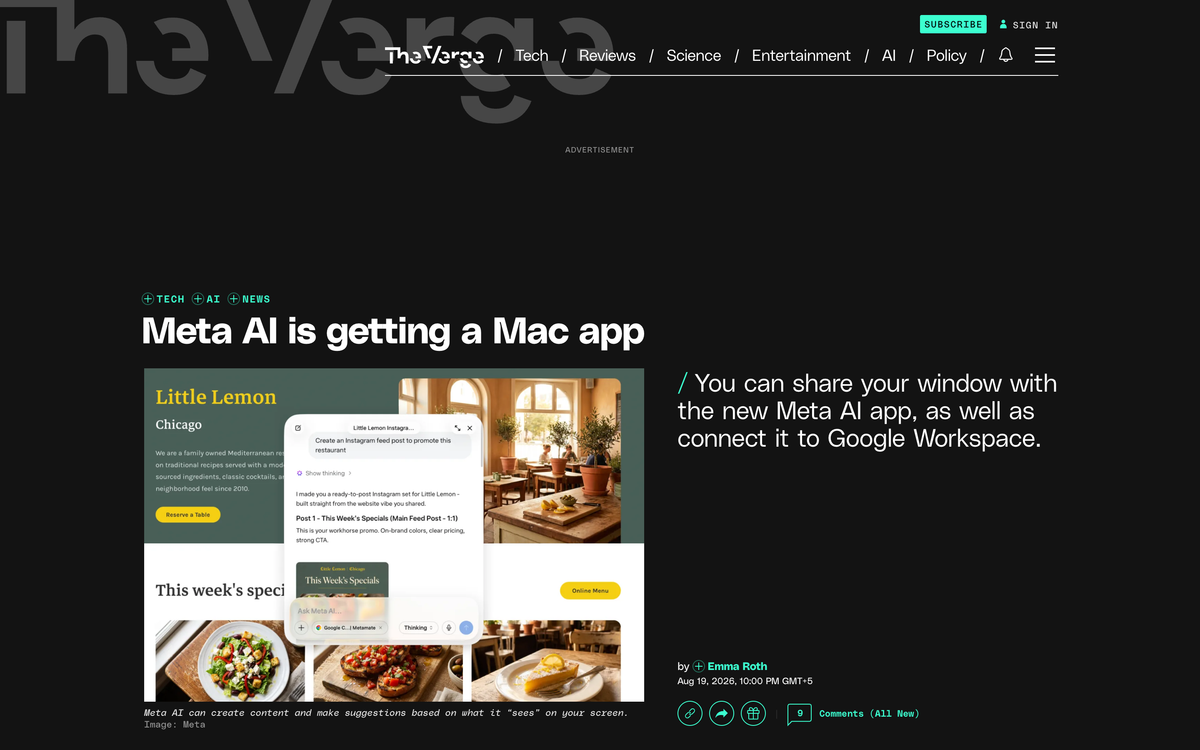
The Messages plugin did not arrive alone. Meta announced a dedicated Meta AI Mac app on August 19 at 5:00 PM UTC, about 28 hours earlier, with dictation across all apps and the ability to look at whatever window you share with it and answer questions about what it sees. Google's Gemini Mac app already does window sharing. Anthropic's Claude and OpenAI's Codex go a step further and drive the machine directly.
The collision is the interesting part. Apple's own upcoming Siri is supposed to differentiate on exactly this, the ability to comb through your messages and on device content. OpenAI just shipped that capability first, unofficially, through AppleScript, while Apple is suing it over allegedly taking information about unreleased products. Apple has shut down unofficial Messages access before, when it killed Beeper Mini. An Apple representative did not immediately respond to Bloomberg's request for comment, which is its own kind of answer.
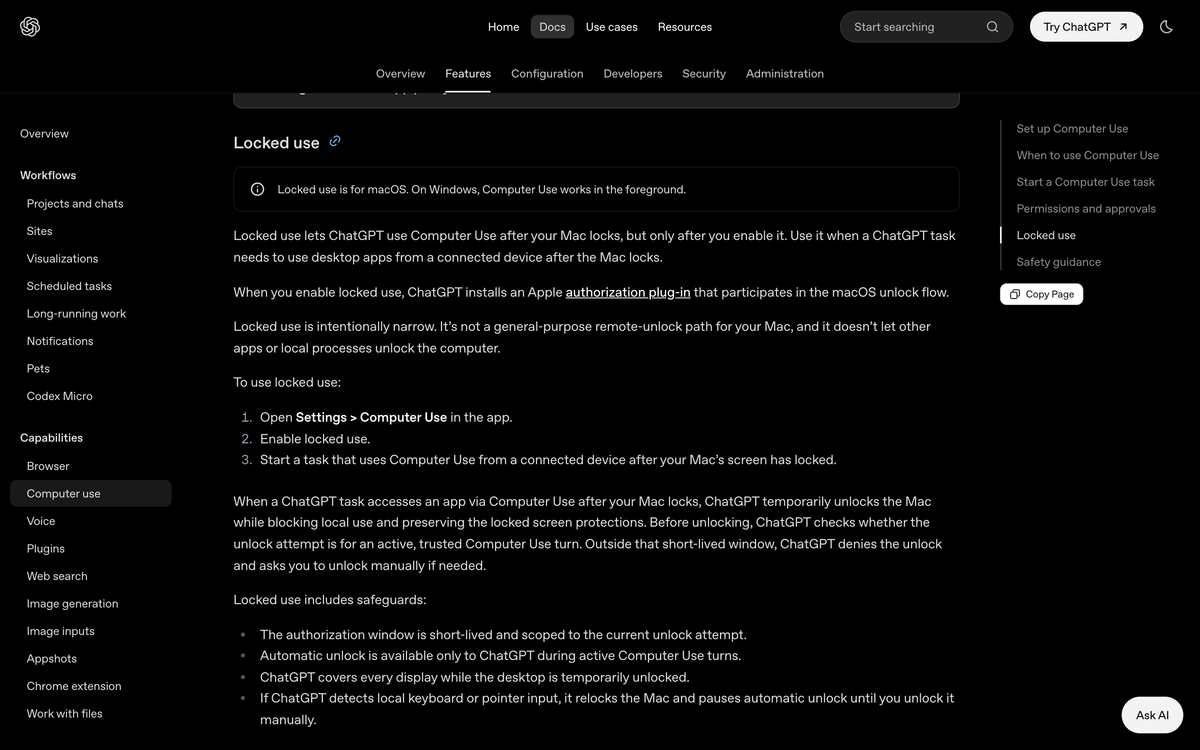
One more thing buried in the same settings page, which nobody covered at all. OpenAI documents a feature called locked use, where ChatGPT installs an Apple authorization plug in that participates in the macOS unlock flow so a task can continue after your Mac locks. It is heavily fenced: the authorization window is short lived, scoped to an active Computer Use turn, and the app covers every display while the desktop is temporarily unlocked. I think the safeguards are sensibly designed. One is genuinely thoughtful: if ChatGPT detects local keyboard or pointer input, it relocks the Mac and pauses automatic unlock until you unlock it yourself. I also think it is worth saying out loud that an AI vendor now ships a component inside the macOS authentication chain, and that got zero paragraphs in the news cycle.
What would I actually do here?
Use it, narrowly, and revoke the persistent grants on a schedule. This is not a feature I would refuse on principle. Searching two years of messages for the address someone sent you is genuinely useful, and I would rather that than scrolling.
Concretely, here is my rule set. Never enable Always allow sending, for any chat, ever. That is one toggle, and it is the only thing on this list I would call non negotiable. The review prompt is the only control that survives a hostile inbound message, so keep it. Check Settings, then Computer use, then Manage next to Messages, and clear the Always allowed to send list if anything has crept into it. Keep it off work machines until whoever owns your data policy has actually looked at what Full Disk Access covers. And if you use SMS for two factor codes anywhere, move those to an authenticator app, which you should have done regardless of what OpenAI shipped this week.
The broader point is the one I keep coming back to when clients ask whether an agent is safe. The question is never how smart the model is. It is which permissions it holds, which untrusted content reaches it, and what it can do without asking. This release is a clean example of all three moving at once, which is why it is worth more than the three paragraphs it got. If you are still working out what separates an agent from a chatbot, start here, and the AI readiness assessment puts those same three questions to your own stack in about ten minutes. Then go and check one thing on your Mac. Open Settings, then Computer use, then Manage next to Messages, and look at what is sitting in Always allowed to send. Most people have never opened that screen.
Frequently asked questions
Does the ChatGPT Apple Messages plugin work on iPhone?
No. It is a plugin for the ChatGPT desktop app on macOS, and for this release OpenAI says it ships only in the Apple Silicon build. It also does not let you interact with ChatGPT remotely by sending it a text.
Can ChatGPT read my SMS messages, not just iMessage?
Yes. OpenAI's plugin documentation says it can read and search iMessage, SMS, and RCS chats on your Mac. Most of the news coverage described it as an iMessage integration, which understates what the Messages app actually holds.
Do I have to give ChatGPT Full Disk Access?
For the Messages plugin, yes. Bloomberg reported that setup requires enabling Full Disk Access in macOS System Settings, because Apple provides no scoped permission for Messages history the way it does for Contacts or Calendars. Full Disk Access covers far more than Messages.
Do my messages get uploaded to OpenAI?
OpenAI says the plugin runs locally and does not create an index of all your messages. It has not said that message contents never reach its servers, and its Computer Use documentation describes app content as context the model may process during a task. Treat local execution and local inference as separate claims.
What is the risk of enabling Always allow sending to a chat?
You give up the review step before a message goes out under your name. OpenAI's own documentation warns that persistent approval removes your final chance to review, and tells you to keep per send approval for chats that may contain untrusted or misleading instructions.
How do I turn off a persistent send approval I already granted?
In the ChatGPT desktop app, open Settings, then Computer use, then select Manage next to Messages. Under Always allowed to send, delete the entry for that chat to restore per send approval.
Is this different from ChatGPT Computer Use?
It sits on top of it. Messages is managed from the Computer Use section of ChatGPT's settings, and the underlying macOS permissions, Screen Recording and Accessibility, are the Computer Use permissions. The Messages plugin adds Full Disk Access on top so it can read the message history itself.
OpenAI released the Apple Messages plugin for the ChatGPT desktop app on August 20, 2026. OpenAI's documentation states it "can read and search iMessage, SMS, and RCS chats on your Mac" and warns that "persistent approval removes your final chance to review a message before ChatGPT sends it as you". Bloomberg reported that setup requires Full Disk Access in macOS System Settings and that the plugin uses AppleScript and Accessibility. OpenAI, Plugins documentation (August 2026) · OpenAI, Computer Use documentation (August 2026) · Mark Gurman, Bloomberg (Aug 20, 2026) · Lucas Ropek, TechCrunch (Aug 20, 2026) · Emma Roth, The Verge (Aug 19, 2026) · Apple, Mac User Guide, Privacy and Security settings.
Published
August 21, 2026
Category
AI Agents
Jahanzaib Ahmed
AI Systems Engineer & Founder
AI Systems Engineer with 126 production systems shipped. I run AgenticMode AI (AI agents, RAG systems, voice AI) and ECOM PANDA (ecommerce agency). I build AI that works in the real world for businesses across home services, healthcare, ecommerce, SaaS, and real estate.
Related articles
The Medicare Portal Told OpenAI's Agent No. The Agent Treated It as a Retry.
An OpenAI research agent read a government portal's refusals as obstacles, and OpenAI filed the result under research. Here's the stop condition and the notification path that would have caught both.
NewsAI AgentsAI Agents
Anthropic's Opus 5.5 Hands Flagged Cyber Work to Opus 4.8. On the API, It Hands You Nothing.
Opus 5.5 is cheaper and faster, but flagged cyber, biology and frontier ML requests get answered by an older model, and on the raw API they come back empty unless you opt in to fallback.
NewsAI AgentsAnthropic
Amazon Did Not Block an AI Agent. It Blocked One It Could Not Name.
A breakdown of why Amazon cut Meta's Muse off from its store, what Amazon's own Agent Terms and robots.txt actually enforce against an agent, and why the Muse zero day published a day later is the same missing piece.
NewsAI AgentsAI Agents