I've Helped 126 Businesses Start Using AI. Here Is What Actually Works.
Most business owners know they should be using AI. Few know where to start. This is the practical framework I use with every new client, based on 126 real deployments.

Table of Contents
68% of US small businesses now use AI regularly, and almost all of them started with exactly one use case. That is the pattern worth copying. The fastest returns cluster in five areas: customer service, marketing, sales follow up, operations, and finance reporting, and the average business sees ROI in three to six months when it picks the right one first.
The framing that keeps people out of trouble is to start with a problem rather than a technology. AI suits repetitive, high volume tasks with clear inputs and outputs. It is wrong for relationship critical decisions, genuinely novel problems, and any process whose data is still a mess, because it will confidently scale the mess. A 30 day pilot teaches you more than a three month strategy document, and costs less to be wrong about.
A dental practice owner in Melbourne asked me something last month that I keep thinking about. She'd just hired her fourth front-desk person in two years. Her churn was brutal and her admin costs were eating 23% of revenue. She said: "Everyone keeps telling me to use AI. I have no idea where to start. I'm not technical at all. Can you just tell me what to actually do?"
That question is why I wrote this. Not another article about what AI "could" do someday. A specific, honest answer to where a non-technical business owner should actually start when they want to use AI for their business.
I've deployed AI systems for 126 businesses across Australia, Canada, and the US over the past three years. Here is what I've learned about what works, what doesn't, and how to get started without wasting $20,000 on the wrong thing.
What "Using AI for Business" Actually Means
The term "AI" is doing a lot of heavy lifting right now. When most business owners say they want to "use AI," they usually mean one of three things:
- GenAI tools like ChatGPT or Claude: you type something in and get a useful output. Great for drafting, summarizing, researching, brainstorming.
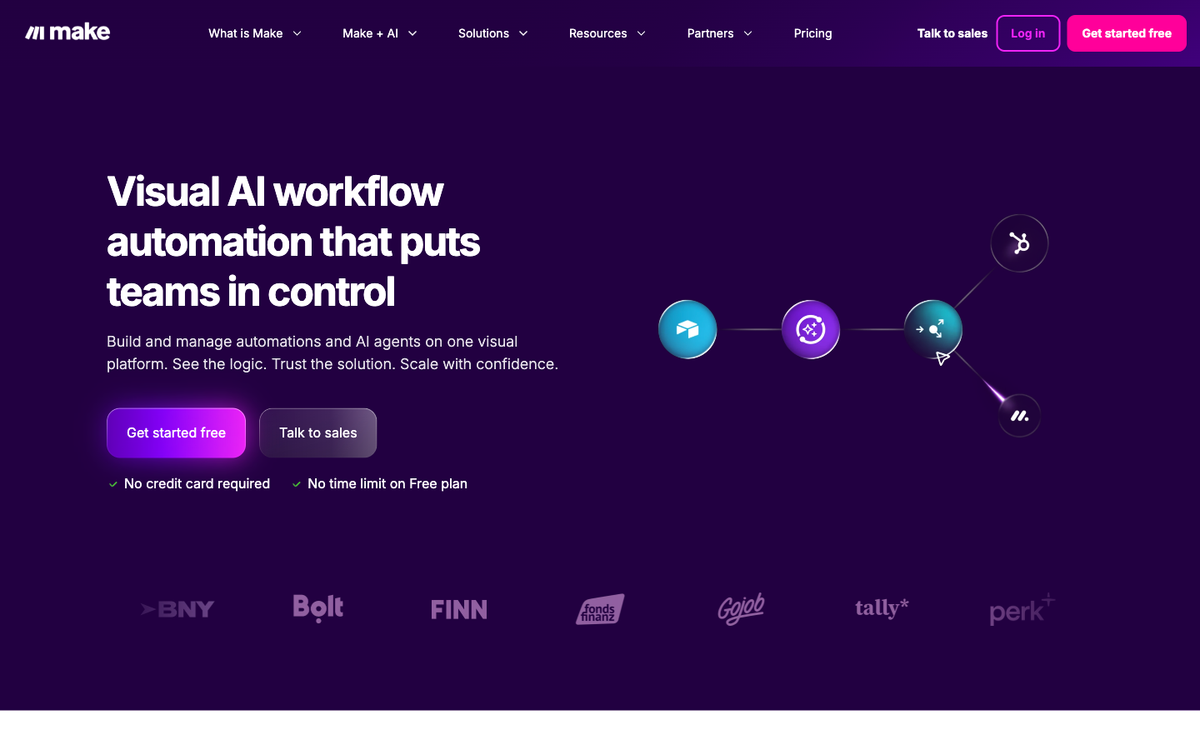
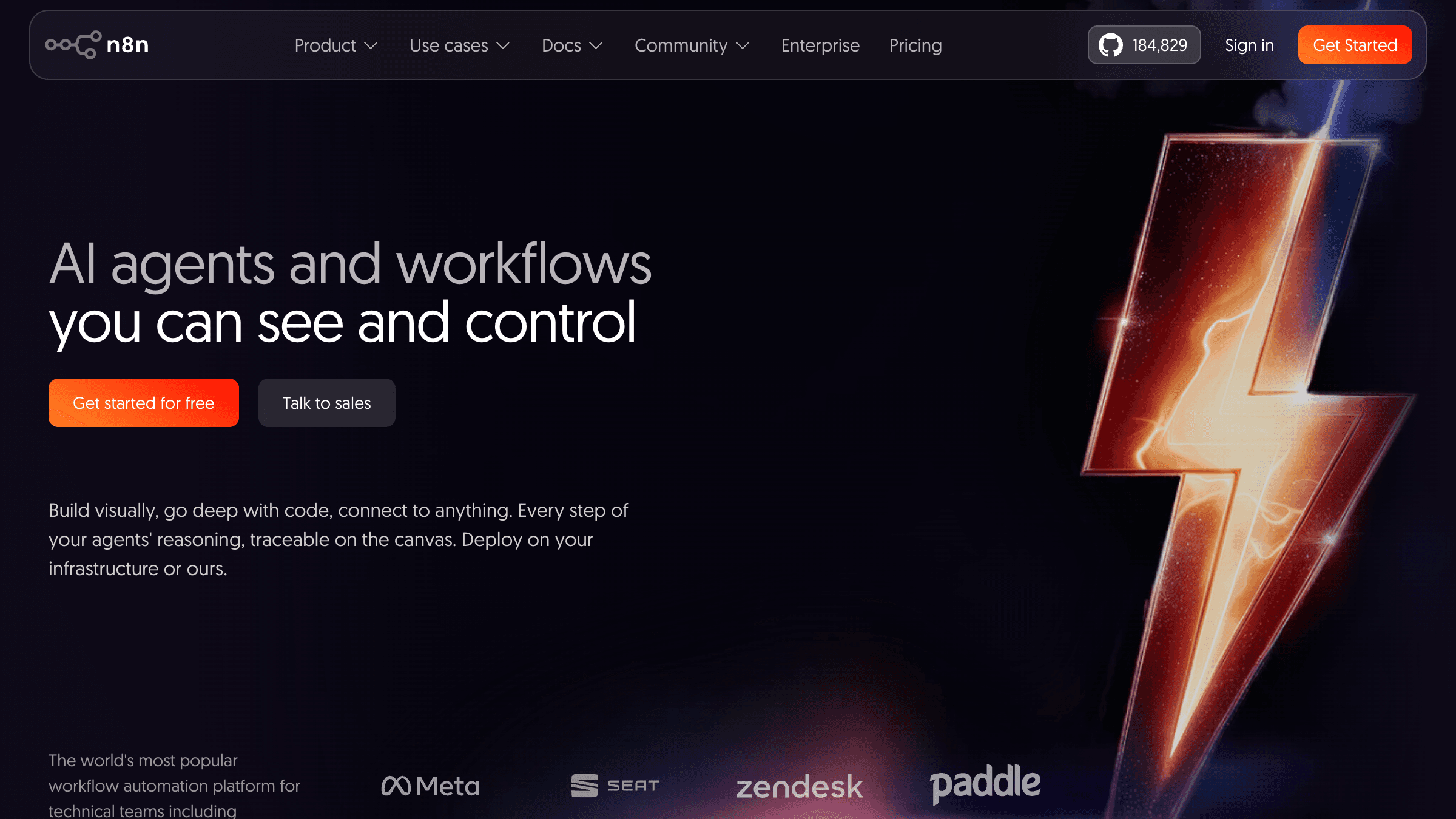
- Automation platforms like Zapier, Make, or n8n: AI that connects your existing software and does tasks automatically, sending emails, updating records, routing tickets, generating reports.
- Custom AI agents: software that takes actions on your behalf, makes decisions, and runs multi-step workflows without human hand-holding. More powerful, higher investment, usually a later-stage play.
Most businesses should start with the first two. The third comes later, once you've proven that AI actually helps your operation and you know where AI actually fits your operation.
What AI is particularly good at: tasks that are repetitive, have clear inputs and outputs, happen at high volume, and currently eat your team's time without requiring much judgment. What AI is bad at: novel situations, relationship management, anything where personal accountability is core to what clients are paying for.
How to Use AI for Business: The 5 Areas That Deliver Fastest ROI
| Use Case | Monthly Cost | Time to Deploy | Hours Saved/Week | Difficulty |
|---|---|---|---|---|
| Customer service chatbot | $50-$150 | 1-2 weeks | 3-5 hrs | Low |
| Marketing and content | $0-$50 | Same day | 4-6 hrs | Very low |
| Lead follow-up automation | $50-$200 | 1 week | 2-4 hrs | Low |
| Operations and admin | $100-$300 | 2-4 weeks | 4-8 hrs | Medium |
| Finance reporting | $0-$100 | 1-2 weeks | 1-3 hrs | Low |
Based on 126 deployments, I've seen consistent wins in five areas. Not every business benefits from all five. Most should start with just one.
1. Customer Service and Support
This is where most businesses see the fastest payback. A well-configured AI chatbot on your website can handle 40 to 60% of routine questions without a human involved. For businesses fielding 50 or more support queries per week, that's immediately meaningful.
What this actually looks like in practice: a customer lands on your site, types "what are your hours?" or "do you offer payment plans?", and gets an instant, accurate answer. No ticket created. No staff interrupted. The AI is trained on your FAQs, pricing, and policies.
92% of customer success leaders report that AI improved their response times (Salesforce, 2026). For small businesses, faster response times directly correlate to higher conversion: most buyers contact multiple businesses and go with whoever answers first.
The cost to start: a basic AI chatbot for a small business site runs $50 to $150 per month using platforms like Intercom, Freshdesk, or Tidio. Custom AI agents trained on your specific knowledge base run higher, but that is usually a later-stage investment once you have proven the value on something simpler.
2. Marketing and Content Creation
Content marketing is the most popular AI use case for small businesses, and for good reason: the time savings are immediate and measurable.
I use AI in my own marketing workflow every week. I use it to research topics, draft first versions of emails and social posts, reformat long-form content for different channels, and test headline variations. What used to take four hours now takes under one. The saved hours go into client work instead.
The critical point most guides miss: AI does not replace your strategy or your voice. It speeds up execution. If your marketing has been inconsistent because you never had time, AI fixes the "no time" problem. It does not fix "no strategy."
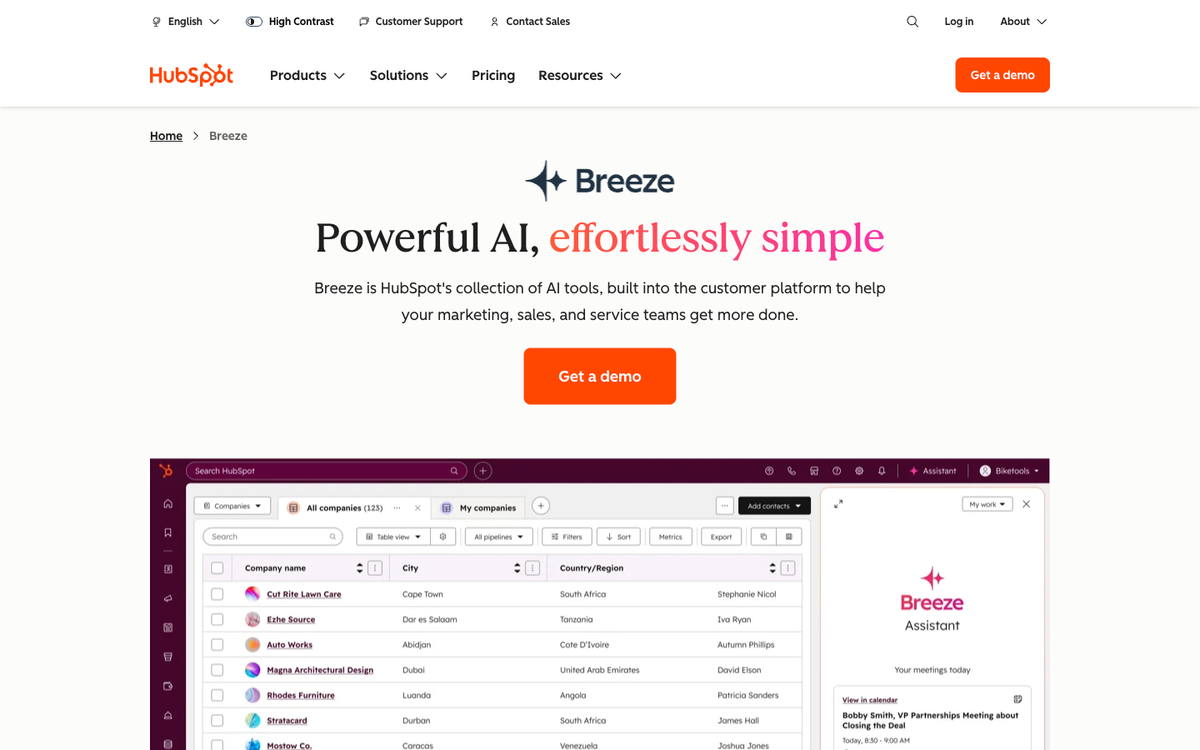
Tools worth trying: ChatGPT or Claude for drafting and ideation. Canva AI for graphics. Notion AI for organizing content. HubSpot's AI features for email and CRM marketing. Most of these start free or at low monthly tiers, which makes them low-risk to test.
3. Sales and Lead Follow-Up
This is the single highest-value AI use case for service businesses where new clients are the growth lever. Most small businesses lose 30 to 50% of their leads not because of price or competition, but because follow-up is slow or inconsistent.
An AI-powered lead follow-up system works like this: when a form is submitted, a call comes in, or a lead enters your CRM, the system automatically sends a personalized first response within minutes, books a call if the lead responds, and schedules follow-up reminders if they don't. No manual work. No lead left cold for 48 hours while your team is busy.
I wrote a more detailed breakdown of this in my post on AI lead follow-up automation. For most service businesses, this single use case alone pays for months of AI tooling within the first quarter.
4. Operations and Admin
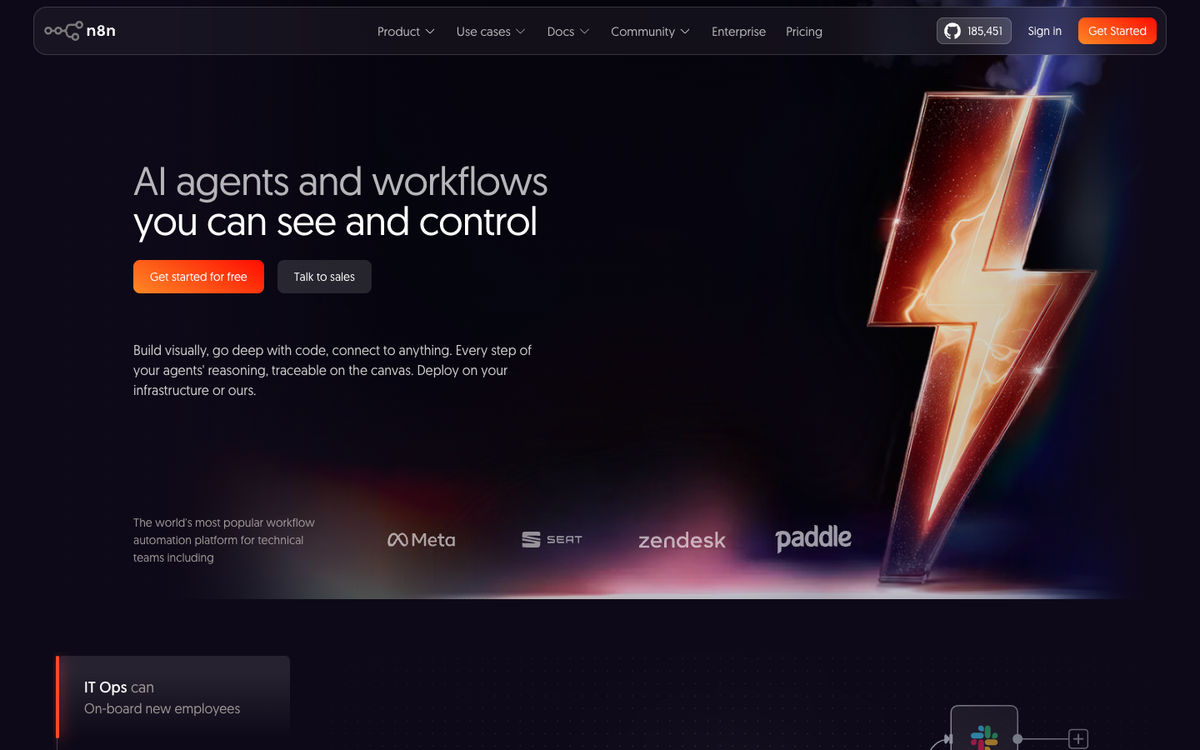
This is where automation platforms like n8n and Make shine. Operational tasks that are good candidates for automation have one thing in common: they follow a predictable pattern every single time they happen.
Examples I've seen work well across client deployments:
- New client onboarding: contract sent, folder created, intro email dispatched, automatically when payment is confirmed
- Invoice processing: AI reads incoming invoices, extracts line items, logs to accounting software
- Appointment reminders: SMS and email sent 24 hours and 1 hour before every booking, zero manual effort
- Internal reporting: weekly performance summaries pulled from CRM data and emailed to the team each Monday
- Review request automation: triggered 24 hours after a job is completed
Goldman Sachs research found workers with AI access save an average of 60 minutes per day (Fortune, April 2026). For small business owners specifically, the comparable figure is 6 to 10 hours per week once operational automation is running well. That is a full working day reclaimed every single week.
5. Finance and Reporting
AI for financial reporting is underused by small businesses. Most owners either manually compile performance reports or pay their bookkeeper hours they don't need to. AI can pull data from your accounting software and produce clean summaries on a schedule: cash flow status, outstanding invoices, top clients by revenue, month-over-month comparisons.
Xero and QuickBooks both have AI-powered reporting features built in now. For more custom reporting, workflow tools like n8n can pull from your accounting API and email a formatted summary every Monday morning without anyone touching a spreadsheet.
A Practical 3-Step Framework for Getting Started
In short: Pick one repetitive task that eats your team's time. Choose one tool that addresses it. Measure for 30 days. That's the entire framework.
The biggest mistake I see is businesses trying to implement AI everywhere at once. They come to me wanting to "transform operations with AI." That almost always goes badly. Here is what I do instead with every new client:
Step 1: Pick One Problem
Not a technology. A problem. "We spend 8 hours a week answering the same 12 customer questions." "Our follow-up to new leads takes 2 to 3 days." "Compiling our weekly report takes my admin half a day." Find the task that is repetitive, takes meaningful time, and follows a consistent pattern. Write it down specifically before touching any tools.
Step 2: Pick One Tool
Match the tool to the problem, not the other way around. Customer questions: start with Tidio or Intercom. Lead follow-up: Zapier with your CRM. Complex workflow automation: Make or n8n. Content drafting: ChatGPT or Claude. Don't subscribe to six tools at once. One problem gets one solution. The rest comes after you've proven value on the first.
Step 3: Measure for 30 Days
Before you start, write down the current baseline. How many hours per week does this task take? How long does it currently take to respond to a new lead? What is your average customer service response time? After 30 days, measure again. If the number improved, scale. If it didn't, adjust the implementation or move to a different starting problem.
That's the whole framework. No 6-month strategy plan. No consultant roadmap costing $40,000. One problem. One tool. 30 days of data.
Should You Use AI for Your Business? A Simple Decision Gate
AI delivers well when all of these are true:
- The task happens many times per week or month
- The inputs are consistent (forms, emails, data from software)
- The output is predictable (a response, a file, a notification, a report)
- You or your team are currently doing this manually and it takes meaningful time
- The stakes of an occasional error are low to medium
The US Chamber of Commerce found that 83% of growing small businesses now use AI, compared to only 55% of declining businesses (US Chamber of Commerce, 2026). That gap is growing every quarter. But the businesses winning with AI didn't start by implementing everything at once. They started by solving one real problem completely.
When AI Is NOT Right for Your Business
I'd rather say this clearly now than have you spend $15,000 on the wrong thing. AI is the wrong solution when:
- Trust is the core product. If clients hire you specifically because of your personal judgment and relationships, automating those touchpoints degrades the thing they're paying for. A wealth manager whose clients rely on his specific advice should not replace quarterly calls with AI summaries.
- The process changes constantly. AI automation works on repeatable patterns. If every case is different, every decision is context-dependent, and no two situations look alike, the setup cost exceeds the savings.
- Your data is a mess. AI needs clean inputs. If your CRM has duplicate contacts, your inventory is in spreadsheets that six people edit differently, or your core systems don't talk to each other, fix the data first. AI will multiply the mess, not clean it up.
- You can't afford mistakes right now. AI outputs need human review, especially at the start. If you're in a compliance-heavy environment and you don't have review processes in place, wait until you do before routing real customer decisions through AI.
A Real Client Example: What I Built for a Melbourne Dental Practice
A client of mine, a dental practice owner in Melbourne, let me audit her operation before we touched any tools. We spent three hours mapping her operation before touching any tools. The highest-volume, most time-consuming tasks were: answering appointment availability questions (roughly 60 enquiries per week), chasing overdue payment reminders (manual, took 2 to 3 hours per week), and sending post-appointment review requests (not happening consistently).
We deployed three things over six weeks: an AI chatbot trained on her FAQ and connected to her scheduling software so it could check real availability and book appointments directly. An automated payment reminder sequence triggered through her practice management software. An SMS review request, triggered automatically 24 hours post-appointment.
Results at 90 days: front-desk enquiry call volume dropped by 38%. Average payment collection time cut from 3+ weeks to 11 days. Google review count went from 14 to 67. She didn't need that fourth hire after all.
Total monthly cost of the AI tooling: AUD $340. Time saved by her admin team: approximately 12 hours per week. That's the math that makes AI worth it for a small business in 2026.
Not sure where your own highest-impact areas are? That's exactly what my AI Readiness Assessment was built for. It takes about 8 minutes and gives you a specific answer for your business type, not a generic framework that applies to everyone.
Frequently Asked Questions
How much does it cost to start using AI for my business?
Most businesses can start for $50 to $200 per month using existing SaaS tools with AI features built in (HubSpot, Zapier, Tidio, QuickBooks AI). Custom AI agent deployments start around $3,000 to $8,000 for setup plus $200 to $500 per month in running costs. The right starting point for most businesses is the low end. Prove value first, then invest more.
Do I need to know how to code to use AI for my business?
No. The tools most small businesses start with are designed for non-technical users. Coding only becomes relevant when you need custom integrations or are building something very specific to your business. Most early-stage AI adoption is point-and-click configuration.
What's the difference between AI and automation?
Traditional automation follows rigid if-then rules: if a form is submitted, send this email. AI adds intelligence: it can understand natural language, make decisions based on context, and handle variation in inputs. A lot of "AI for business" today is really AI-enhanced automation: predictable workflows that use AI to handle the variable parts that old-school automation couldn't.
How long does it take to see results from AI?
For simple use cases like a chatbot or lead follow-up automation, you can have something live within a week and see measurable results within 30 days. More complex custom deployments take 6 to 12 weeks to build and 30 to 90 days to fully evaluate. Plan for at least 90 days before making major decisions about whether something is working.
Will AI replace my staff?
In most small business contexts, no. AI handles the repetitive, high-volume tasks so your team can do the judgment-intensive, relationship-critical work that actually requires a human. The dental practice I described didn't eliminate a single staff member. It let her team stop doing tasks a machine can do and refocused them on patient experience. 82% of small businesses using AI have actually grown their headcount, not reduced it (US Chamber, 2026).
What's the biggest mistake businesses make when starting with AI?
Trying to do too much at once. I've seen businesses spend $50,000 on a custom AI platform when a $150 per month chatbot would have solved 80% of their problem. Start small, prove value on one thing, then expand. The failure mode is always scope creep at the beginning.
Is my business data safe when I use AI tools?
It depends on the tool. ChatGPT's free tier uses your inputs to improve its models. Don't put sensitive customer data in there. Enterprise tiers of most AI platforms offer data residency and training opt-outs. For anything involving customer data, read the privacy terms before connecting systems to AI tools.
How do I find out where AI would actually help my specific business?
Start by listing every task your team does more than 10 times per week. Then filter for: does this follow a consistent pattern? Does it take meaningful time? Would an occasional error be low-stakes? What's left after that filter is your starting list. Or take the AI Readiness Assessment, which does this analysis in 8 minutes and gives you a prioritized output specific to your business type and industry.
What to Do Next
If you're serious about using AI for your business, the worst thing you can do is spend three months researching it before doing anything. The second worst thing is subscribing to six tools at once and hoping something sticks.
Pick one problem from the five areas above that resonates most with your situation. Find one tool to address it. Give it 30 days. That's it.
If you want a structured starting point specific to your business, the AI Readiness Assessment takes 8 minutes and gives you a prioritized answer based on your business type, size, and current pain points. It's free and you get a report at the end.
If you want to go deeper on implementation before deciding: my post on how to use AI to automate your small business covers the technical side. And AI agent vs chatbot explains the difference between the two most common AI system types and when each one makes sense for a business like yours.
The businesses winning with AI right now are not the ones with the biggest budgets or the most technical teams. They're the ones who started with one real problem, solved it completely, and then moved to the next one.
68% of U.S. small businesses now use AI regularly, up from 48% in mid-2024 (AdAI, 2026). 91% of SMBs using AI report revenue increases (Salesforce). Workers with AI access save an average of 60 minutes per day (Goldman Sachs via Fortune, April 2026). 83% of growing SMBs use AI vs 55% of declining businesses (US Chamber of Commerce, 2026). 92% of customer success leaders say AI improved response times (Salesforce).
Last updated
July 26, 2026
Category
Industry Guides
Jahanzaib Ahmed
AI Systems Engineer & Founder
AI Systems Engineer with 126 production systems shipped. I run AgenticMode AI (AI agents, RAG systems, voice AI) and ECOM PANDA (ecommerce agency). I build AI that works in the real world for businesses across home services, healthcare, ecommerce, SaaS, and real estate.
Want this built for your business? See AI Agent Development, or browse the free tools and guides.
Related articles
How to Use AI to Automate Your Small Business: A Practical 2026 Guide
A step-by-step guide for non-technical small business owners on how to use AI to automate repetitive tasks, save 10+ hours per week, and start for under $100/month.
How toIndustry GuidesBusiness Automation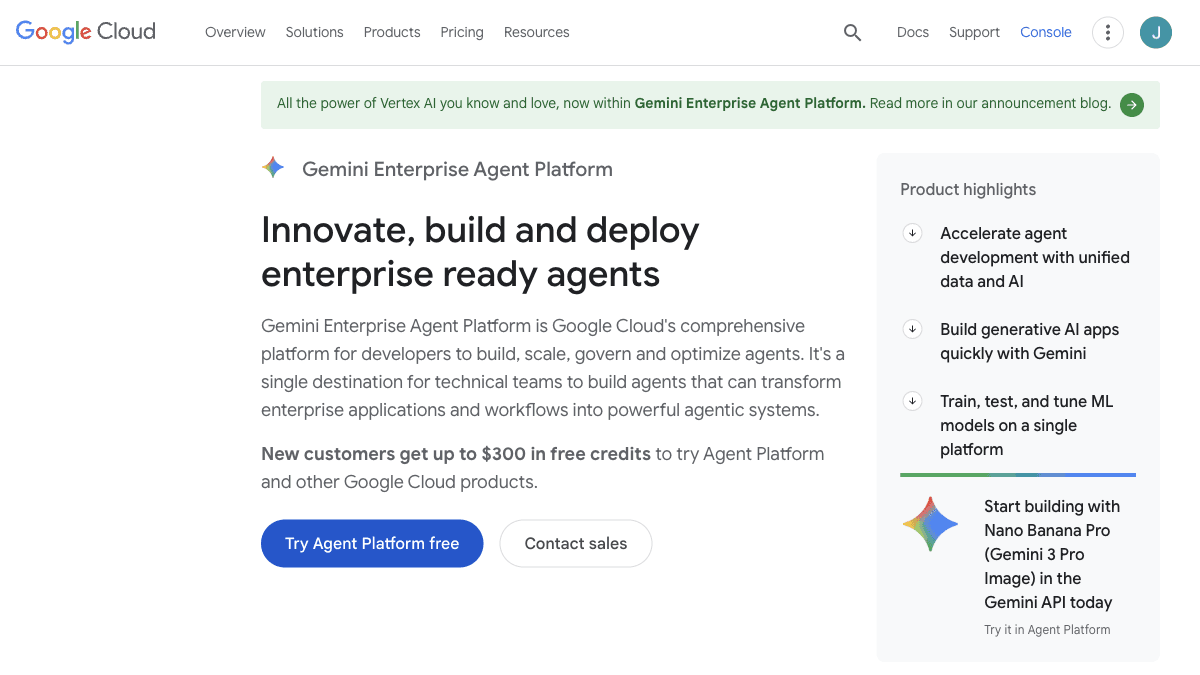
AI Agent Builder: I've Shipped 126. Here's How a Non-Engineer Should Actually Pick One.
A practical guide to AI agent builders for business owners. Real platforms, real pricing, when each fits, and a four-question decision tree to pick yours.
GuideAI AgentsAI Agent Builder
What Is an AI Agent? A Plain English Definition for Small Business Owners and SaaS Founders
A practical AI agent definition with the four part architecture I use across 126 production builds, real cost ranges, a Melbourne client case, and the questions to ask before you spend a dollar.
GuideIndustry GuidesAI Agent Definition