Your Leads Are Going Cold While You Sleep. Here Is What AI Lead Follow Up Actually Does.
AI lead follow up sends instant responses the moment someone inquires, so you stop losing deals to whoever replied first.

Table of Contents
The average business takes 47 hours to follow up on a lead. The average buyer picks a vendor within 5 minutes of submitting the form. Everything about AI lead follow up sits in that gap: it automates the first response, the qualification, and the nurture sequence so someone answers instantly at 11pm on a Sunday, which is usually the difference between the 17 leads your ad generated and the 6 you still had by Wednesday.
It works best above roughly 20 inbound leads a month where you are demonstrably losing deals to response time, and setup runs from nothing on a simple Zapier workflow to about $500 a month for an agent that qualifies, books and follows up across channels. Two honest limits. It does not replace the sales conversation, it just makes sure you are the one having it. And under about ten leads a month you do not need any of this; a CRM and the habit of checking it will outperform it.
On a Monday morning, a plumbing company in Houston runs a Facebook ad that generates 17 new leads. The owner is out on a job site. His assistant is handling dispatch. By Wednesday afternoon, 11 of those leads have hired someone else. Not because the competitor was cheaper. Because the competitor called back first.
This is the problem that brought most of my clients to me. Not a lack of leads. A failure to follow up fast enough to capture them. AI lead follow up is the category of tools and systems that addresses this specifically, and I want to explain what it actually does, when it works, and when you're better off not bothering with it.
What AI Lead Follow Up Actually Means
The phrase gets used to describe everything from a simple autoresponder to a full AI agent that qualifies leads over SMS and books appointments on your calendar. They are not the same thing, and the right solution depends entirely on what your actual problem is.
Here is how I break it down with clients:
Level 1: Automated instant response
Someone fills out your contact form at 11 PM. They get an email or text back within 60 seconds confirming you received their message and that someone will be in touch. No AI involved. This is a $0 to $50 per month solution using Zapier or Make. Most businesses should start here.
Level 2: Lead qualification via conversation
An AI handles the back and forth with a new lead to figure out what they need, whether they are a fit, and what their budget looks like. This can happen over email, SMS, or a chat widget. The AI decides whether to route them to a sales call or disqualify them. This is where actual AI models come in and where costs start rising.
Level 3: Multi-channel follow-up with persistence
A sequence of touches across email, SMS, and sometimes voice, spread over 7 to 14 days, that automatically pauses when the lead responds and resumes if they go quiet. The messages adapt based on what the lead said previously. This is the most sophisticated version and the one that produces the best results for businesses with a longer sales cycle.
When most people search for AI lead follow up, they are usually dealing with a Level 1 or Level 2 problem. They are not moving fast enough and leads are going cold before the first real conversation happens.
How It Works in Practice
Let me walk through what a realistic Level 2 setup looks like for a service business. I will use a roofing company as the example because it is one I have built this for more than once.
A homeowner in Dallas submits a form on a roofing company website at 7:23 PM on a Tuesday. Here is what happens in the next 90 seconds with AI lead follow up in place:
Step 1: The form submission hits a webhook, an automated trigger point. This fires within seconds.
Step 2: An AI enrichment step pulls additional data about the lead, the address, and sometimes previous contact history. This takes 3 to 10 seconds.
Step 3: An SMS message goes out to the lead's phone with the owner's name in it. Something like: “Hi Sarah, I'm James with Lone Star Roofing. Just saw your request come through. I'll have someone call you first thing tomorrow morning. Can you tell me a bit more about what you're dealing with?” This goes out at 7:24 PM.
Step 4: The lead replies. The AI reads the reply and either continues the qualifying conversation or flags it for a human to review.
Step 5: The lead is added to the CRM with all the context from the conversation, tagged by priority, and a task is created for the sales rep to call the next morning with full context already in front of them.
The owner did none of this. They were at dinner. The lead felt heard. And by the time the sales rep calls Wednesday morning, the lead is warm and has already told the company exactly what they need.
That gap between what most businesses do (call back 47 hours later with no context) and what this does is why the conversion rate difference is so large. According to Lead Response Management research, businesses that respond within 5 minutes are 21 times more likely to qualify a lead than those who wait 30 minutes. And 78% of customers choose the first company that responds to their inquiry.
When AI Lead Follow Up Makes Sense for Your Business
I ask clients four questions before recommending this. If the answer to at least three is yes, it is worth building.
1. Are you getting 20 or more inbound leads per month?
Below that number, the effort is barely worth it. You can handle 15 leads per month with a disciplined human process. The automation overhead starts making sense at 20 to 30 leads monthly and becomes genuinely necessary at 50 or more.
2. Are more than 20% of your leads coming in outside business hours?
The data is clear: over 40% of high-intent inquiries arrive during evenings and weekends. If you are not responding until the next business day, you are competing with whoever replied at 11 PM. AI runs around the clock. That gap is one of the clearest ROI arguments for this category of tool.
3. Can you pinpoint lost deals where slow response was the cause?
This is the most direct signal. If you have had clients tell you “I went with someone else because they called faster” or if you can look at your CRM and see leads that went cold without a meaningful conversation, that is the problem you are solving. AI lead follow up is exactly for this.
4. Does your sales cycle have a qualification step before the first real call?
If you take any client that comes in the door, you do not need qualification. But if you are regularly getting on calls only to find out the lead is not a fit, automating that filtering step saves real time. AI can ask the qualifying questions for you and only escalate the leads that match your criteria.
If you want to understand exactly where your business stands before deciding whether to build this, the AI Readiness Assessment walks through this systematically and tells you whether AI agents or simpler automation makes more sense for your situation.
When AI Lead Follow Up Is NOT Worth the Setup
This is the section most vendors skip. I will not.
You have fewer than 10 leads per month. At that volume, a $15 per month CRM and a habit of checking it twice a day beats any automation stack. The setup cost, configuration time, and ongoing maintenance will eat the ROI before you see any. Call your leads within 20 minutes yourself. That is genuinely the right answer.
Your leads require deep context before the first message. Some industries, particularly B2B consulting and legal work, have leads that arrive with complex, nuanced situations. An AI sending a generic qualifying SMS to a general counsel looking for outside counsel on a sensitive matter will lose that lead immediately. If your buyers are sophisticated and can detect automation, personalize manually.
You do not have a CRM or a sales process yet. I have made this mistake with clients. You can build a beautiful AI follow-up system and have it dump leads into a spreadsheet nobody checks. The AI is only as effective as the process it feeds into. Fix the CRM and the sales workflow first, then add automation on top.
Your close rate problem is not about speed. Sometimes slow follow-up is not the issue. The issue is pricing, positioning, or that the leads you are attracting are not buyers. Before building a follow-up system, make sure speed is actually your constraint. If you close 70% of the leads you reach and you just need to reach more of them faster, then yes, AI helps. If you are closing 5% of leads even after a quick response, the problem is upstream.
I have had multiple conversations with clients who came wanting AI lead follow-up and really needed to fix their offer or their lead source first. Giving them that honest answer cost me the project in the short term and earned repeat business later. That is always the trade I will take.
What I Built for a Home Services Business
I want to share a real deployment without naming the client because they have not given permission for that. The details are real.
An HVAC company in the midwest was running about 60 to 80 inbound leads per month from a combination of Google Ads and a local directory listing. Their team was three people, none of them dedicated to sales. The owner was also the lead technician.
Their problem: leads came in, someone would try to call back within a few hours, and by then a third of them had already booked someone else. They were losing roughly $18,000 to $25,000 per month in signed contracts, based on their average job value of $900 and an estimated 20 to 28 leads lost to competitors every month.
Here is what we built:
- An SMS response that fires within 90 seconds of any form submission or missed call, using the lead's first name and mentioning the specific service they requested
- A two-step qualification conversation via SMS that asks about the urgency of their issue and their home size, which maps directly to job value
- A calendar booking link that appears once the lead qualifies, so they can self-schedule a technician visit without calling the office
- A three-day follow-up sequence for leads who do not book on the first interaction
- All of this feeding into their existing HubSpot instance with the full conversation transcript attached to every lead record
Total setup took about three weeks. The ongoing tool cost runs around $180 per month for the SMS platform and automation layer on top of their existing CRM subscription.
Three months after launch, their booking rate on inbound leads went from roughly 42% to 67%. That is about 15 additional bookings per month at an average value of $900, which works out to roughly $13,500 per month in recovered revenue. The system paid for itself in the first week it ran.
This is the case for AI lead follow up when the conditions are right. It is not complicated. It is just speed and consistency applied at the exact moment most businesses are unavailable.
For more on what AI automation looks like in home services specifically, see the detailed breakdown on the AI automation for home services page.
What Does It Cost
Cost varies a lot based on what level of sophistication you are building toward. Here is an honest breakdown based on what I see clients pay in 2026:
DIY with Zapier or Make (Level 1): $0 to $50 per month. You can build an automated email or SMS response without writing any code. The limitation is that it is not conversational. It sends a message and stops there.
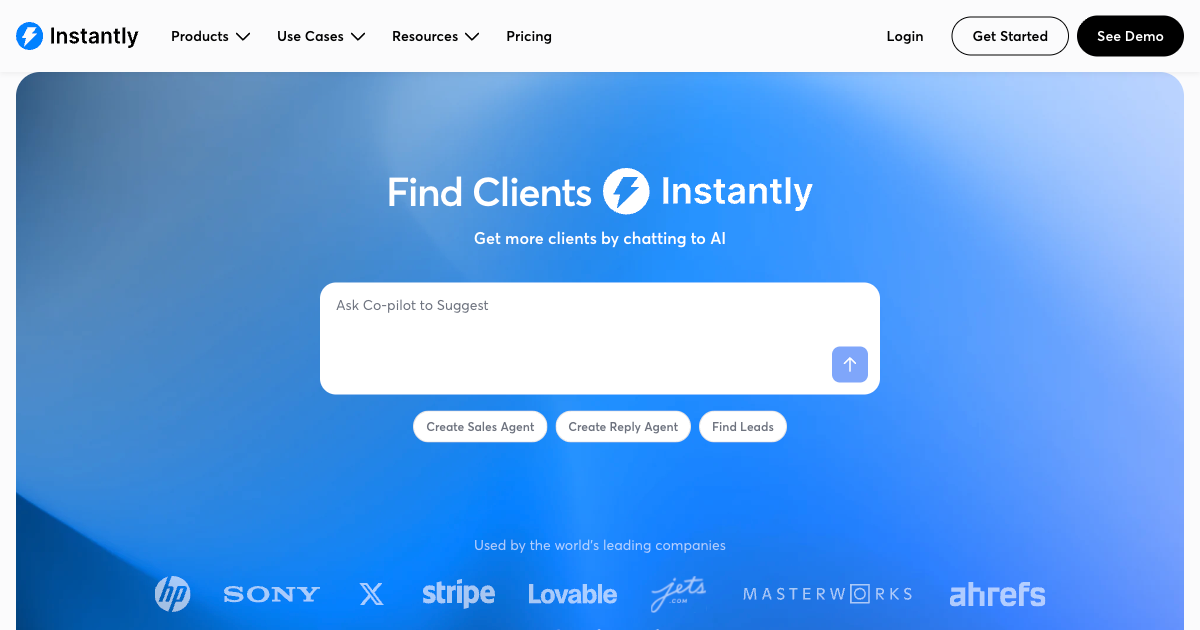
A configured tool like Instantly.ai or Reply.io (Level 2): $50 to $200 per month. These handle multi-step follow-up sequences and some level of personalization. Good for outbound and inbound. Limited AI reasoning but excellent for volume and consistency.
A custom-built AI agent (Level 3): $150 to $500 per month in ongoing platform costs, plus a one-time build fee. This is what I build for clients. It involves an AI model reading and writing responses, a workflow layer handling routing and timing, integrations with your CRM and calendar, and ongoing monitoring. The build typically runs $2,500 to $5,000 depending on complexity.
The question I ask clients is simple: what is a single converted lead worth to your business? If the answer is $500 or more, even a Level 1 setup pays for itself within a few months if it recovers just a handful of leads that would otherwise have gone cold. If each client is worth $5,000 or more, a full AI agent is almost always worth building.
You can see how this maps to specific packages on the Solutions page. The Revenue Capture System is specifically designed for businesses losing leads to slow follow-up and missing after-hours inquiries.
For a wider look at high-ROI AI automations for small businesses, the post on AI automations every small business should deploy covers five implementations I see produce the fastest payback across different client types.
Frequently Asked Questions
How is AI lead follow up different from a regular email autoresponder?
A standard autoresponder sends a fixed message to everyone, regardless of what they asked or how they behave afterward. AI lead follow up reads the incoming message, understands the context, and responds specifically to that lead. It also continues the conversation and responds to replies. An autoresponder fires once and stops. AI follow-up continues until the lead converts or opts out.
Will leads know they are talking to AI?
Depends on how it is configured. Some clients want full transparency and the AI introduces itself as an assistant. Others want the AI to handle initial qualification and hand off to a human without making the distinction obvious. I always advise clients to disclose if asked directly. The legal and reputational risk of actively deceiving a potential customer outweighs any conversion benefit. That said, most leads care far more about getting a fast, helpful response than about whether a human or AI sent it.
What channels can AI lead follow up work on?
Email, SMS, and chat widgets are the most common. Some implementations also include WhatsApp, which is particularly effective for certain international markets. Voice AI is a separate category that handles incoming calls rather than outbound follow-up. If you want that, the post on AI voice agents for home services explains how inbound call handling works in practice.
Can AI lead follow up work with my existing CRM?
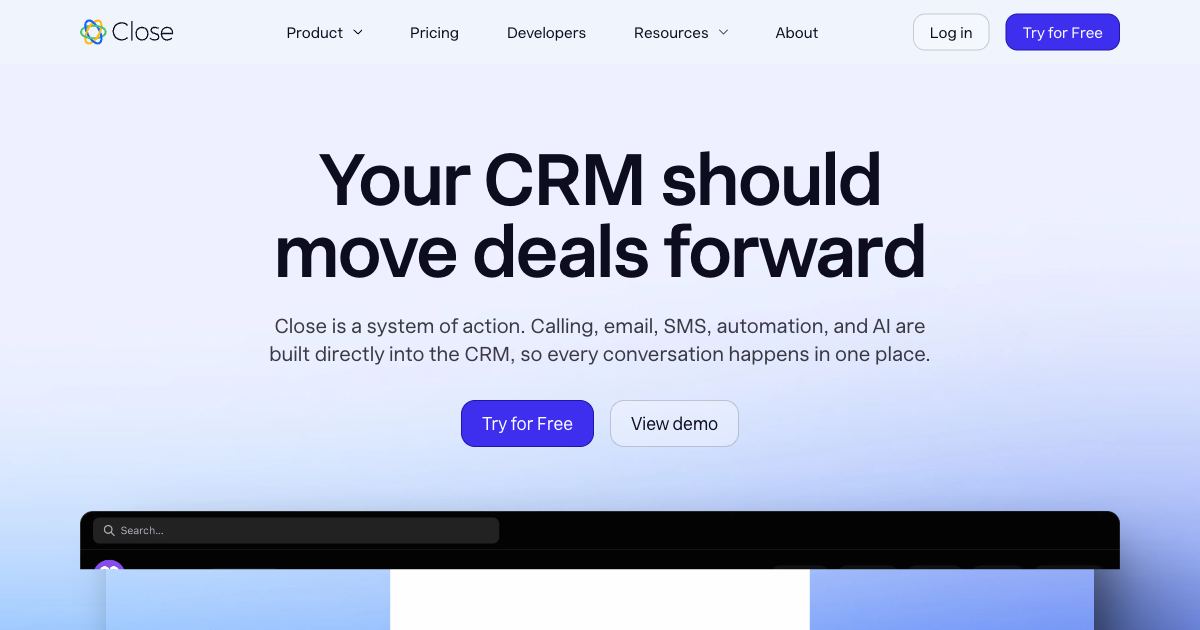
Usually yes. Most major CRMs including HubSpot, Salesforce, Pipedrive, Close, and Zoho have APIs that allow AI systems to read and write lead data. At minimum you can push new leads in and log activity. At the higher end, the AI can read the full contact history and use that context in its responses. If you are on a niche or legacy CRM, check what API access it offers before assuming integration will be clean.
How long does it take to set up?
A Level 1 automated response can be live in a day using Zapier. A Level 2 multi-step sequence configured in a tool like Instantly takes about a week to set up and test properly. A custom Level 3 AI agent typically takes two to four weeks because it requires designing the conversation flow, connecting your CRM and calendar, testing AI responses against real lead scenarios, and training the system on your qualification criteria. The more complex the sales process, the longer the setup.
What happens when the AI makes a mistake in a follow-up message?
It will make mistakes. Every AI does. The answer is to build human review steps at the right points in the flow. For high-value or sensitive leads, I configure a notification that flags the conversation for a human to check before the AI sends the next message. For volume-driven businesses where lead values are lower, you accept some error rate and monitor the aggregate data. Never build a system that runs completely unsupervised on your most valuable customer relationships.
Do I need technical knowledge to set this up?
For Level 1 using Zapier, no. Zapier has enough templates that a non-technical business owner can get a basic flow running in an afternoon. For Level 2 tools, some familiarity with software configuration helps but is not required. For Level 3 custom AI agents, either you or someone you hire needs to know how to build these systems. If you want to figure out which level you actually need, the AI Readiness Assessment will tell you in about 8 minutes.
What is the best AI tool for lead follow up in 2026?
There is no single best tool. It depends on your channel, volume, and how much AI reasoning you need. For email outreach, Instantly.ai and Reply.io are solid choices. For SMS-based qualification, Twilio combined with an AI layer is common. For end-to-end pipeline management with AI built in, Close.com and HubSpot's AI features cover a lot of the basics. For businesses that need a custom-built system matching your specific qualification logic, that is when you bring in someone who builds these rather than trying to stretch an off-the-shelf tool into something it was not designed for.
Where to Go From Here
If you are reading this because you know you are losing leads and want to fix it, the next step is figuring out which level of solution your situation actually calls for. That is not a decision I can make for you in a blog post because it depends on your volume, your sales process, your tech stack, and how much the lost revenue actually hurts.
The AI Readiness Assessment takes about 8 minutes and tells you specifically whether AI agents, simple automation, or something in between is the right fit. It is free and the results are immediate.
If you already know you need someone to build this and you are past the research phase, the Revenue Capture System package is what I use to solve exactly the problem described in this post. Start there or book a call if you want to talk through your specific situation first.
Lead response time statistics including the 21x qualification rate at 5 minutes, 47-hour average response time, and 78% first-responder conversion advantage from GreetNow Lead Response Time Statistics. Speed to lead benchmarks including 63.5% non-response rate, 40% after-hours inquiry volume, and AI adoption impact from Apten Speed-to-Lead Benchmarks 2026. Lead generation market benchmarks from Martal Lead Generation Statistics 2026.
Last updated
July 26, 2026
Category
Industry Guides
Jahanzaib Ahmed
AI Systems Engineer & Founder
AI Systems Engineer with 126 production systems shipped. I run AgenticMode AI (AI agents, RAG systems, voice AI) and ECOM PANDA (ecommerce agency). I build AI that works in the real world for businesses across home services, healthcare, ecommerce, SaaS, and real estate.
Want this built for your business? See AI Agent Development, or browse the free tools and guides.
Related articles
What an AI Agency in Melbourne Actually Does (and Whether You Need One)
Not all AI agencies in Melbourne build the same thing. Here is how to tell the difference, what you will pay in AUD, and whether your business is actually ready.
GuideIndustry GuidesAI Agency
I've Built AI Agents for 40+ Businesses. Here's What No-Code Tools Can (and Can't) Do
Most guides on no-code AI agents are written by vendors. This one is written by someone who deploys them for clients. Here is what works, what does not, and how to decide if one fits your business.
GuideIndustry GuidesNo Code AI Agents
AI Voice Agent Pricing vs Human Receptionist: What 40+ Deployments Taught Me About True Cost
The advertised per minute rate is rarely what you pay. The real cost of AI voice agents on Vapi, Retell, Bland and ElevenLabs versus a human receptionist, computed from October 2026 prices.
ComparisonTrends & InsightsAI Voice Agent