I've Built AI Agents for 40+ Businesses. Here's What No-Code Tools Can (and Can't) Do
Most guides on no-code AI agents are written by vendors. This one is written by someone who deploys them for clients. Here is what works, what does not, and how to decide if one fits your business.

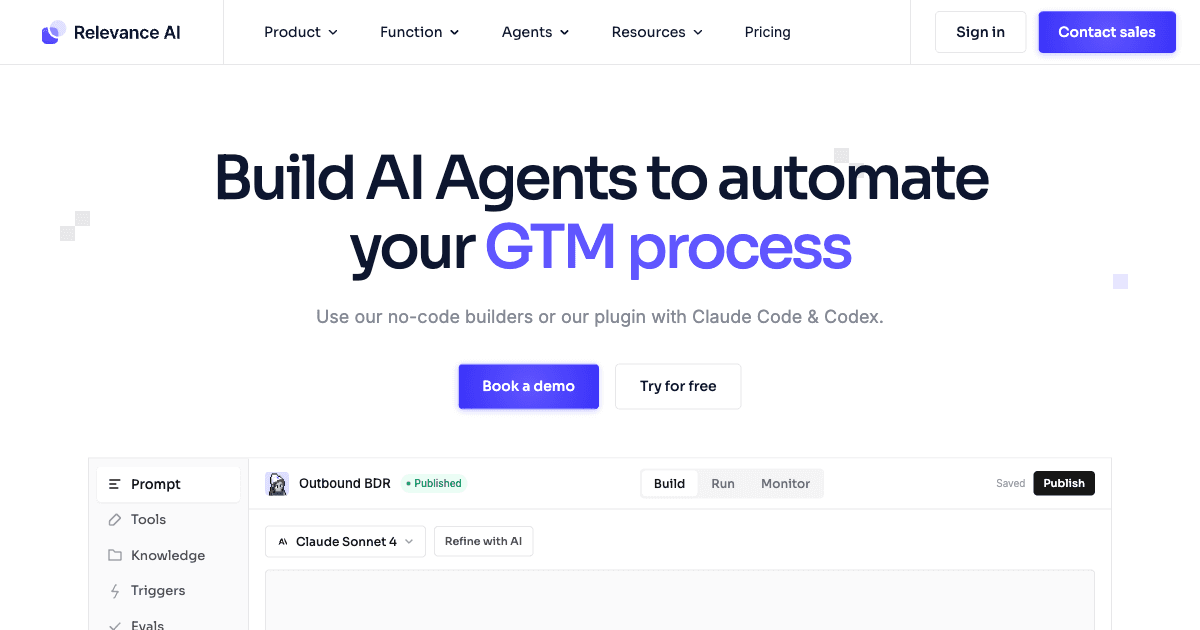
Table of Contents
A no code AI agent automates multi step work from plain English instructions, and for a surprising share of real business problems that is enough. Four platforms are worth your time in 2026: Lindy AI, Zapier Agents, Relevance AI, and Make. They handle lead follow up, inbox management, data routing, and support triage well, and they start at nothing to $50 a month, with real business use landing at $200 to $500.
They stop working at three specific boundaries, and knowing them saves a wasted month: memory that persists across sessions, coordination between multiple agents, and decisions at volume. A recruitment agency that wants an agent to screen applications, tag candidates and notify the team is comfortably inside no code. The same agency wanting the agent to remember every candidate it has ever seen and reason across them is not.
A client in Sydney who runs a seven-person recruitment agency called me last month expecting a quote on a custom AI build. He wanted an agent to screen applications, tag candidates by fit, and notify his team when something looked strong. When I asked if he had looked at any no-code tools first, he went quiet. He had not. He assumed building an AI agent required a developer and a three-month project. I showed him three platforms where he could have something running by Friday afternoon.
That gap between what people assume about AI agents and what is actually possible without writing code is why I wrote this. No-code AI agent builders are genuinely capable now, at least for a well-defined set of tasks. In 2026, the no-code AI platform market is valued at $9 billion and growing at 27.5% annually. Most businesses have never touched it. Here is what it is, which tools I would use, what they cost, and where they stop being enough.
What a No-Code AI Agent Actually Is
Not a chatbot. Not a Zapier trigger. Something in between, and genuinely more useful than either description suggests.
Traditional automation follows fixed rules: if this happens, do that. It does not reason. If the trigger fires and the path is unclear, it stops. A chatbot responds to questions but rarely takes action. A no-code AI agent does both. You give it a goal, describe what tools it can use, and set constraints. It figures out the steps, executes them in sequence, handles basic errors, and reports back.
The key difference is reasoning. An agent decides what to do next based on context. A traditional automation cannot. Consider this example: you want an agent to monitor your inbox, identify emails from new prospects, look up their company on LinkedIn, draft a personalized reply, and flag it for your review. Each step requires a judgment call. What counts as a new prospect? Which details from LinkedIn matter? How should the tone land? That is agent territory.
The no-code part means you define that workflow in a visual canvas or plain English, not Python. You are briefing an employee on what to do, not writing instructions for a computer.
This is different from what most automation tools do. Zapier Classic, for instance, is a trigger-action engine. It is excellent at "when form is submitted, add row to sheet." It does not make decisions. No-code AI agents are trigger-reason-action engines. That one word in the middle changes what is possible.
How a No-Code AI Agent Actually Works
There are three layers in any no-code agent setup worth understanding:
The model: The AI brain that reads, reasons, and decides. This is usually GPT-4, Claude, or a Gemini model running behind the scenes. You do not interact with it directly. The platform manages it for you, including API costs, which is part of what you pay for in a subscription.
The tools: The things the agent can actually do. Send an email. Update a CRM record. Search the web. Add a row to a sheet. Book a calendar event. These are the hands. Each tool the agent can use is configured by you, which controls what the agent is allowed to do.
The instructions: A plain English description of the agent's goal, constraints, and escalation rules. This is the part you write. Most platforms treat this like a job description. You are explaining what the agent is for, what it should do when it succeeds, and what it should do when it is not sure.
Most platforms add a canvas or flow view so you can see what is happening at each step, which matters when something goes wrong and you need to trace where the decision broke.
The 4 No-Code AI Agent Builders Worth Using in 2026
There are dozens of these platforms now. Most are either very limited or designed for developers wearing a no-code costume. These four are the ones I have actually deployed for clients or tested enough to recommend with confidence.
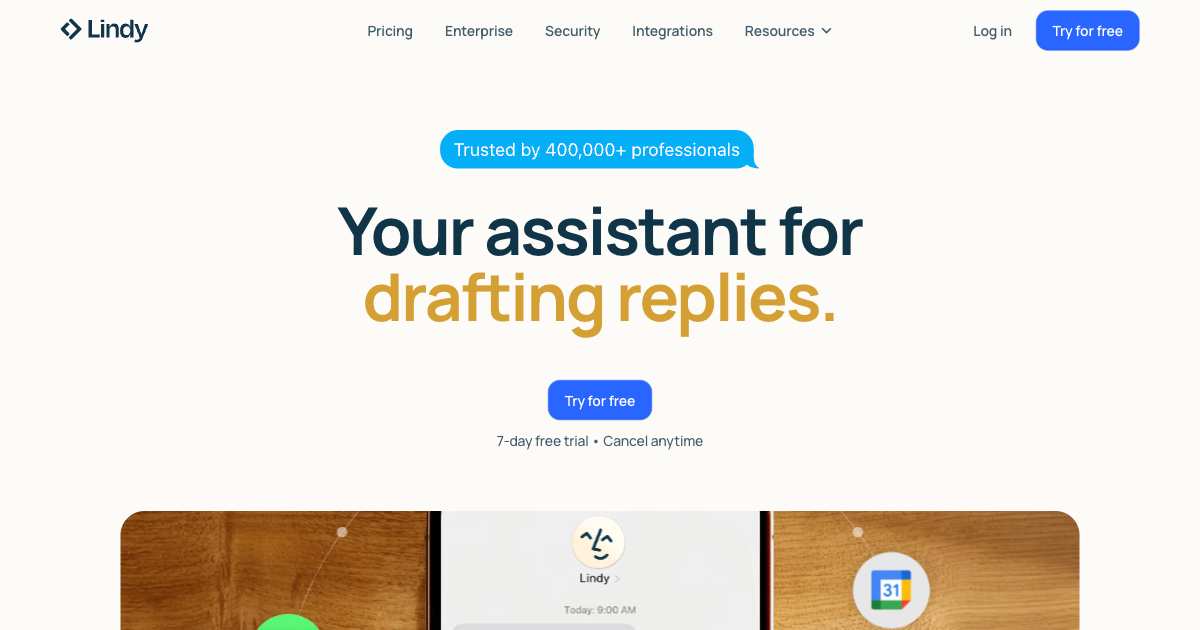
Lindy AI
Lindy is built specifically for non-technical users. You describe what you want your agent to do, and it creates the workflow. It connects to Gmail, Slack, Google Calendar, Notion, HubSpot, and roughly 4,000 other apps.
The templates are practical in a way that most tools are not. Not "chatbot for your website" level, but actual business workflows: process inbound leads and add them to your CRM with company research pre-filled, draft meeting summaries and send action items to the right people, monitor your support inbox and route tickets by urgency.
Where it works best: executive assistants, sales follow-up, email triage, onboarding coordination. Users who are not technical and want something running fast.
Where it breaks down: complex multi-step reasoning and tasks that require long-term memory. Lindy works well for clean trigger-to-action flows. It struggles when an agent needs to remember context from previous runs or make many sequential decisions in a row.
Pricing in 2026: Free plan includes 400 credits. Pro is $49.99 per month for 5,000 or more credits. Business is $299.99 per month for 30,000 or more credits. Phone capabilities start at $0.19 per minute.
Zapier Agents
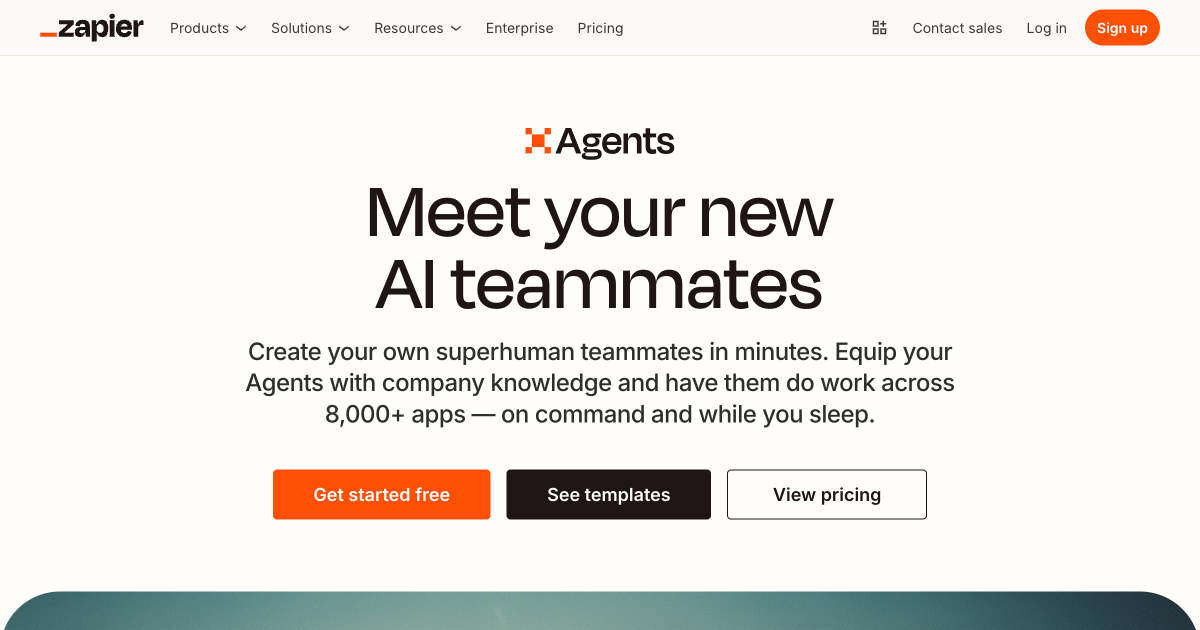
Zapier Agents sits on top of Zapier's existing 8,000 plus app integration network, which is its biggest advantage. If you already use Zapier, the agent layer adds AI reasoning to workflows you have already built. The familiarity alone saves setup time.
Where it works best: businesses already on Zapier, simple task automation with AI decision points, anything where you need broad app connectivity fast. The breadth of integrations is unmatched.
Where it breaks down: iterative loops and long-term memory. Zapier Agents cannot maintain context between separate workflow runs. Each run starts fresh. That is fine for discrete tasks but limits what it can do on ongoing processes that need to track history.
Pricing in 2026: Free plan includes 400 agent actions per month. Professional at $19.99 per month adds 750 tasks and multi-step workflows. The Zapier Agents Pro add-on at $33 per month bumps you to 1,500 agent actions per month.
Make.com
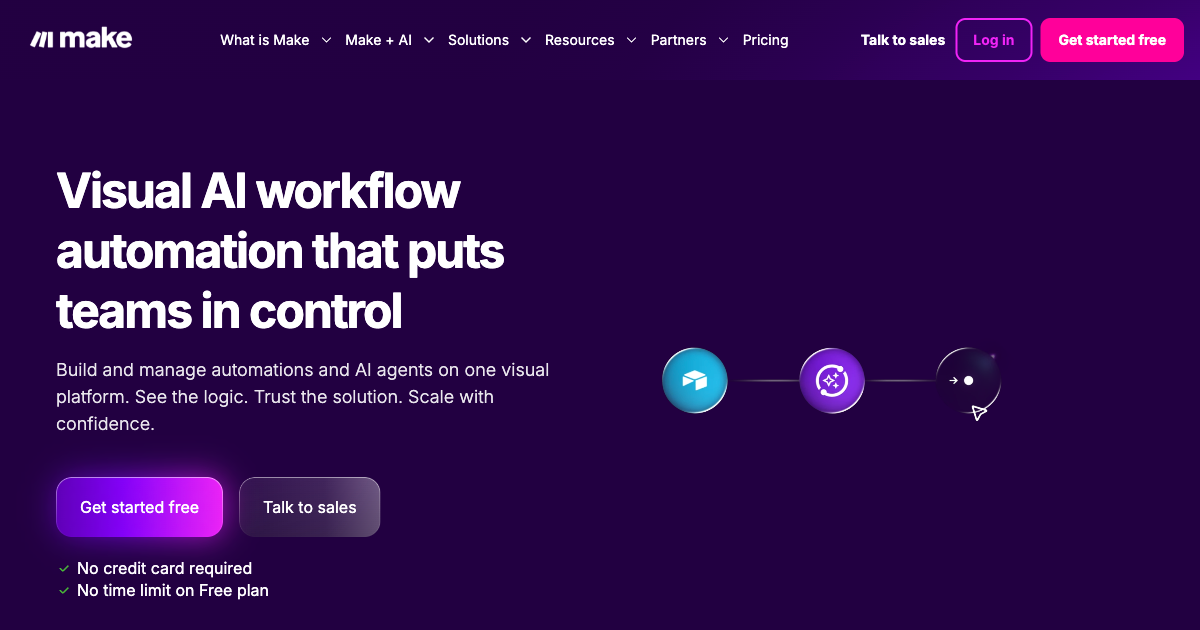
Make (formerly Integromat) is the most visual of the four. Its canvas shows you exactly how data flows through your workflows. It is more complex than Lindy or Zapier but significantly more capable for multi-step conditional logic.
Where it works best: teams that want to understand exactly what is happening at each step, complex branching logic, workflows where data moves between many systems in a specific order. The AI nodes let you add reasoning at specific decision points without making the entire workflow AI-driven.
Where it breaks down: open-ended tasks where the agent needs to determine its own steps. Make excels when data is flowing between defined systems. It is less suited for tasks where the path forward is genuinely ambiguous until the agent reads the content.
Pricing in 2026: Free plan covers 1,000 operations per month. Core is $9 per month. Pro is $16 per month with 10,000 operations. Teams is $29 per month.
Relevance AI
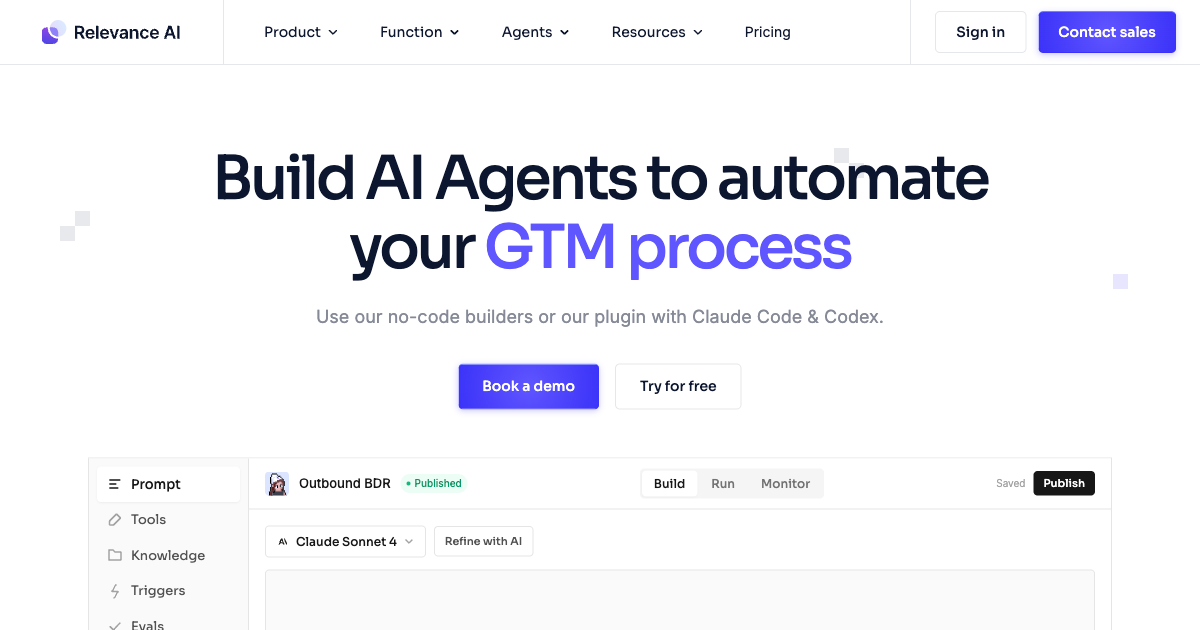
Relevance AI is the most capable of the four for non-developers who are willing to spend a few hours learning how it works. Their Agent Builder lets you describe what an agent should do, give it tools (web search, email, CRM writes, code execution), and deploy it without writing anything.
Their target market is sales and marketing teams: agents that research prospects before calls, qualify inbound leads, respond to support tickets at tier one, or repurpose content across channels. The tool library is extensive and the agents can reason across genuinely multi-step processes.
Where it works best: go-to-market workflows, lead research, support routing, content repurposing. The best fit is a team that wants agent-level capability without hiring a developer.
Where it breaks down: steeper learning curve than the others. For users who want a template and a go button, Lindy is faster. Relevance AI rewards users who understand what they are asking the agent to do and can write a clear brief.
Pricing in 2026: Free plan includes 200 actions per month. Pro is $19 per month with 30,000 actions per year and $240 in annual vendor credits. Team is $234 per month with 84,000 actions, 5 build users, and calling plus meeting agents.
When a No Code AI Agent Is the Right Move
The pattern I look for when deciding whether no-code fits a client's situation:
The task repeats at least 20 times a week. Below that threshold, the setup time rarely pays for itself. Above it, even a mediocre automation saves meaningful hours.
The inputs and outputs are clear. The agent needs to know what success looks like. "Research this company and give me three relevant talking points" is a clear brief. "Help me with sales" is not. No-code tools need well-defined boundaries.
You can tolerate occasional errors with a review layer. These agents get things wrong. If a misrouted email costs your team 20 minutes to fix, that is acceptable. If a wrong decision costs you a client, you need a human approval step built into the flow.
Your data lives in tools the platform can connect to. If your process runs through Gmail, a CRM, Slack, and Google Sheets, no-code tools handle that cleanly. If your data is locked in a proprietary system or requires custom API logic, you will hit a ceiling quickly.
Some of the best starting points I see with clients:
- Routing inbound leads from web forms to the right person with company research pre-filled in the CRM
- Drafting first-pass replies to common support questions and queuing them for human approval
- Following up on cold leads or unsent quotes on a set schedule without someone managing the task manually
- Summarizing meeting recordings and sending action items to the right people
- Screening job applications and tagging candidates by role fit criteria
If you are not sure whether your use case fits, the AI readiness quiz gives you a clear answer in about 10 minutes. It is built specifically to differentiate between situations where automation is enough and situations where you need agents.
When a No Code AI Agent Is NOT the Right Move
Every vendor selling you a no-code platform is motivated to tell you it handles everything. It does not. Here is where these tools reliably break down, and pretending otherwise wastes your time and money.
You need memory across sessions. No-code agents do not maintain durable memory between runs by default. If your use case requires an agent to remember what it learned about a client six weeks ago and incorporate that into a new decision, no-code tools do not provide that natively. Some platforms offer workarounds, but they are fragile at scale. This is one of the clearest signals that you need a custom build. There is a longer explanation of this distinction in when to use AI agents vs automation.
You are processing sensitive regulated data. Most no-code platforms route your data through their infrastructure. If you are handling HIPAA-covered health records, legal documents with privilege considerations, or financial data under SOC 2 requirements, read the data processing agreements carefully before deploying. The free and low-tier plans often cannot meet compliance requirements that enterprise and legal buyers need.
You need multi-agent coordination. A single agent handling a single workflow is where no-code tools shine. Two agents handing off work to each other, or one agent spawning subagents to parallelize a complex research task, is beyond what current no-code platforms handle reliably. That pattern requires custom frameworks. I covered how that architecture works in how I build production AI agents with LangGraph.
Your volume makes per-action pricing expensive. If you are processing 10,000 documents a week, the per-action pricing on Lindy or Relevance AI compounds fast. At that volume, running an open-source model on your own infrastructure is cheaper within months. Do the math before committing to a platform at scale.
The decisions carry real stakes. No-code agents are better suited for decisions where errors are recoverable. Routing a support ticket to the wrong queue is recoverable. Sending a compliance notice to the wrong recipient is not. The higher the cost of a wrong decision, the more important it is to have a human approval step, and at some point it is cheaper to build a custom system with proper guardrails than to manage human review at scale.
A Real Client Story
A client who runs a seven-person accounting firm in Auckland asked me in January about her follow-up problem. After finishing each quarterly report, her team was supposed to send a personalized check-in email to the client. The problem was that with 80 clients, the emails were going out late, inconsistently, and with copy-pasted greetings that felt impersonal.
We set her up on Relevance AI. Her agent monitors a shared Google Sheet where her team marks reports as complete. When a row updates to "done," the agent pulls the client's name and recent activity notes from her CRM, writes a personalized follow-up email referencing what was covered in the report, and queues it in Gmail for her review before sending.
Setup took half a day, mostly spent writing a clear brief for the agent and testing the CRM connection. Total cost: $19 per month on the Pro plan. Time saved: her team estimated four hours per week across all 80 clients, mostly from manual drafting and chasing each other to send the emails on schedule.
Six months in, she has not had a single client complain about a delayed follow-up. The agent handles about 120 emails per month. She reviews them in 20-minute batches twice a week. About 10% need a light edit before she approves. The other 90% go out as written.
That is the no-code sweet spot: repetitive, text-based, connected to tools the platform already handles, and tolerant of a lightweight human review step. For more complex use cases, the economics shift toward a custom build, which is where the Revenue Capture System or a full custom AI deployment makes more sense.
Frequently Asked Questions
How hard is it to set up a no-code AI agent?
For simple trigger-to-action workflows, most people are up and running within an afternoon using Lindy or Zapier Agents. The hard part is writing a clear brief for what the agent should do. If you cannot describe the task in two or three sentences, the agent will not do it well either. Multi-step workflows with conditional logic take longer, typically one to three days including testing.
Do no-code AI agents replace employees?
Not in the roles that matter. They replace the repetitive, low-judgment parts of a job: sending the same follow-up email for the 40th time this week, pulling company data before a sales call, routing support tickets to the right queue. The parts of work that require relationship context, judgment calls, and handling situations the agent has never seen before still need humans. Most clients find that agents free up time rather than headcount.
What tasks can a no-code AI agent not do?
Anything requiring durable memory across many sessions, complex multi-agent coordination, high-stakes decisions without human review, real-time data from proprietary systems without API access, or reliable performance on high-variance unstructured documents like complex legal agreements. The more a task looks like an ongoing relationship rather than a discrete trigger-action sequence, the less suited it is for no-code tools.
How much does a no-code AI agent cost per month?
You can start free on most platforms. Practical business use cases run $19 to $50 per month on platforms like Relevance AI, Zapier, or Lindy. Teams running more complex workflows or higher volumes land at $100 to $300 per month. Custom AI builds, where you need something that no off-the-shelf platform handles, start around $5,000 to build and $500 per month to maintain.
Is my data safe with no-code AI agent platforms?
Major platforms like Relevance AI and Lindy maintain SOC 2 and GDPR compliance. Your data moves through their infrastructure, which is something to verify against your own compliance requirements. For HIPAA-covered data or legal information with privilege concerns, review the data processing agreements before deploying, and pay attention to what model provider your data routes through in the background (OpenAI, Anthropic, Google).
Can I build a no-code AI agent for WhatsApp or SMS?
Yes. Lindy and Make both support WhatsApp and SMS channels through their integrations. Zapier Agents supports SMS via Twilio. The agent handles inbound messages, reasons about a reply, and sends it through the same channel. This is one of the most common use cases I set up for small businesses: a WhatsApp agent that handles common customer questions and routes anything complex to a human on the team.
When should I hire someone to build a custom AI agent instead?
When no-code tools have given you a clear ceiling. Signs include: needing persistent memory across sessions, processing more than 5,000 documents or actions per month (where per-action pricing stops making financial sense), needing multi-agent coordination, or requiring custom API integrations with systems no-code platforms do not support. The AI readiness quiz at /ai-readiness is the fastest way to assess where you sit. If your score suggests agent-ready, that is usually the point where a custom build is worth the conversation.
Key data referenced in this post. No-Code AI Platform Market Forecast 2026, Fortune Business Insights. Gartner: 40% of Enterprise Apps Will Feature Task-Specific AI Agents by 2026 (August 2025). Relevance AI Pricing Page. Lindy AI.
If you want a clear answer on whether no-code automation fits your business right now or whether you need something custom, the free AI readiness assessment takes about 10 minutes and gives you a score across eight dimensions. No email required to see your results. Or read the difference between AI agents and chatbots if you want to make sure you are asking for the right thing before spending money on either.
Last updated
July 26, 2026
Category
Industry Guides
Jahanzaib Ahmed
AI Systems Engineer & Founder
AI Systems Engineer with 126 production systems shipped. I run AgenticMode AI (AI agents, RAG systems, voice AI) and ECOM PANDA (ecommerce agency). I build AI that works in the real world for businesses across home services, healthcare, ecommerce, SaaS, and real estate.
Related articles
AI Voice Agent Pricing vs Human Receptionist: What 40+ Deployments Taught Me About True Cost
The advertised per minute rate is rarely what you pay. The real cost of AI voice agents on Vapi, Retell, Bland and ElevenLabs versus a human receptionist, computed from October 2026 prices.
ComparisonTrends & InsightsAI Voice Agent
What an AI Agency in Melbourne Actually Does (and Whether You Need One)
Not all AI agencies in Melbourne build the same thing. Here is how to tell the difference, what you will pay in AUD, and whether your business is actually ready.
GuideIndustry GuidesAI Agency
Your Leads Are Going Cold While You Sleep. Here Is What AI Lead Follow Up Actually Does.
AI lead follow up sends instant responses the moment someone inquires, so you stop losing deals to whoever replied first.
GuideIndustry GuidesAI Lead Follow Up