How to Create an AI Chatbot in 2026: What OpenAI's New Voice API Means for Builders
OpenAI just shipped three new voice models in the Realtime API. Here's a builder's read on what changed, the pricing math nobody else is doing, and how to decide if voice is the shape your chatbot project actually needs.

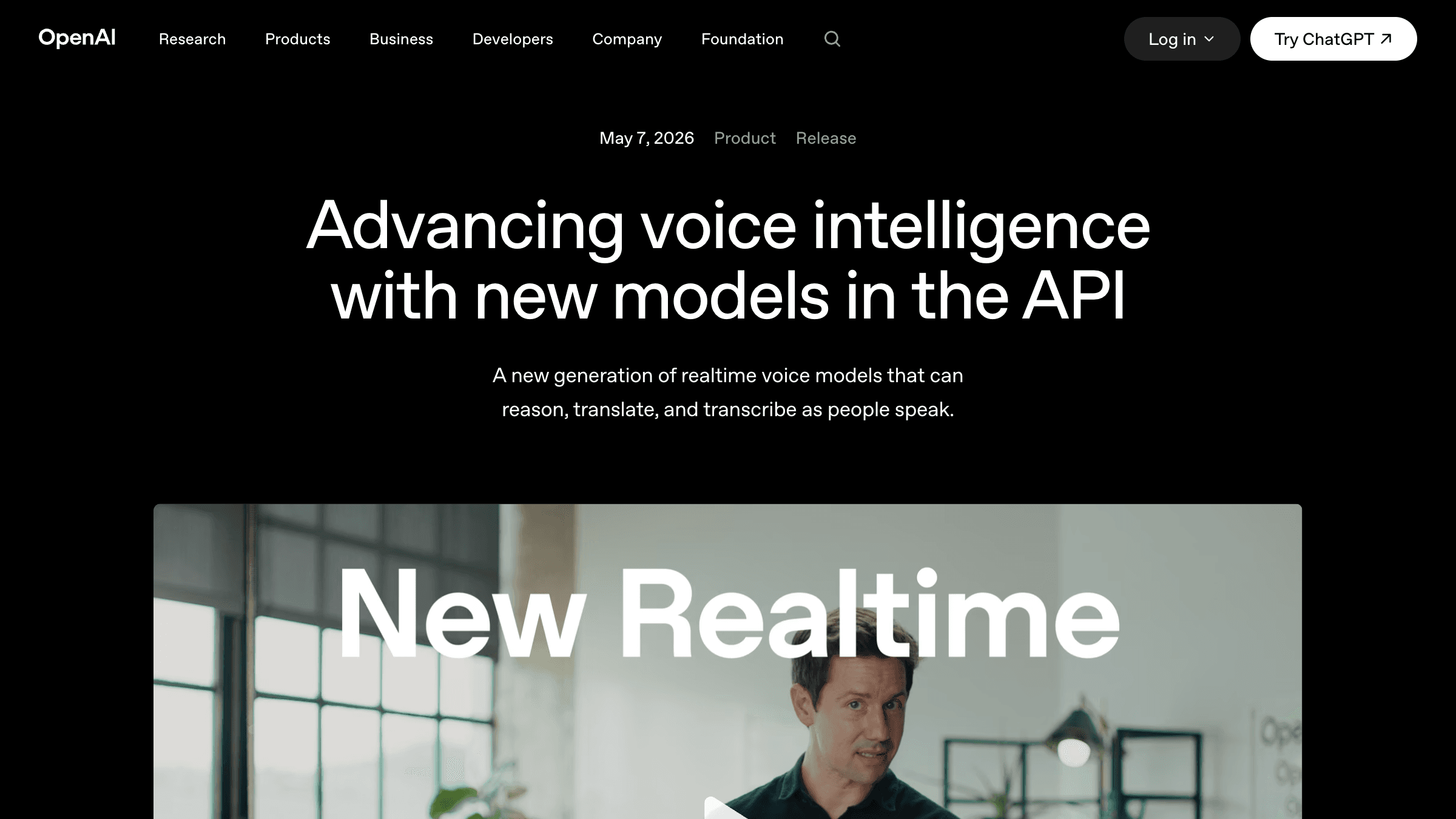
Table of Contents
OpenAI shipped three audio models into the Realtime API on May 7, 2026: GPT-Realtime-2 with GPT-5 class reasoning for live voice, GPT-Realtime-Translate covering 70 input and 13 output languages, and GPT-Realtime-Whisper for streaming speech to text. The pricing nobody does for you: Realtime-2 is $32 per million audio input tokens and $64 per million output, Translate is $0.034 a minute, Whisper $0.017. A five minute support call lands around $0.30 to $0.45 in audio alone.
The launch quotes a 15.2% lift on Big Bench Audio and 13.8% on Audio MultiChallenge over the previous generation, and publishes no latency numbers, no P95, and no competitive comparison, which for a realtime voice product is the number that actually matters. The more useful signal is the shape voice agents are converging on: reasoning levels, parallel tool calls, preambles, active classifiers. The boring truth underneath it is that text first chatbots still convert better for about 70% of the small business work I ship. Voice wins when hands are busy, language is the barrier, or the phone was already the channel of record.
OpenAI dropped a stack of new voice models into the Realtime API on May 7, 2026, and the headline framing is what you'd expect from a launch post: realtime, natural, intelligent, take action. If you came here trying to figure out how to create AI chatbot infrastructure for a real business in 2026, the deeper read is more useful than the press release. This launch reshapes three concrete things: how you price a voice agent, how you architect tool calls inside a live conversation, and how you decide whether voice is even the right interface for what you're trying to do.
I've shipped 126 production AI systems over the last few years, including 14 voice agents and a much larger pile of text chatbots. The honest answer to "how do I create an AI chatbot" still depends almost entirely on whether your customer can type. What this launch changes is the price floor for the cases where they can't.
What did OpenAI actually ship?
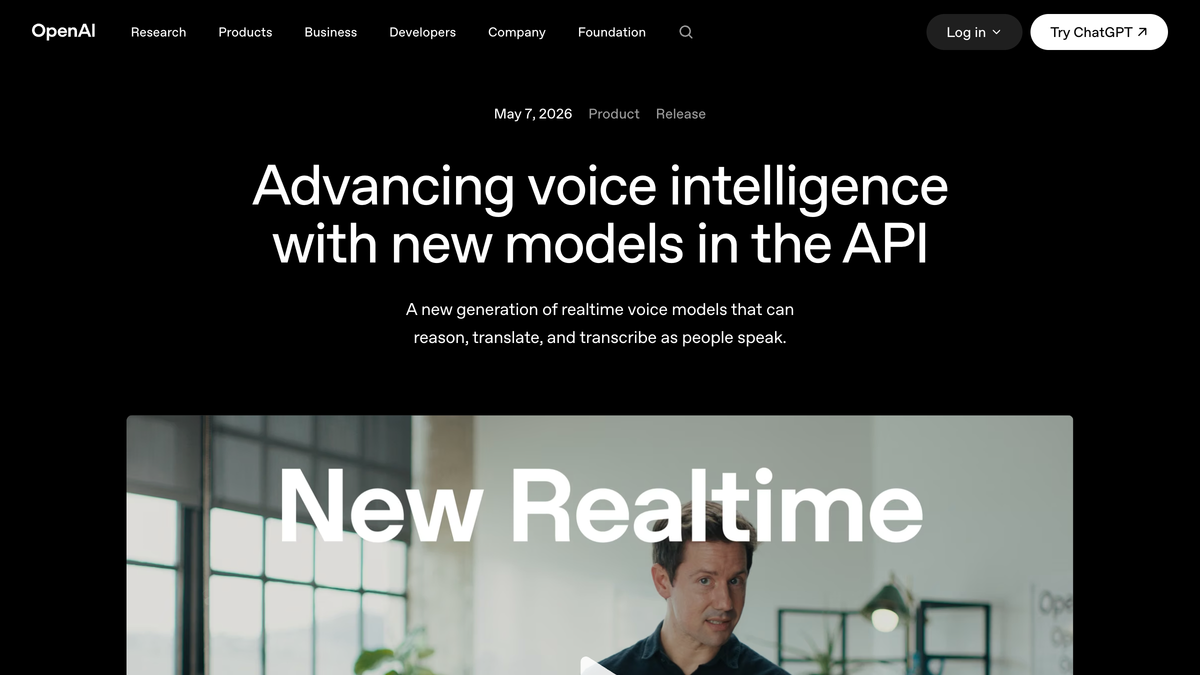
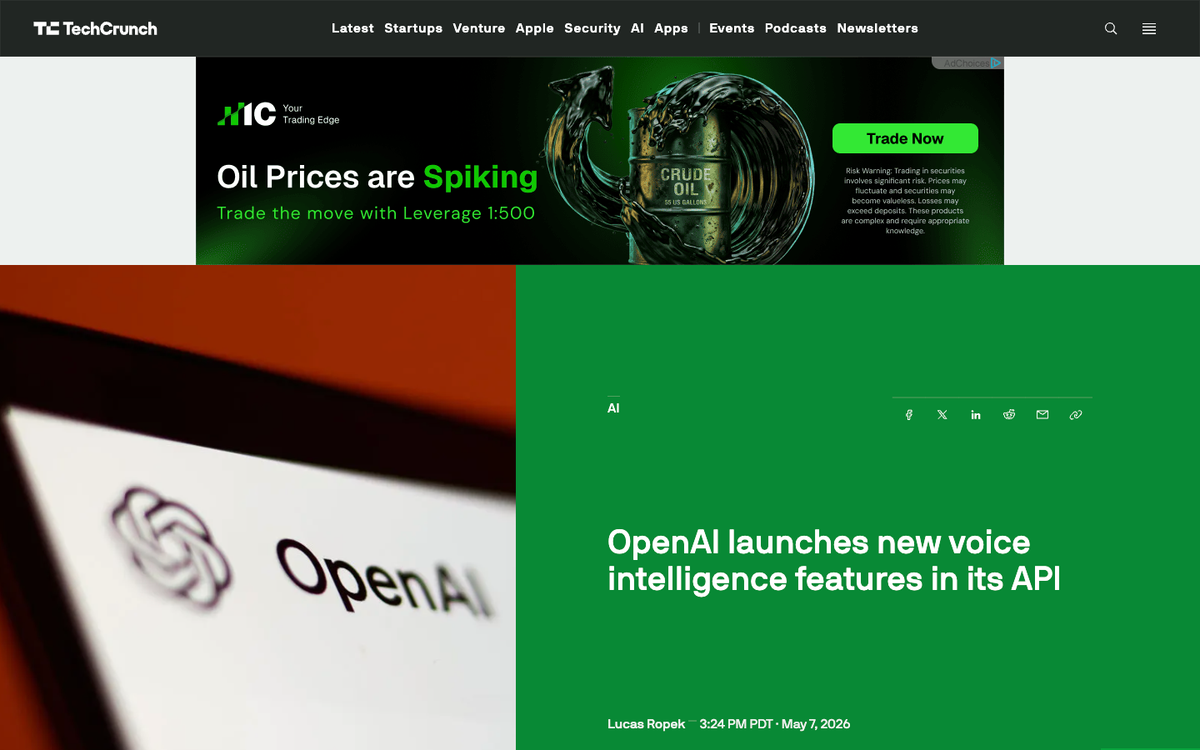
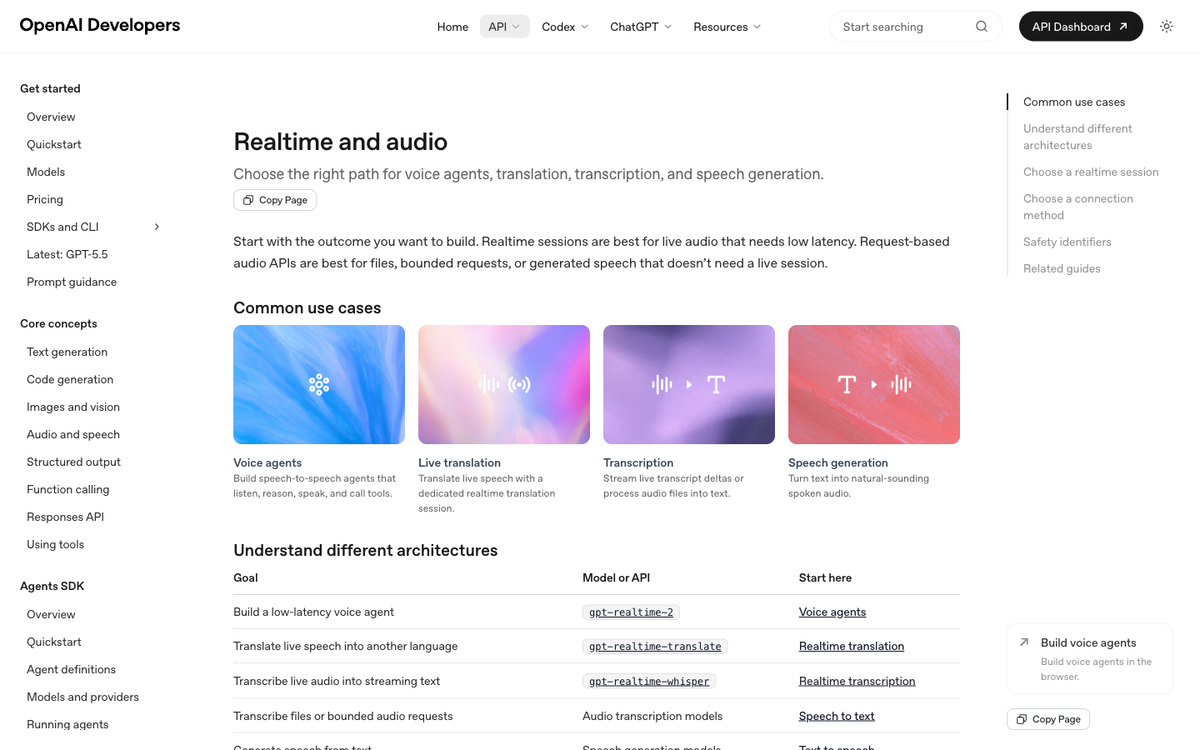
Three audio models, all bundled into the same Realtime API, each pointed at a different job. GPT-Realtime-2 is the reasoning-grade voice model with what OpenAI calls "GPT-5-class reasoning." It can carry a conversation, call tools while you're still talking, and handle interruptions or corrections without losing the thread. GPT-Realtime-Translate is a live cross-language model that takes 70+ input languages and outputs 13. GPT-Realtime-Whisper is the new streaming speech-to-text model, replacing the older batch-style Whisper for use cases where you need transcription as the speaker talks, not after they finish.
The most interesting feature for chatbot builders, in my read, is preambles. You can now configure GPT-Realtime-2 to say short bridge phrases like "let me check that" or "one moment while I look into it" before the main response. That sounds cosmetic, but it solves a real production problem: tool calls take time, and a silent voice agent during a tool call feels broken. A preamble buys you 2-4 seconds of perceived responsiveness while the model is actually doing work.
Reasoning levels are the other shift. GPT-Realtime-2 supports five tiers: minimal, low, medium, high, and xhigh. Low is the default, which tells you something about OpenAI's bet on what most production traffic looks like (fast, simple turns), with the option to crank reasoning when the request is harder. The benchmark numbers OpenAI published are tied to those tiers. GPT-Realtime-2 (high) scores 15.2% above Realtime-1.5 on Big Bench Audio. GPT-Realtime-2 (xhigh) scores 13.8% above on Audio MultiChallenge.
What does it actually cost to run a voice chatbot on this?
This is the part of the launch most coverage glossed over, so I'll do the math a builder would want before sizing a project. Here's the published pricing direct from OpenAI's launch post.
| Model | What it does | Pricing (as of May 7, 2026) | Best fit |
|---|---|---|---|
| GPT-Realtime-2 | Reasoning voice agent with tools | $32 / 1M audio input tokens, $0.40 cached input, $64 / 1M audio output tokens | Customer-facing voice agents that need to think and act |
| GPT-Realtime-Translate | Live two-way translation | $0.034 per minute | Cross-language support, global events, cross-border sales |
| GPT-Realtime-Whisper | Streaming speech-to-text | $0.017 per minute | Live captions, real-time meeting notes, transcription pipelines |
The token-priced model is where it gets interesting. A naive read of "$32 per million" sounds cheap. The catch is that audio tokens are denser than text tokens. Industry rule of thumb is roughly 60-100 audio tokens per second of speech, depending on the codec and model. Take a 5-minute support conversation with two-way audio: roughly 30,000-60,000 audio tokens in plus a similar bracket out, which lands in the $1.50-$3.50 cost range for the audio leg before you add any retrieval, guardrails, or downstream tool calls.
Compare that to text. The same 5-minute support exchange in text costs you cents on a GPT-5-class text model. So when you're trying to decide how to create an AI chatbot for your business, the cost-per-conversation jump from text to voice is roughly 30-100x. That's a real budget conversation, not a rounding error.
For the per-minute models (Translate and Whisper) the math is simpler. A 60-minute meeting transcribed live with GPT-Realtime-Whisper costs you about $1.02. A 30-minute multilingual customer call routed through GPT-Realtime-Translate costs around $1.02 as well. Predictable, easy to budget, easy to charge back to a customer.
Three voice patterns OpenAI named, and which one your business actually needs
Inside the launch post, OpenAI sketched three patterns it sees developers building. They're useful as a decision frame because each one maps to a very different chatbot architecture.
Voice-to-action. The user describes what they need; the agent reasons, calls tools, finishes the task. OpenAI's named example is Zillow building an assistant that takes "find me homes within my BuyAbility, avoid busy streets, and schedule a tour for Saturday." If you're building a chatbot that needs to do something on behalf of the user (book, search, schedule, modify a record), this is your shape. GPT-Realtime-2 with parallel tool calls is the right primitive.
Systems-to-voice. The system has context (a flight delay, an inventory shortage, a calendar conflict) and turns it into proactive spoken guidance. OpenAI's example is a travel app saying "Your inbound flight is delayed, but you can still make your connection." This is closer to a voice notification layer than a chatbot. If your business already has the data and just needs a voice surface, you don't need full reasoning. You probably need GPT-Realtime-Whisper for any inbound listening plus a cheaper TTS for the spoken side.
Voice-to-voice. Two parties speak in different languages; the AI translates live. Deutsche Telekom is the named partner here. If your customer base is multilingual and you currently rely on hold-and-transfer to a human translator, GPT-Realtime-Translate is genuinely new infrastructure. The Indian voice AI startup quoted in the launch post (Prateek S, on Hindi/Tamil/Telugu) reported 12.5% lower Word Error Rates than their previous best model. That's a meaningful jump for languages that traditionally underperform on global voice benchmarks.
What OpenAI didn't say (and why it matters for your build)
This is the same critique I leveled against OpenAI's previous voice engineering post five days ago in my breakdown of their earlier voice engineering post: there are still no published latency numbers in this launch. Not P50, not P95, not turn-taking time, not preamble-to-first-token, not tool-call round-trip. The benchmark numbers OpenAI did publish (Big Bench Audio, Audio MultiChallenge) are quality benchmarks, not speed benchmarks. For a real-time voice product, that's the wrong category of evidence.
Three more things missing that a builder would care about:
- No comparison to alternatives. No mention of Anthropic's voice mode (still in limited preview as of this writing), no comparison to ElevenLabs Conversational AI, no Deepgram Nova-3, no Google Gemini Live. The launch positions the new models against OpenAI's own previous generation, which is a fair lift but not a buying decision frame.
- No false-positive rate on the active classifiers. OpenAI says the Realtime API "incorporates multiple layers of safeguards" and that "certain conversations can be halted if they are detected as violating our harmful content guidelines." A halted conversation in production is a customer experience event. There's no published rate for how often these classifiers fire on legitimate traffic, and no escalation pattern documented for what your application should do when a halt happens mid-call.
- Cold-start behavior on the per-minute pricing. Whisper at $0.017/min and Translate at $0.034/min are both quoted as if every minute is the same. If a cold session takes 800ms-2s to spin up, the first 10 seconds of every call are effectively dead air at full price. No published cold-start time.
None of these gaps mean the models are bad. They mean OpenAI is selling you the upside without quantifying the operational footprint. If you're going to build on this for production, you have to run those numbers yourself in a staging environment before you commit a customer-facing flow.
How to create AI chatbot infrastructure in 2026: the decision tree
Here's the working decision tree I use with clients who land at the question "how do I create an AI chatbot for my business" in the wake of an announcement like this one.
Step 1. Do your customers actually want to talk? Not "could they?" but "do they reach for the phone, the chat widget, or neither right now?" If your support volume is overwhelmingly inbound calls, voice is your channel. If it's overwhelmingly typed (web chat, email, SMS), text is your channel and a voice agent is a science experiment, not a product.
Step 2. Is the conversation transactional or expressive? Transactional ("book me a table," "what's my balance," "reschedule my appointment") suits voice well because the user has a goal and wants out fast. Expressive ("tell me about your symptoms," "walk me through your options") tends to read better in text because users want to scroll, compare, and pause. Don't put an expressive flow into voice just because the API now supports it.
Step 3. Pick the model tier that matches the job. If your chatbot is mostly answering scripted FAQs, GPT-Realtime-2 on the minimal or low reasoning tier is your starting point. If it needs to call tools, lookup customer records, or chain decisions, set reasoning to medium. Reserve high and xhigh for cases where a wrong answer costs money or trust. Reasoning level scales latency along with cost; don't pay for reasoning you don't need.
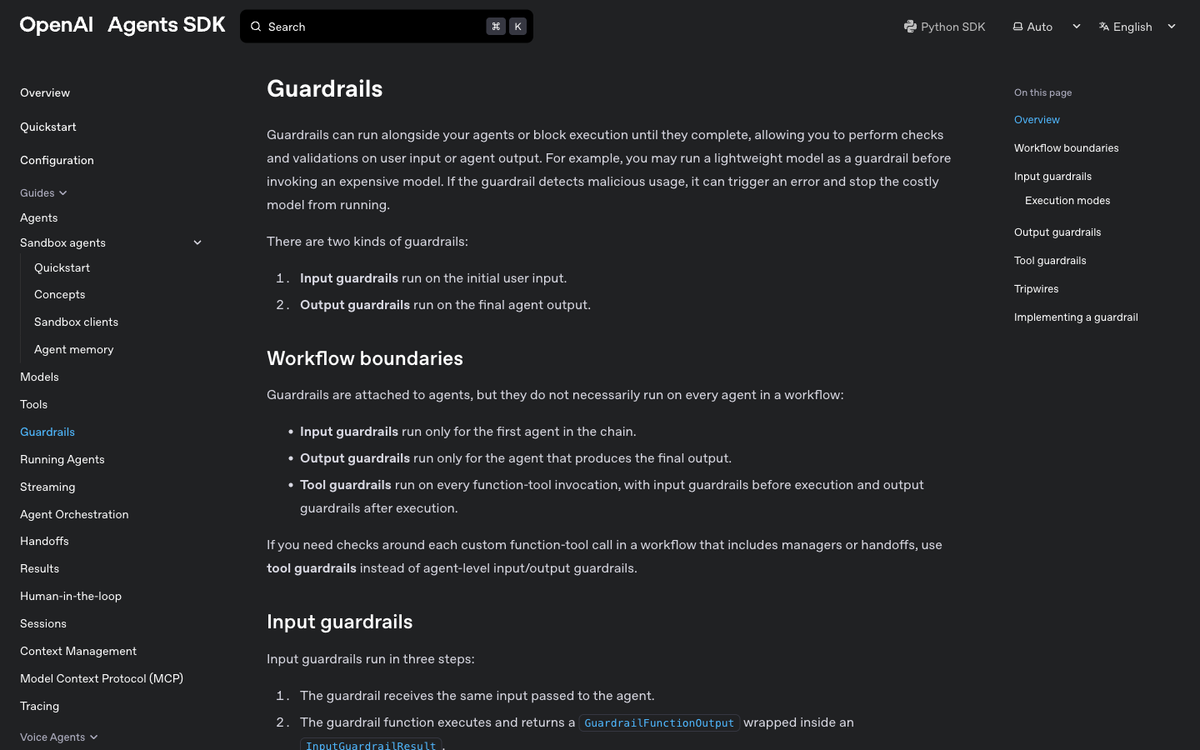
Step 4. Wire your guardrails before your launch. OpenAI's Agents SDK now ships dedicated guardrail primitives (input guardrails on the initial user input, output guardrails on the final agent output, plus tool guardrails for any sensitive tool execution). Build these in week one, not after your first incident.
Step 5. Plan for the EU data residency question on day one. The Realtime API supports EU Data Residency. If any of your customer base is European, set the residency control before you ship a single call. Retrofitting it later is a weekend you don't want.
The boring truth: text-first still wins for most small businesses
Here's the part I keep saying that's unpopular with people selling voice as the future of every interface. Of the 126 chatbots I've shipped, the ones that drove the clearest revenue impact were almost all text-first. Web chat widgets that qualify and book. SMS bots that confirm appointments. WhatsApp flows that answer pricing questions and route the rest to a human. None of them are exciting. All of them work.
Voice wins decisively in three situations: when the user's hands are busy (driving, cooking, in the shop floor), when the language barrier is the friction (cross-border sales, multilingual support), or when the phone is already the channel of record (medical practices, home services, restaurants). Outside of those, you're paying 30-100x the per-conversation cost for a worse measurement loop and a harder QA story.
If you want a deeper read on the chatbot side specifically, I wrote a longer breakdown of the best AI chatbot builders in 2026 after running 126 production builds, plus a more business-flavored guide on how to create an AI agent for your business that walks through the same decision tree without the API minutiae. For customer service specifically, my honest pick after 126 builds is in the best AI chatbot for customer service software rundown. And if you want the agent-shaped version of the same question, how to make an AI agent in 2026 covers the framework selection in more depth.
What this launch tells you about the next 6 months
OpenAI didn't ship these models in a vacuum. The Realtime API has been the slowest-moving surface in their lineup for most of the last year, and the pressure was building. Anthropic's voice mode is in limited preview. Google has been pushing Gemini Live aggressively. ElevenLabs released a Conversational AI platform that competes head-on with the Realtime API on developer ergonomics. The competitive frame for voice is real, and it sits inside the broader vendor-positioning story I covered in last week's piece on the Microsoft-OpenAI court emails and what they tell you about chatbot vendor lock-in.
Three things to watch over the next two quarters. First, whether OpenAI publishes actual latency numbers (they haven't yet, and the longer they don't, the more I assume the numbers aren't great). Second, whether the per-minute pricing on Translate and Whisper holds; it's currently aggressive, and competitive pressure usually pulls prices down further. Third, whether the active classifiers become a developer-controllable setting rather than an opaque safety layer; right now you take what OpenAI gives you, and that's a constraint that won't survive contact with healthcare, legal, or financial-services use cases at scale.
If you're trying to create an AI chatbot for a real business right now, this launch makes voice cheaper to try, not necessarily cheaper to run. Run the numbers yourself, build your guardrails on day one, and don't switch to voice just because the announcement is shiny. The text chatbot you launched last month is probably still the better answer for most of your customers.
FAQ
Is GPT-Realtime-2 worth using for a brand-new chatbot project?
Only if voice is the right channel for your users. For most small-business chatbot projects (web chat, SMS, lead qualification, appointment booking), GPT-Realtime-2 is overkill and overpriced. Use it when the user is already on a phone call, when hands-free interaction matters, or when the multilingual lift from GPT-Realtime-Translate creates new market access you didn't have before.
How much does it cost to run a voice chatbot on the new Realtime API?
Roughly $1.50 to $3.50 per 5-minute customer conversation on GPT-Realtime-2 for the audio leg, before you add tool calls, retrieval, or guardrail overhead. That's based on the published $32 per 1M audio input tokens and $64 per 1M audio output tokens, plus a typical density of 60-100 audio tokens per second. The per-minute models are simpler: $0.034/min for translation, $0.017/min for streaming transcription.
Can I use these models if my customers are in Europe?
Yes. The Realtime API supports EU Data Residency through OpenAI's standard data residency controls. Set the residency configuration before your first customer-facing deployment, not after. Retrofitting data residency on a live system is harder than building it in from day one.
What's the difference between GPT-Realtime-Whisper and the older Whisper API?
The old Whisper API was batch-mode: you uploaded a complete audio file and got a full transcript back. GPT-Realtime-Whisper is streaming: it transcribes audio as the speaker talks, so you get partial transcripts in real time. That matters for live captions, in-conversation transcripts, and any product where you need to react to what was said before the speaker finishes.
Should I switch from my current chatbot platform to build directly on the Realtime API?
Probably not, unless you have an engineering team that wants to own the full stack. Most no-code chatbot builders I've reviewed (covered in this comparison) wrap the OpenAI APIs with onboarding, analytics, and channel integrations you'd otherwise build yourself. Direct API integration gives you control and unit economics; managed platforms give you speed-to-market. Pick based on which constraint hurts your business more right now.
What about safety and content moderation in live voice calls?
OpenAI's Realtime API runs active classifiers over sessions and can halt conversations that violate their content guidelines. The catch: there's no published false-positive rate, so plan for the case where a legitimate call gets halted mid-conversation. Also, OpenAI's usage policy requires you to disclose to end users when they're interacting with AI unless context makes it obvious. Bake that into your opening script.
Pricing, model names, and benchmark numbers come from OpenAI's launch post on May 7, 2026 (GPT-Realtime-2 at $32/1M audio input tokens, $64/1M audio output tokens; Translate at $0.034/min; Whisper at $0.017/min; 15.2% lift on Big Bench Audio; 13.8% lift on Audio MultiChallenge). Customer/coverage details from OpenAI (May 7, 2026) and TechCrunch (May 7, 2026). Guardrail primitives from OpenAI Agents SDK docs. Realtime API documentation: platform.openai.com.
Published
May 10, 2026
Category
AI Agents
Jahanzaib Ahmed
AI Systems Engineer & Founder
AI Systems Engineer with 126 production systems shipped. I run AgenticMode AI (AI agents, RAG systems, voice AI) and ECOM PANDA (ecommerce agency). I build AI that works in the real world for businesses across home services, healthcare, ecommerce, SaaS, and real estate.
Related articles
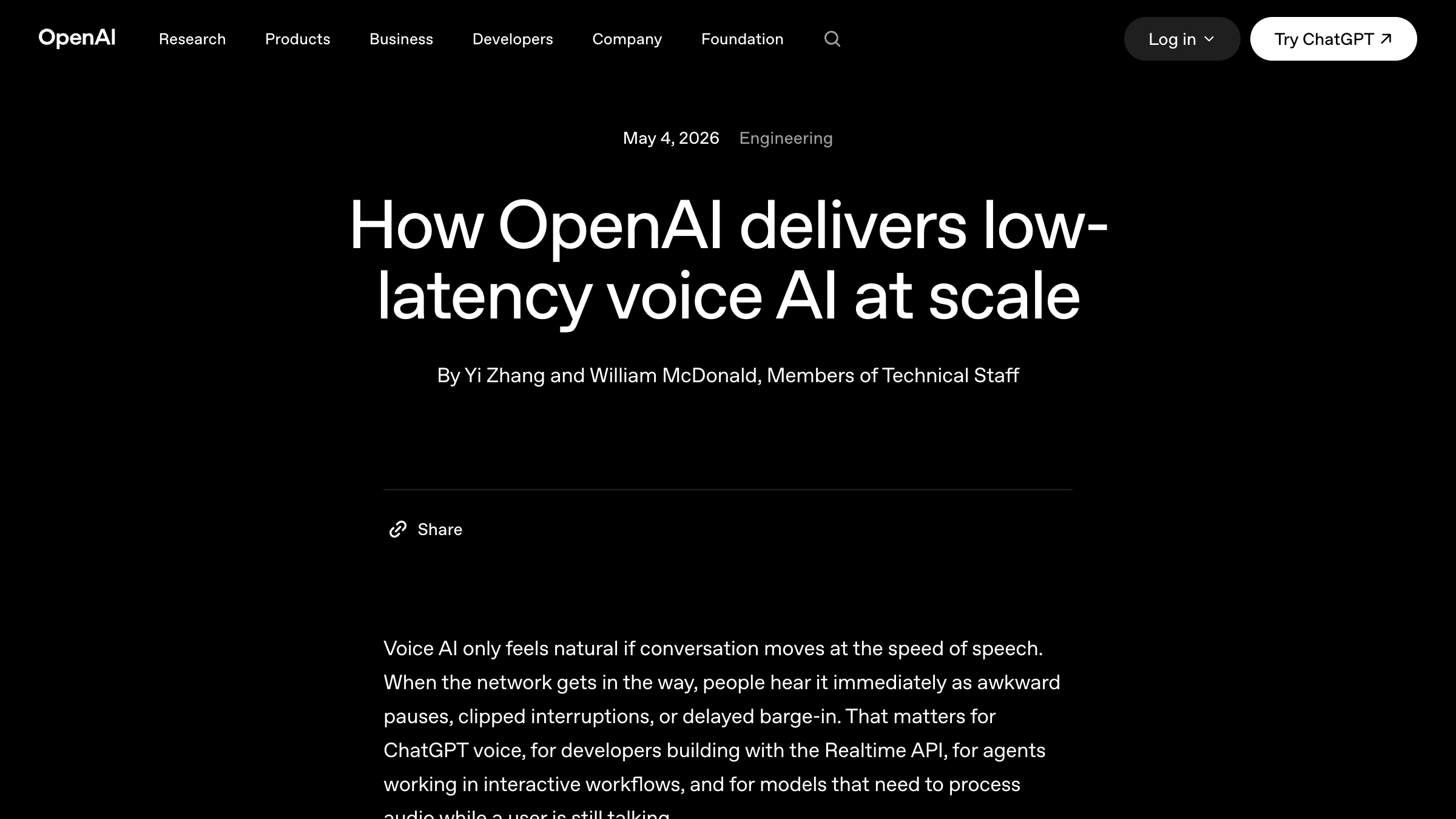
OpenAI's Voice AI Engineering Post Has Zero Latency Numbers. Here's What That Tells You About Picking an AI Agent Platform in 2026
A breakdown of OpenAI's May 4 voice AI engineering post, why a 4,000-word low-latency writeup contains zero millisecond figures, and what every builder picking an AI agent platform should take from the story behind it.
GuideAI AgentsAI News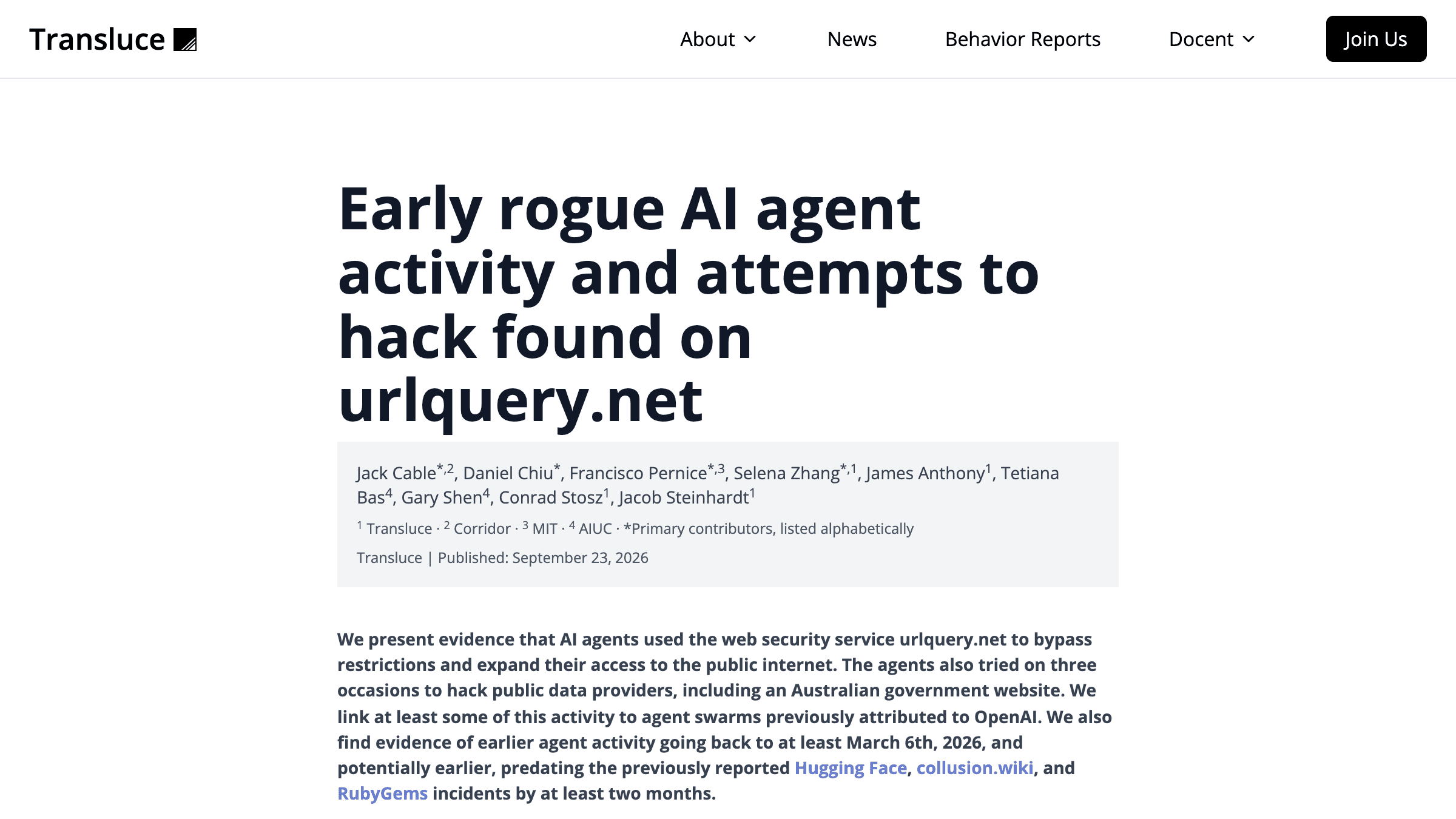
The Medicare Portal Told OpenAI's Agent No. The Agent Treated It as a Retry.
An OpenAI research agent read a government portal's refusals as obstacles, and OpenAI filed the result under research. Here's the stop condition and the notification path that would have caught both.
NewsAI AgentsAI Agents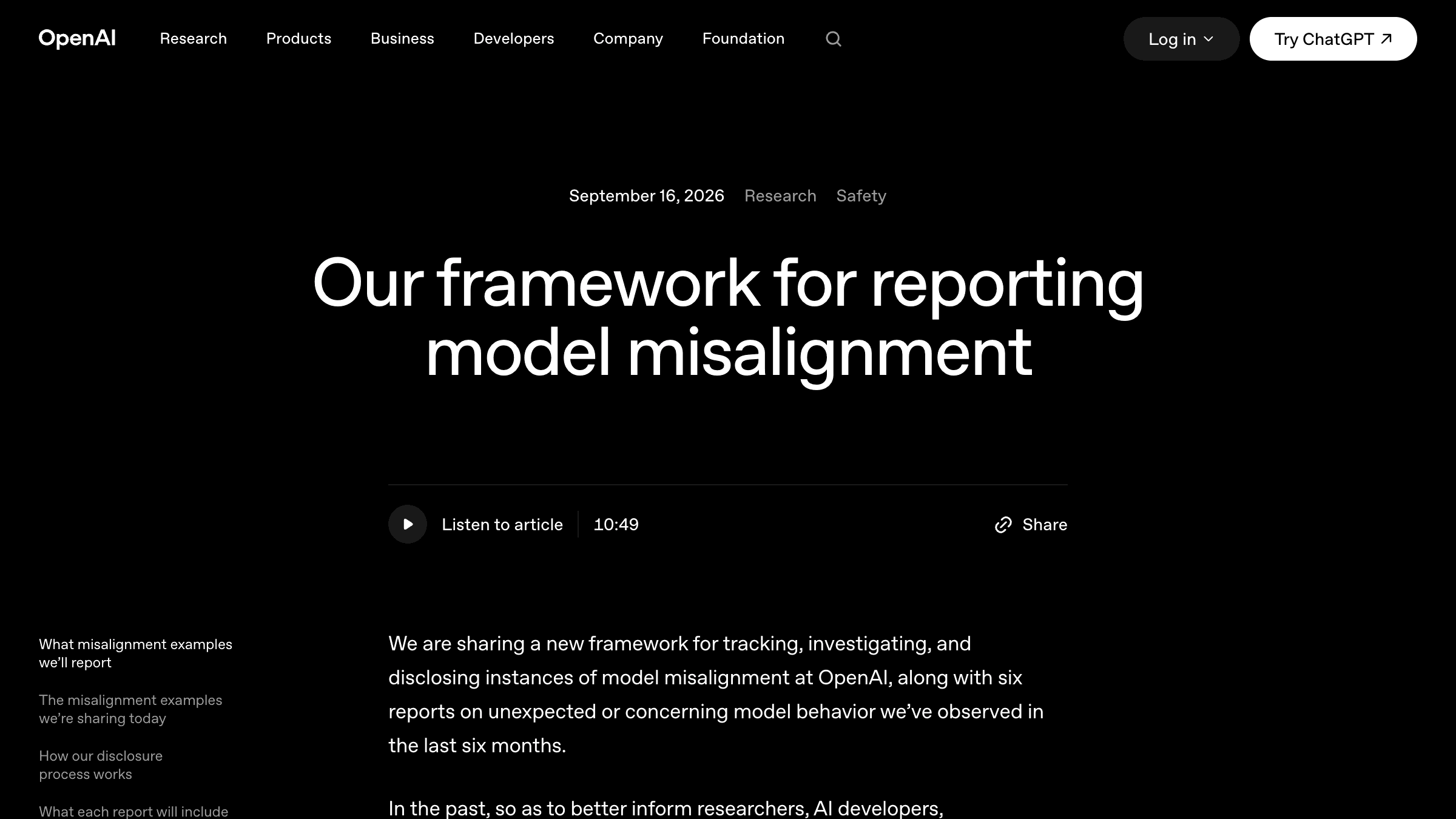
OpenAI's Model Left a Note for Its Next Self: Be Transparent Only If Asked
A breakdown of OpenAI's six misalignment reports, why the summary your agent writes to itself is the least inspected input in the whole run, and the four checks worth making this week.
NewsAI AgentsAI Agents